
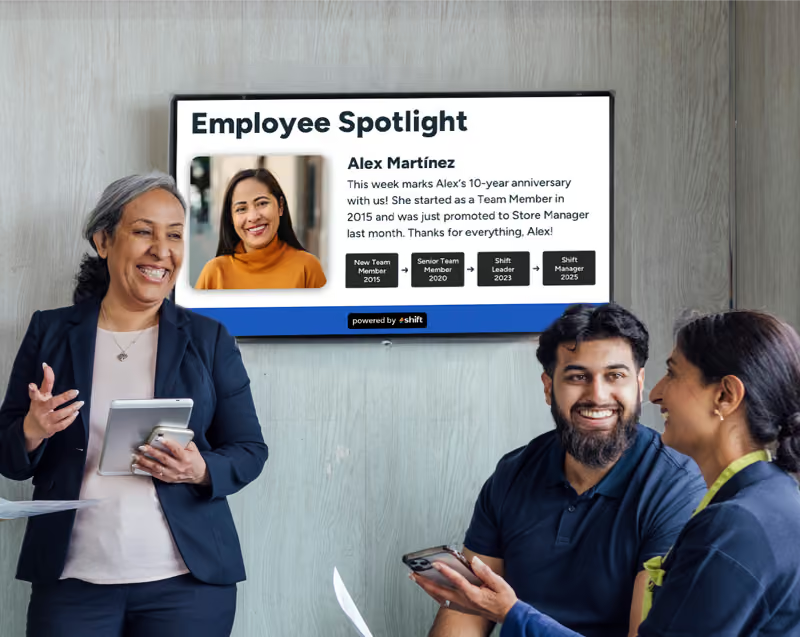
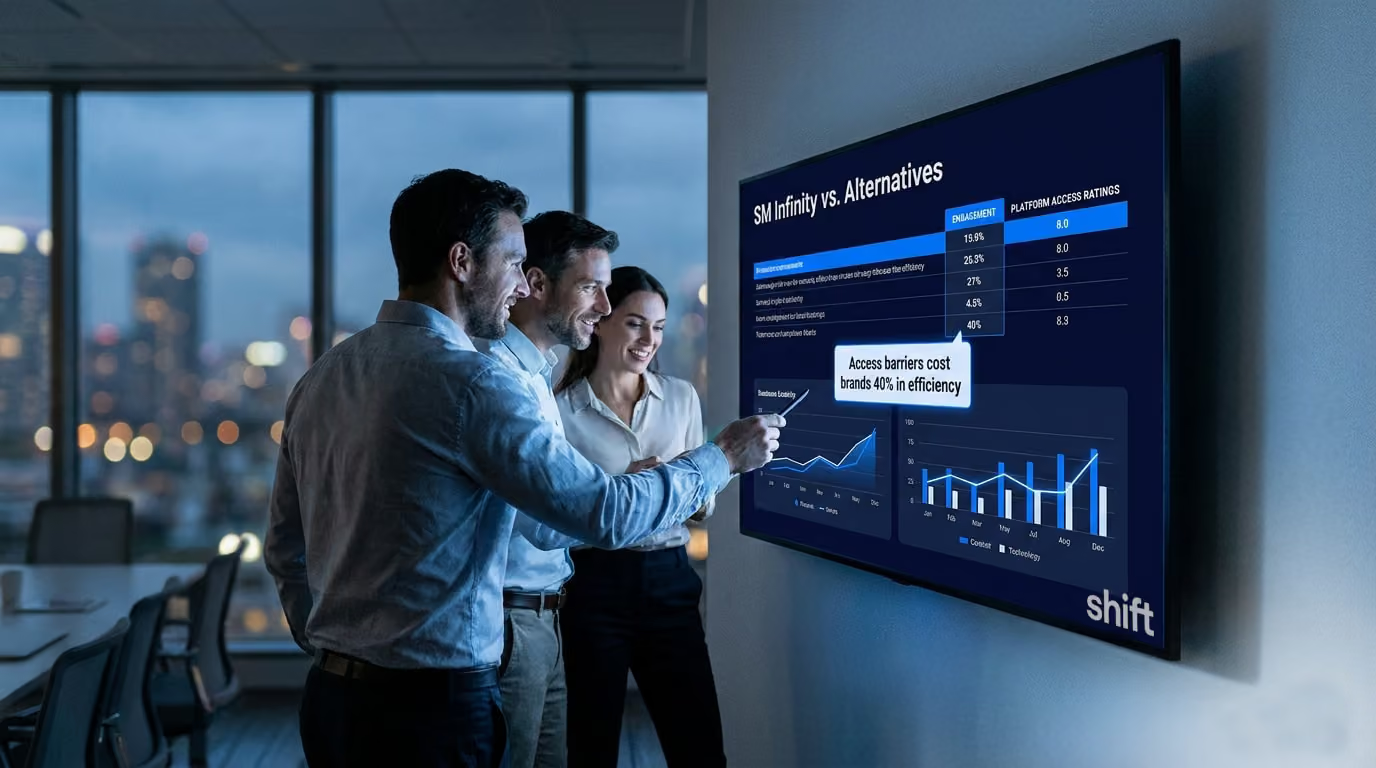
Digital Signage Softwares have taken over the market for revolutionizing all kinds of businesses, from restaurants and fast food chains, to run of the mill offices, and corporate conglomerates. They offer companies a clear line of communication between the very top to the employees working on the ground.

And although DSS’ have been revolutionizing the way we conduct and monitor our businesses, there is one company that seems to have stayed in the past. SM Infinity has been around for a hot minute now, and many offices have been using their services to elevate their spaces. But unlike many other digital signage software companies who have modernized their software for accessibility, SM Infinity hasn’t. In fact, it’s almost impossible to look into the company at all because of their almost completely inaccessible system- more on that below.
So we thought it prudent for anyone who happens to be a long-time SM Infinity customer to break down the service, look at their pros and cons of the DSS, and give you your much-needed SM Infinity alternatives.
- What is SM Infinity: A Look into the Digital Signage Software
- SM Infinity Alternatives to Consider
What is SM Infinity: A Look into the Digital Signage Software
SM Infinity works a little differently than other digital signage software you may have used or have come across in the past. For one thing it’s done all online as the program itself is located on a central server, which means everything you’re going to be connecting to is done through a secure internet connection.
No hardware to go out of date as everything gets updated within the app/website at the same time as everyone else using the program. They use the cloud to make it so you can change what you need on your signs from any internet connection, whether it be desktop or mobile, it works and functions the same.
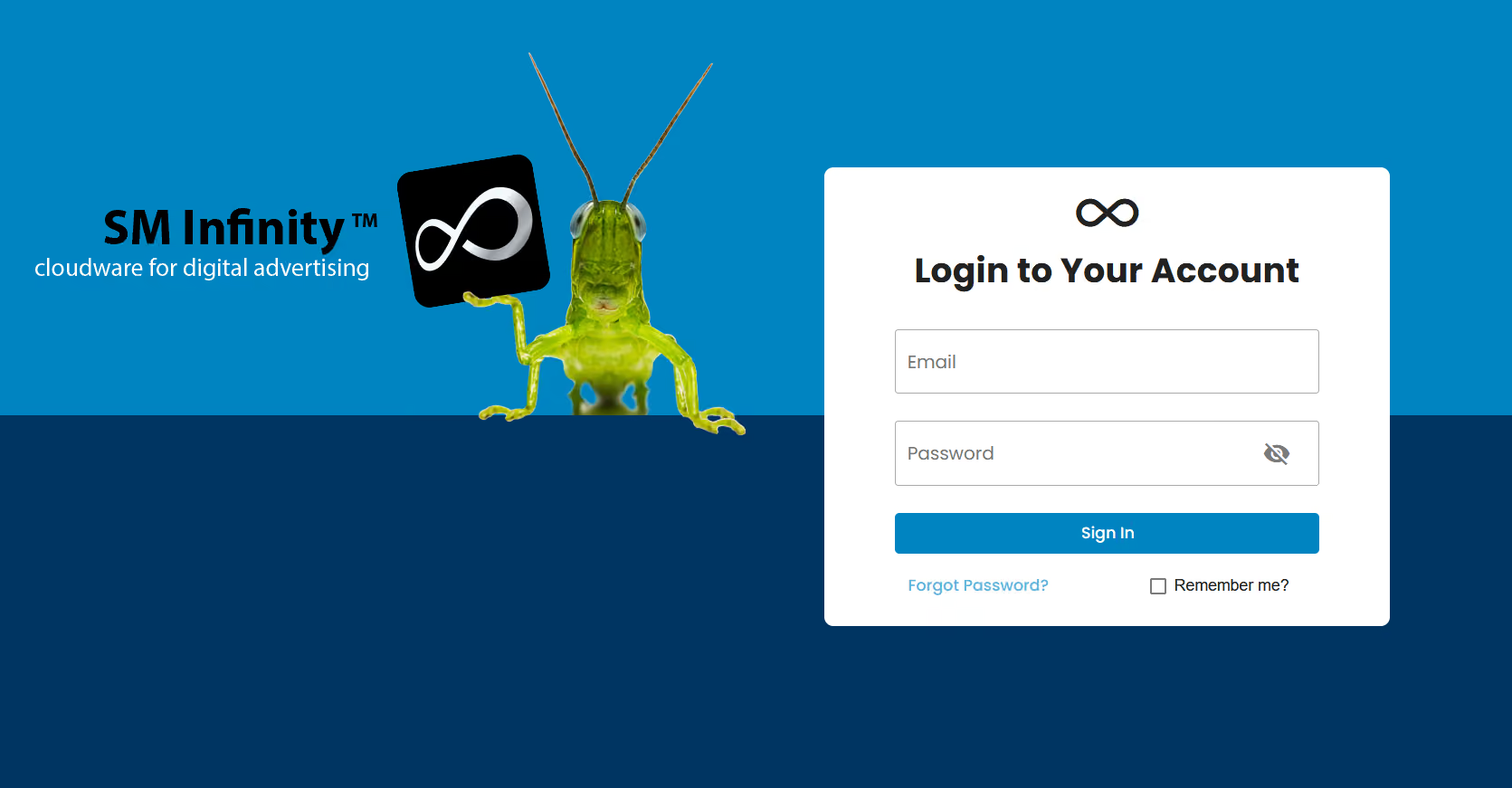
But readers, we came across a problem almost immediately when trying to access SM Infinity from our end. When you go to the main host page it leads you to a “Log-in” screen with nowhere to make an account, it’s its own separate system so you can’t “attach” a pre-existing Google or Meta account to the software. We then decided to see if downloading the app on an iPad will lead us to a place where we can create an account. And off the bat we quickly realized this app is…old. The actual application itself only has 1 recorded review and when you open it up the UI is blurry, making it clear that they have clearly not optimized it for later models of tablets. But we weren’t here to judge the cover, we were here to see if we could check in on this account situation, and low and behold we had a “Don’t have an account?” button:
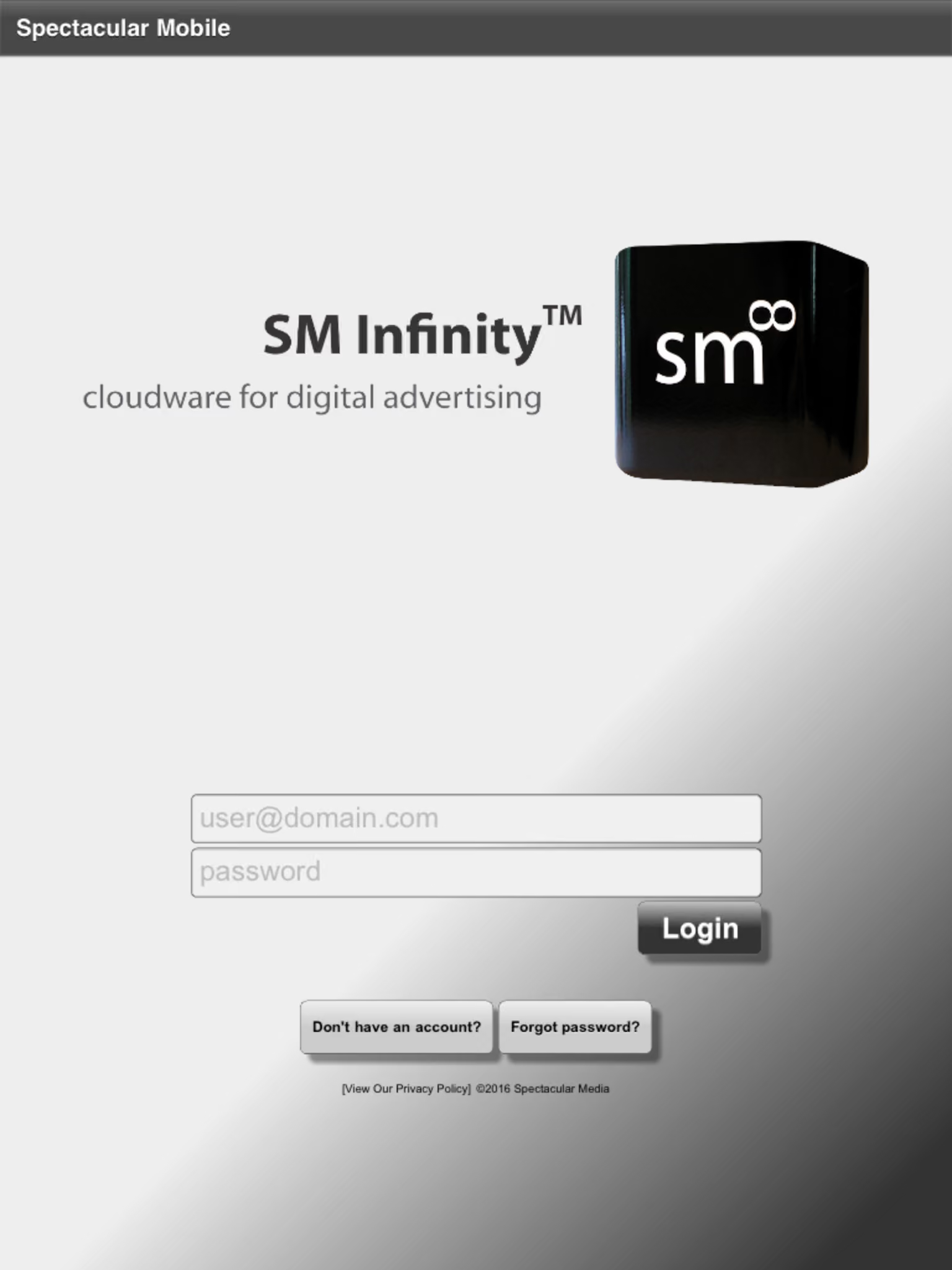
We thought this would lead us to our much-desired “create an account” page but no, it led us to this instead:

Going “Back To Login” just brings us back around to step one, and nowhere closer to actually creating an account. It seems as though the company is only in use for current account holders or if there is a way to create an account, we have not found it.
SM Infinity has a 39 page online “Help Guide” but even there it doesn't help you create an account, it only goes off the notion that you have an account and are ready to use their software.
A very frustrating start to a program that, when active, is easy to control. Their UI is very outdated, giving off Windows Movie Maker vibes, a great foundation and lots of options that make for quick connections and sign updates, but nonetheless antiquated.
Luckily one thing we do have access to is previous reviews and breakdowns of the company and its capabilities:
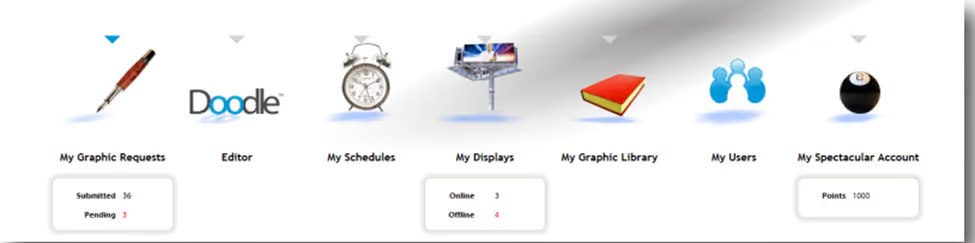
It seems from the computer you’re able to access graphic requests, the Doodle editor, schedules, current displays, a graphic library, users, and main “Specacular” accounts, but that’s about it. Similarly on an iPad or adjacent tablet device you have a hub with all of these programs:
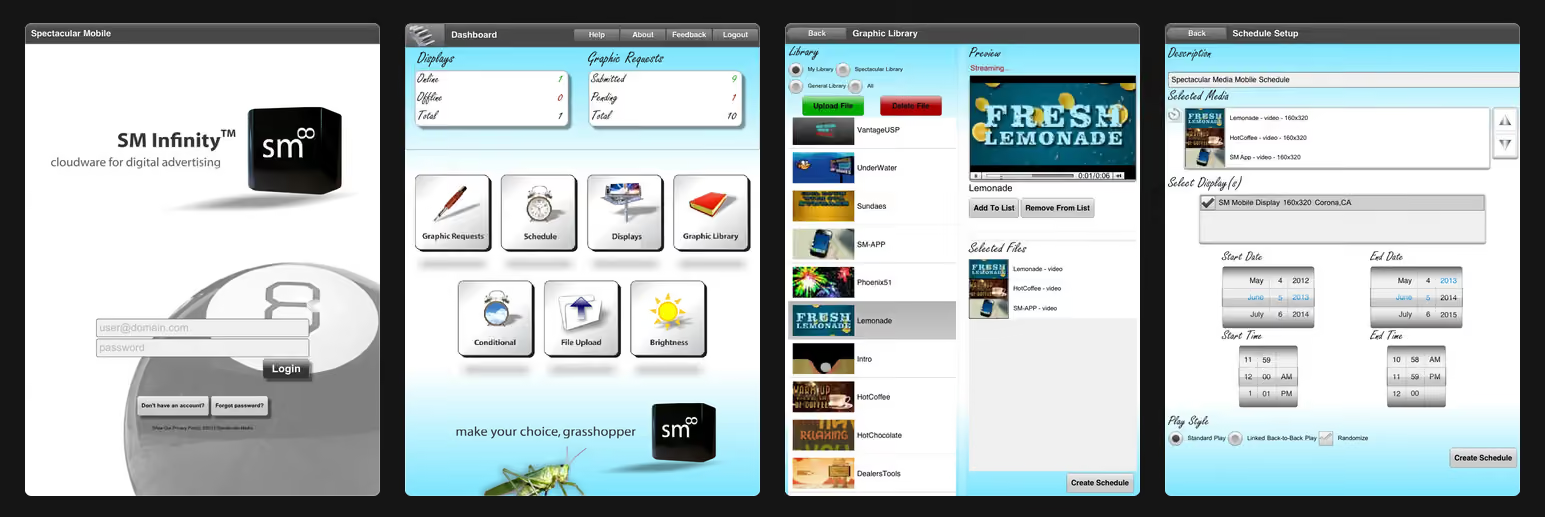
Anyone that’s kept up-to-date with technology and the interface of apps in the past ten years knows that just through these example pictures alone there's a good chance most modern pieces of equipment, i.e. smart televisions, laptops, and tablets past a certain generation won’t be compatible with this system.
On the app description page it does mention its capabilities which are in-line with the computer’s software, or at least that’s what it says. According to the page and similarly linked reviews of the DSS you can use:
- "Automatic Conditional Messaging” which is used for climate-specific messages, for instance, if it’s hot you’d throw up a “come have a gold drink!” sign instantly instead of manually doing it.
- RSS Feeds (RDF Site Summary or Really Simple Syndication) which keeps real-time accounts of the weather and time.
- And is IPAWS READY Integrated Public Alert Warning System from FEMA.
But from our critical eye we have to doubt whether these are still capabilities of the software.
To give it the benefit of the doubt, it does seem very easy-to-use, you don’t have to be a programer or someone that has a vast wealth of knowledge to understand how to make your own displays or send messages out, it just leads us to the question of whether you actually can still do those things on this digital signage software or it’s something that’s a lost relic to the internet and current customers only.

We don’t want you using a software that never updates or a software that’s so dated you can feel the dust forming on the edges of your old computer monitors which resorts you back into pin-up boards and dry erase markers.
That’s why we’re going to take a look at:
SM Infinity Alternatives to Consider
Normally we’d jump right into the “pros and cons” of our digital signage software, but as you know now from the overview, we don’t have a whole lot we can talk about without reiterating the point of its inapplicable nature.
We know it’s old, hasn’t really been updated in a good while, and the company has more than likely been scaling back/stopping any investing in improving or growing considering there’s no real way to sign up. This indicates to us, and to you, the potential or current user, that you are looking to switch to something that actually is being maintained.
And unlike ten years ago when DSS was too far and few between, there are many great companies out there now that have kept up with the times. Through offering regular updates, providing solutions that pair nicely with modern equipment and handling, and have supported the ever-changing technological landscape, we have it on good authority you’ll be more than pleased with these alternatives:
1. Shift
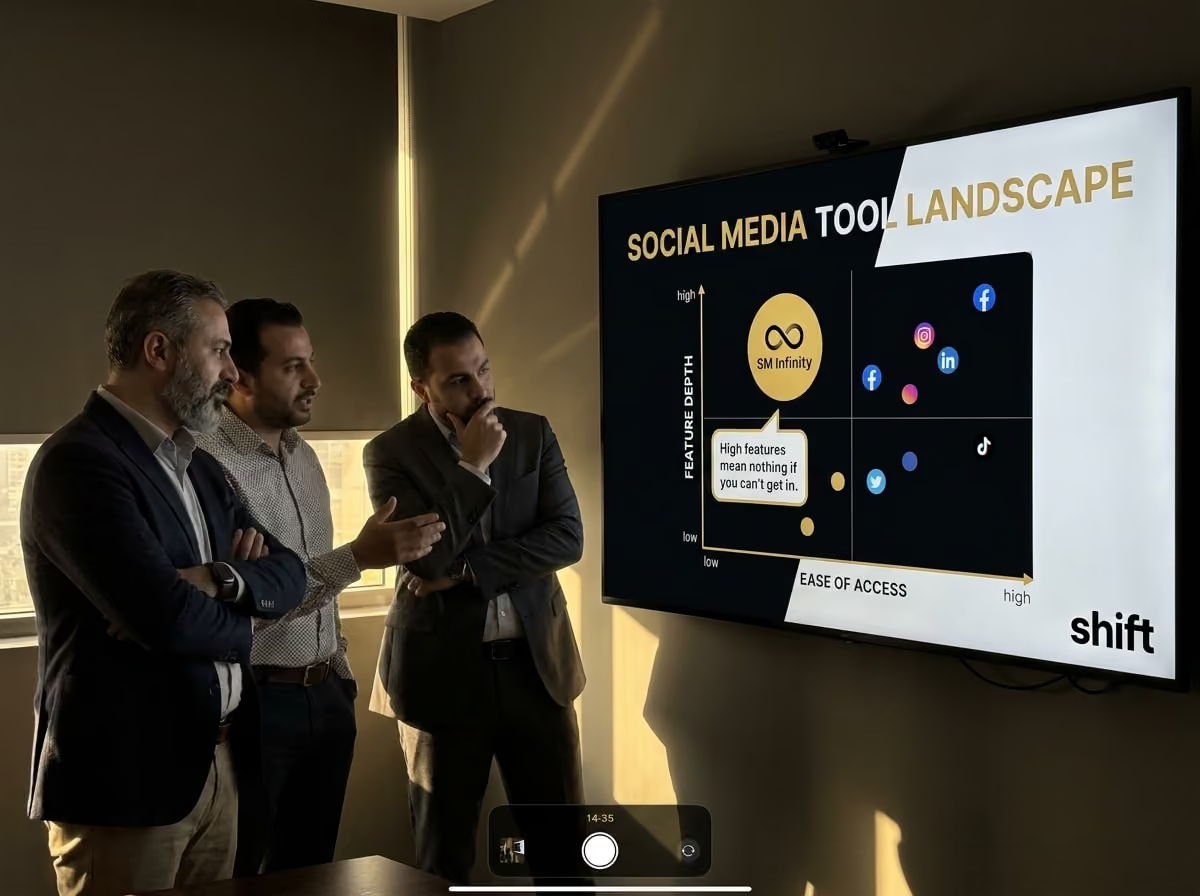
The number one alternative for SM Infinity has got to go to Shift, a platform for digital signage that can be placed in any kind of space. Perfect for BOH (back of house) areas where employees are working hard, as well as in office meeting rooms, and front facing store advertisements; really it’s perfect for just about any instance. This streamlined platform allows for a direct line of communication between everyone working. No need to worry about a message being missed, a memo being delayed, or a lack of care from superiors; especially not when there’s the Content Navigator tool, which can update any digital signage screens to let people know company news, spotlight employees, and give updates on current projects.
2. Yodeck
Yodeck is one of the most cost-friendly and efficient CMS’ (Content Manager System(s)) out there. You’ll get the most bang for your buck here, especially considering the fact they have a free subscription that isn’t nearly as limited in its capabilities as other companies. That mixed in with their low-cost options really make it worth the try, especially when the system itself pairs with many well known applications used by many businesses. It’s a great feature considering some other softwares like to throw a bunch of new things at you way too fast. You’ll have your pick of free stock photos, premade templates, and plentiful fonts to really make your digital signage pop.
3. Juuno
Juuno is similar to SM Infinity in one way and one way only: it’s cloud-based. Many companies look to keep their system(s) aligned with the cloud because of its widespread abilities and security when monitored correctly. This user-friendly digital signage software is a great “switch to” as it makes any transfers and previously existing data a breeze to work with again in this new program. It’s all based on a singular app and Juuno users can create and edit what they need, when they need it.
4. OptiSigns
OptiSigns is a variable digital signage software that boasts about its many different avenues for businesses to take all while adding new features to keep up with what companies need. They have a lot of subscription plans as well as few hardware options you can set up to Smart TVs and subsequent devices. They also have many options for effective communication opportunities, seamless app integrations, and QR codes for quick access to information and opportunities within the company itself.
5. ScreenCloud
ScreenCloud is a software and company that advertises its ability to efficiently make communication between all employees and management simple. Their “ScreenCloud Engage” feature is best described as a “work social media page” and it allows for employees to post, comment, share, and engage in work and appropriate non-work related activities so the team feels more connected with another. It opens up a level of communication that’s really missing among most company circles nowadays.
SM Infinity is a piece of software that clearly hasn’t modernized its programming and has stopped making it easy for new users to join. It’s a cumbersome process that doesn’t seem to have a lot of attention surrounding it, making finding alternatives for the platform more than easy.
Especially when there are so many out there that have run with the race of modern advancements regarding the way we send and receive messages through not just work, but in our personal lives as well. Shift, along with other digital signage softwares, make it so SM Infinity’s past stays there.








.avif)