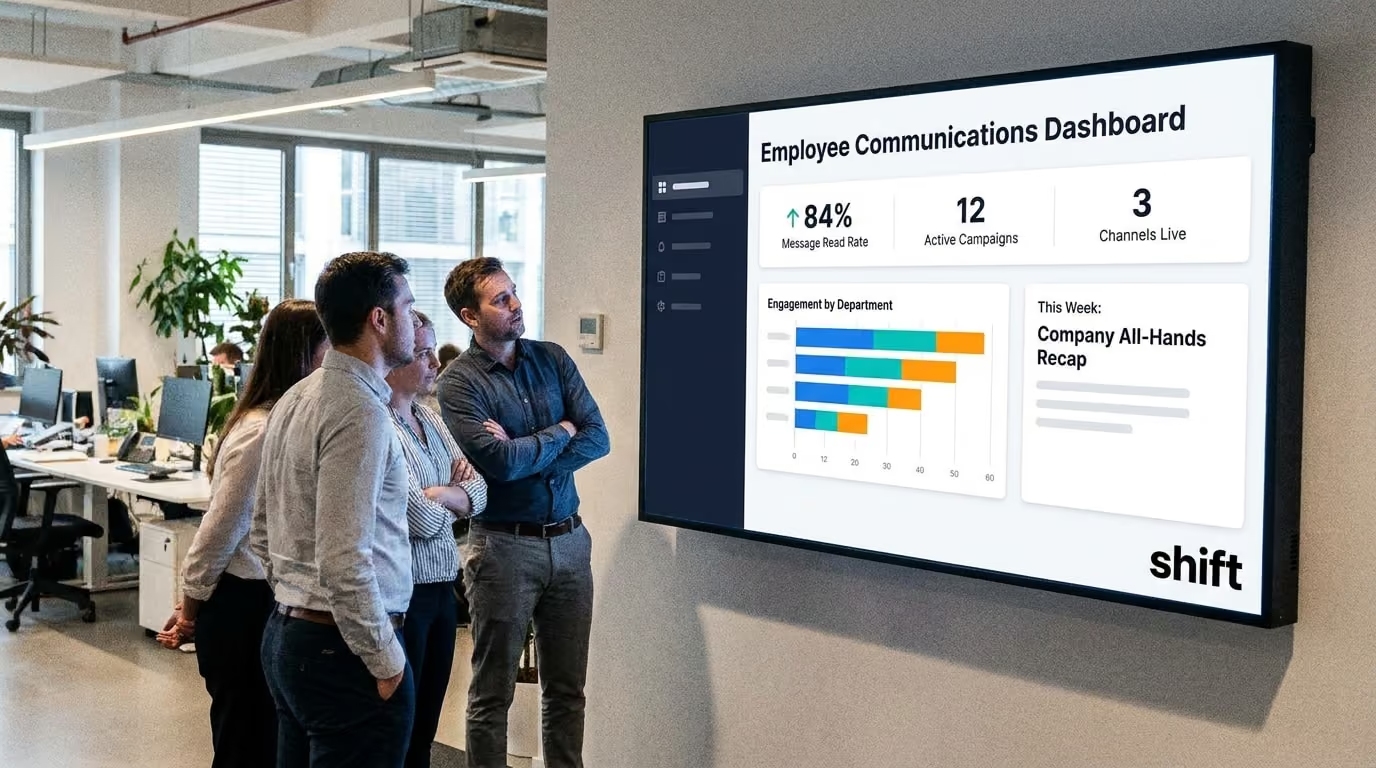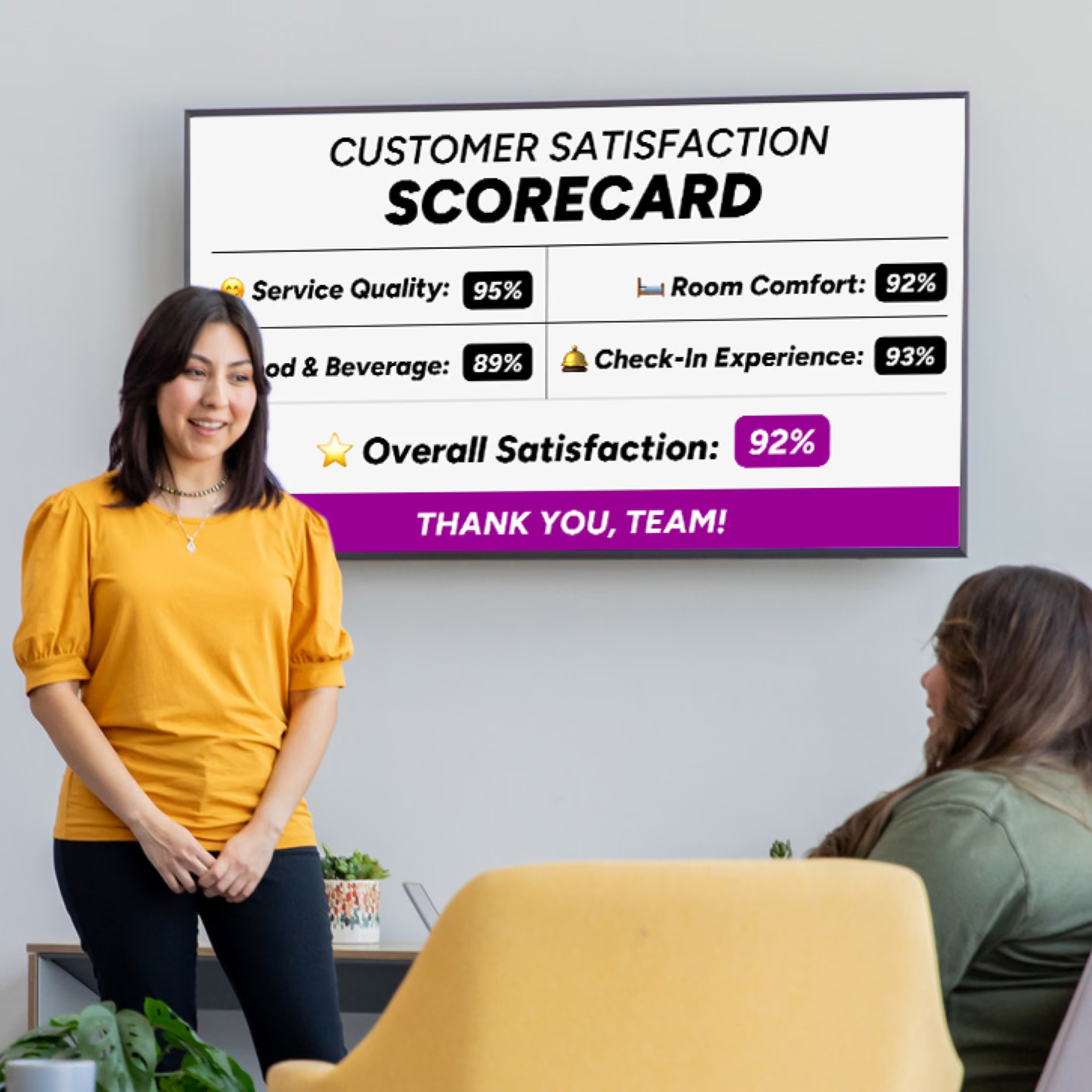

One of the most important things to keep an eye on in your business is how your team is doing. Getting to know them, how they act, and when something is wrong is crucial as it brings awareness to employee satisfaction–which could also help retention rates. It is important to make sure that your employees are engaged, motivated, and feeling good about coming into a workplace that they know supports them and appreciates their work–and digital signage can be the next best step to positively boost your team.
Digital signage screens are great to add in high-traffic areas that your employees can see and check throughout the day. Whether you want to post current key performance indicators (KPIs), drive-thru times, safety precautions, a QR code to vote on the next fun company event, or employee spotlights, there are a particular ways to do so.
Making sure that you know the best digital signage practices is crucial to ensure that your staff will stay engaged and that this technology is being used in an effective way. Get to know some of the trips and tricks to implementing the best digital signage practices in everyday operations!
7 Digital Signage Practices to Be Aware Of so You’ll See the Difference in Your Staff Morale
Digital signage can help improve many aspects of your business if done correctly–and these practices can help improve company morale!

Digital signage can help to boost employee engagement and productivity with the correct use of it. Image courtesy of People Management.
Finding new ways to engage your staff and get them more involved and make them happier, more satisfied employees is by throwing out the cork board and using digital signage. In this technological day and age, digital signage can be a great method to boost employee engagement and satisfaction if done the right way.
Here are some of the seven best digital signage practices on how to make the best content for your staff!
1. Keep it Simple
Making digital signage concise in wording and in a bold, easy-to-read font is crucial for staff engagement.
One of the most important practices when creating digital signage for staff engagement is to make it simple–that’s it! When creating content that you want your staff to engage with, you don’t want to make it overwhelming with too much information, wording, or small font. What you should instead do is make it concise and focus on the message that you want to deliver instead.
Make sure that there is one key message per screen, with three lines with five words per line or five lines with three words each for understandability and quick comprehension. This will ensure that staff are reading and engaging with the screen and they can scan it within seconds and interact if needed.
2. Large Font and Contrast
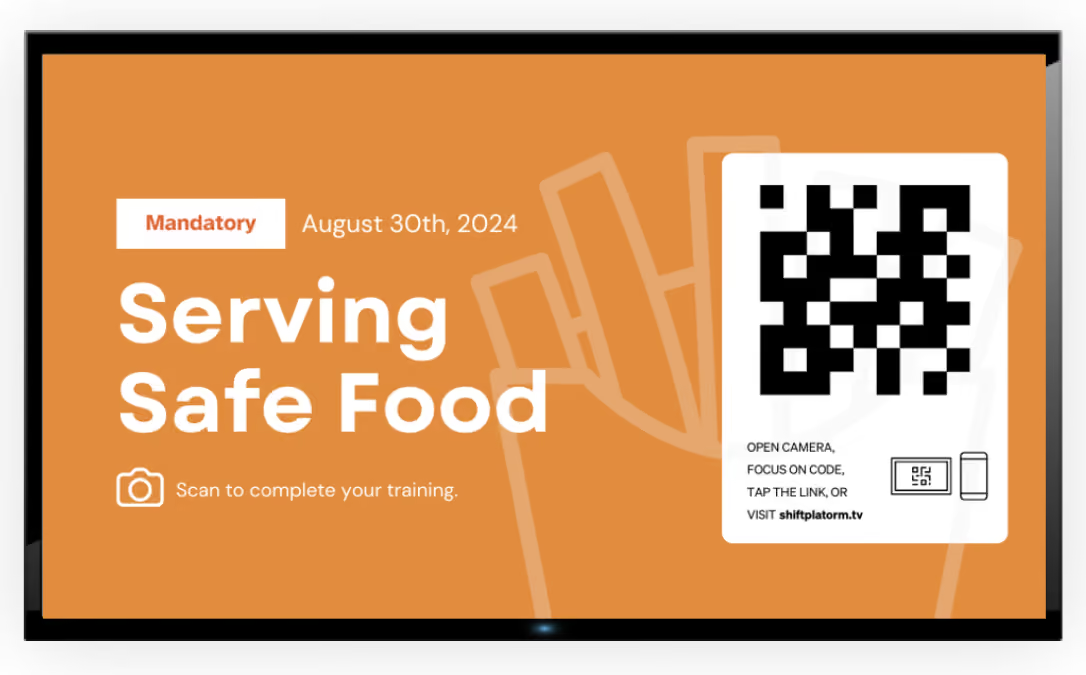
Using large fonts is a great way to attract staff members to read the messages and content displayed on digital signage.
Not only is it important to create content that is simple, concise, and to the point, but it is also highly recommended to use large fonts and contrast on top of it for readability. Using large fonts that can easily be spotted from across the room–like Ariel and Helvetica–can help to catch the attention of your staff and make any content digestible within seconds.
It is also important to think about contrast and how it can also come into play when creating content for a digital signage screen. You can do dark wording on a light background (which is also the easiest to read!) or light on dark. Putting colors that are similar together could strain the eyes and take more effort to read and disinterest staff, ignoring the important message you’re trying to get across.
3. Get Your Message Across Clearly
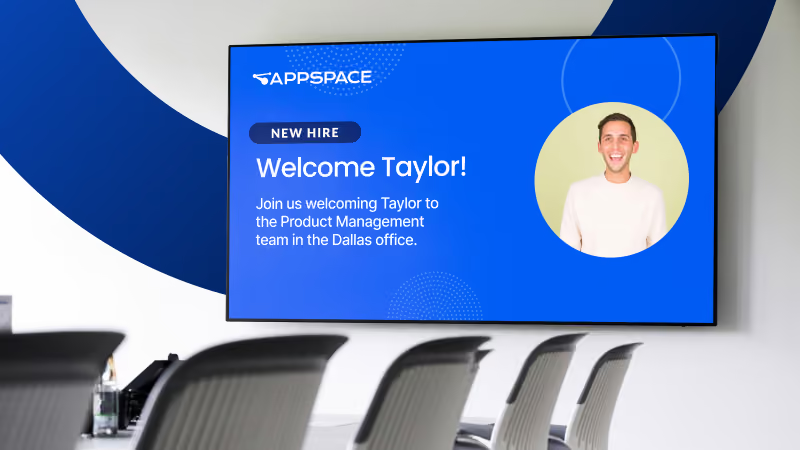
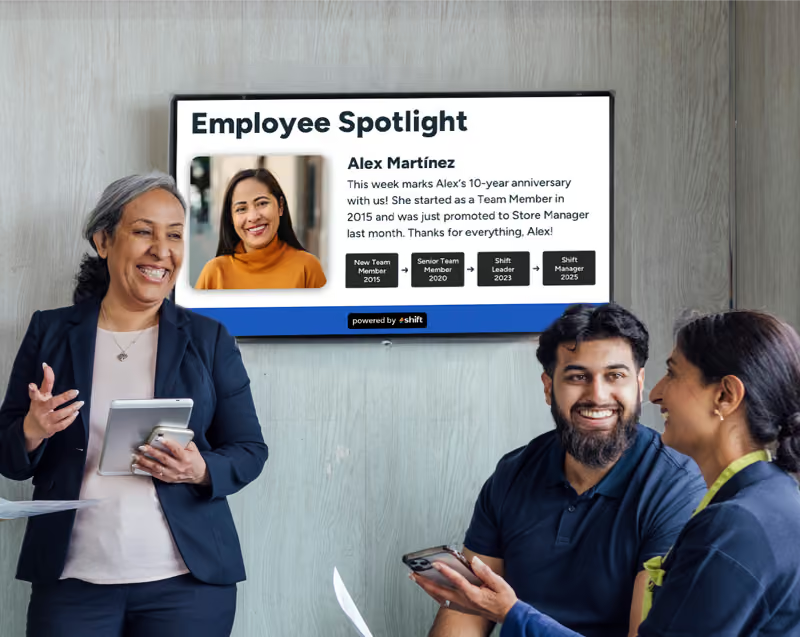
When creating content for digital signage, it’s important to make sure that you get your message across clearly using simple visuals and font. Image courtesy of Appspace.
It’s important with creating any kind of digital signage content that you efficiently get your message across without making anything too confusing or adding too much. For example, if you want to welcome a new staff member to the team, do something as simple as adding a picture of them and saying “Welcome to the team!”. You can even add a blurb about what department they’ll be joining and a fun fact about them to make sure staff are aware and make them feel welcome.
Adding a clear, bold message, and smaller wording to explain the message is the best method in keeping your content concise and easy-to-read. This will make content on any digital signage board easy to digest and will keep staff engaged regardless of the message you’re trying to portray.
4. Keep Company Branding in Mind
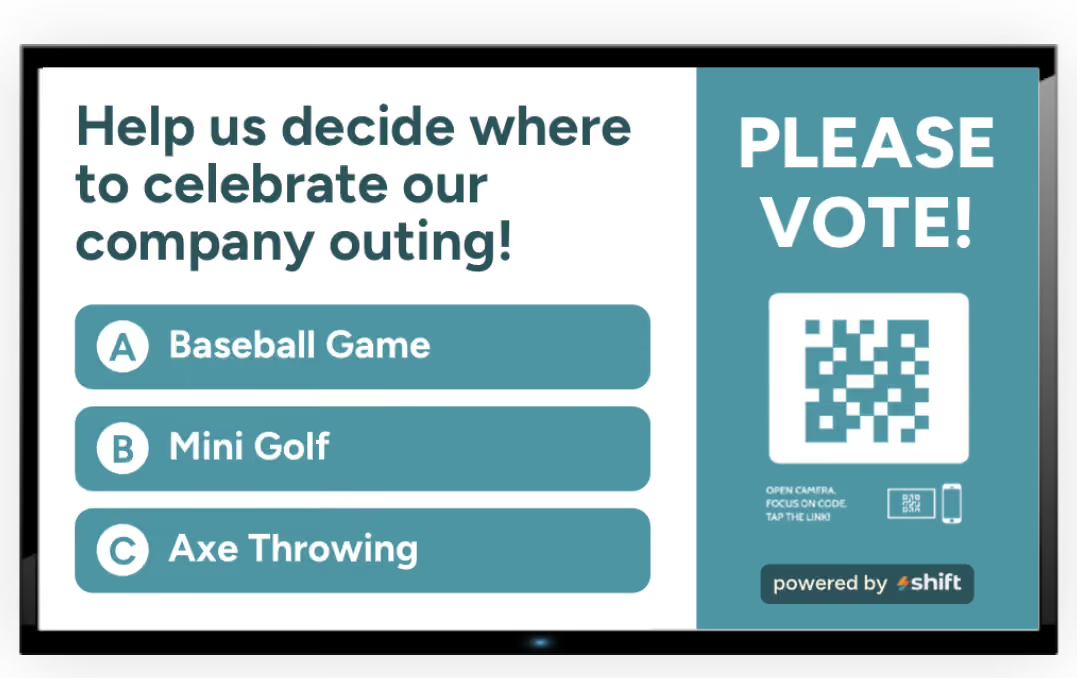
Adding your company color can help to add consistency and keep branding in mind when creating content.
When creating digital signage content, it’s important to consider your brand–like what colors represent your company? Do you have your own font you use? Do you have a company logo you want to add? All of these questions thrown into one digital signage screen can help to create content that is brand-specific and help fit in with the message that you’re trying to get across–and it can be done simply by adding your company logo, colors, and fonts.
Even if you’re utilizing company branding for digital signage for your staff, you may be wondering why this is so important. No matter if you’re adding both digital signage screens that your staff will see and customers, it’s important to stay consistent when representing your company. Branding allows companies to create an identity, distinguishes you from competitors, and boosts engagement.
5. Place in High-Traffic Areas

Adding digital signage in high-traffic areas such as the employee break room can be a great way for staff to interact with it more. Image courtesy of Perk + Provisions.
Something else that is important to think about when you are looking for the best digital signage practices is where you will place it. If you are getting digital signage to help boost productivity and employee engagement with your staff, then putting it in high-traffic areas that they frequent like the breakroom, in the office area, or busy intersections, is a great method to get staff to engage with it more while also being more aware of company news and updates.
Not only should you have digital signage in high-traffic areas, but it should also be displayed in spots that staff can see. First off, having it be eye-level–or tilt in downwards if you want to put it high up–and in spots that have minimal glare are perfect to ensure that your employees are reading the information on the screen without any issues. If your building is very open with many windows, there is even the option to get anti-glare screens to avoid less problems due to natural light.
6. Frequently Schedule New Content

Creating new content is a must when it comes to effectively using a digital signage screen.
Something that you don’t want to do when creating content to be used for digital signage is to repetitively show the same thing over and over again. Having a rotation of content that you can have timed and scrolled through throughout the day is great to ensure that your staff members are seeing it and made aware of any company events, news, updated policies, emergencies, new trainings, or even welcome wagons for new staff.
The worst thing you can do with digital signage is avoid or forget to create new content because while it may not matter to you, it can to staff. Let’s say that you finally do create new content–many staff members may not even notice due to the lack of new content that hasn’t shown up on the digital signage screen. Rotating content daily, weekly, monthly, or seasonally can be the perfect way to get staff engaged with new content by having a consistent uploading schedule and even prevent cognitive blindness and prevent employees from ignoring static content.
Overall, updating content on a digital signage screen frequently can boost or maintain engagement, while also increasing the relevance of the topics covered. For example, even doing something as simple as adding the weather for the day and a top headline in the news can be a great and simple tactic to get staff to pay more attention to it.
7. Add QR Codes to Make it Interactive
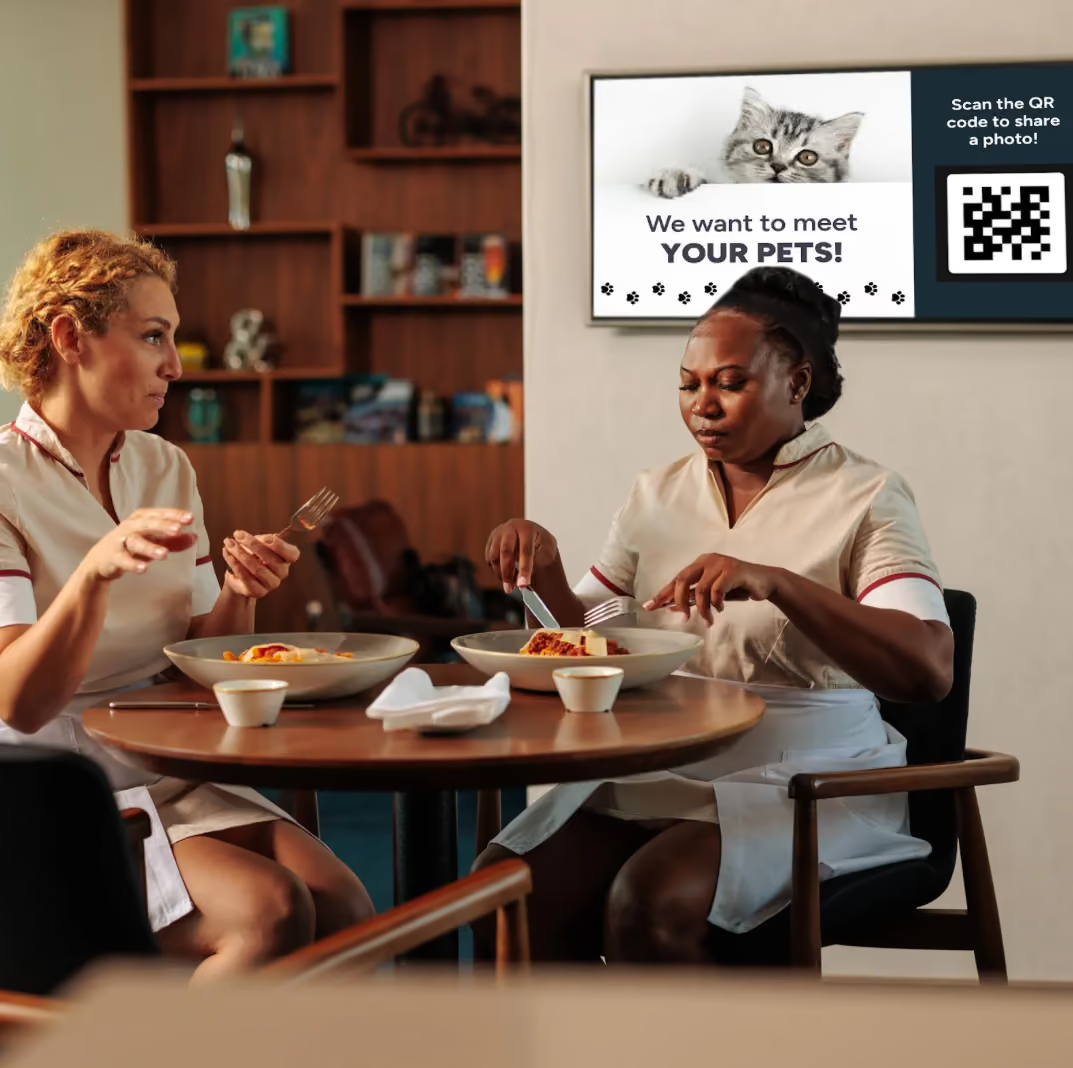
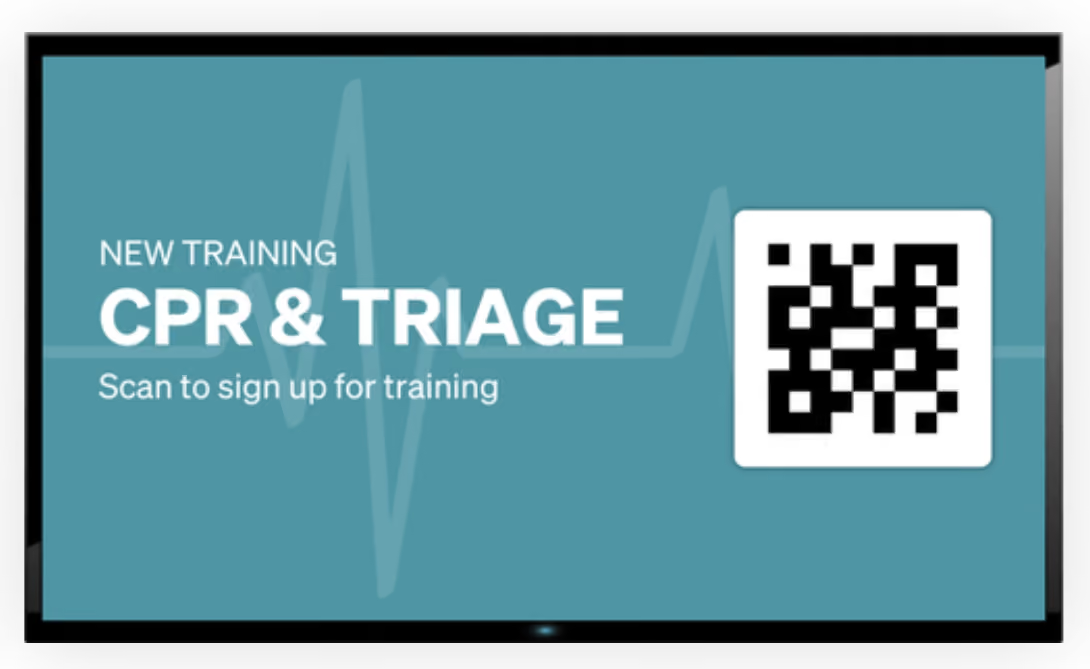
Adding QR codes can make digital signage more immersive and interactive to allow staff to submit feedback, check training statuses, and company newsletters.
One of the best parts about digital signage is the ability to post and display your content and see a positive difference in how your staff work and act. Many companies and managers want to know more about their staff or want them to provide feedback to different changes that should be made, and digital signage can be a great method to do so.
Along with creating content, digital signage can allow you to add pictures or videos to really catch staffs’ attention–but what about something more, like immersive and interactive content? Instead of having static digital signage content, you can instead add QR codes to make them more interactive! You can get to know staff more by having them submit some details about themselves, send photos of their pets for something fun, a link to the company newsletter, submit feedback for surveys, or even one to see where they are at on their updated training.
Choose Shift as Your Content Management System to Bring Your Digital Signage Screens to Life
Shift can bring a positive change to the world of digital signage with a content creating method that engages staff!
Shift can help to create immersive content that can be displayed on any digital signage screen.
Digital signage can only be brought to life with the help of a content management system (CMS), also known as the centralized hub for content creation. While digital signage works as the source to bring the content to life, Shift can help you create it to build a positive, and engaging work environment.
What is Shift?
Shift is a CMS software application that is responsible for the creation of content, and it can allow you to edit, modify, and publish it whether you’re on your computer in the workplace or even at home using a cell phone or tablet. It is a centralized hub that requires no coding and is an easy-to-learn platform to get your content creation started to display on your digital signage screen.
The mission behind Shift is to help provide managers a deeper understanding of their staff, get to know them more, and establish deeper connections through the use of engagement, recognition, and appreciation with digital signage.
Shift offers a ton of unique features to help you get started in your journey of content creation with some examples being:
- Boost employee engagement through recognition and appreciation
- Celebrate staff birthdays, work anniversaries, and other achievements
- Show training videos
- Employee spotlights
- Interactive polls for staff to anonymously complete
- Expands internal communications
- Allows staff to retrain and re-skill in key trainings
- Helps leaders learn more about staff
- Encourages employees to do work harder
- Increases productivity
- Create diverse content using pictures, videos, or documents
- Use as a wayfinding and navigation system
- Broadcast company announcements, updated policies, etc.
- Use to post emergency alerts
- Streamline workflow and post frequent updates about each day’s tasks
Use Digital Signage and These Top 7 Best Practices to Make a Difference in Engagement in Your Company
Digital signage is revolutionary with how it can impact a team of staff members. From being able to keep them informed about company news and policies, boost employee engagement with staff spotlights, work anniversaries, or birthdays, and keeping staff all on the same page with training and other important information is crucial to retain staff.
Make sure to implement digital signage, use Shift as the ultimate content management system software application, and use these practices for employee and business success!