.avif)
The modern workplace generates more information than ever before — yet most organizations still rely on outdated methods to share it. Printed flyers go unread. Company-wide emails get ignored or deleted. Digital channels like Slack and Teams, while useful, add to the noise rather than cut through it. The result is a workforce that is simultaneously over-communicated to and underinformed.
That's where digital signage comes in — and not in the way most people picture it. Done well, office digital signage doesn't add to the noise. It replaces it. It turns passive wall space into an active productivity tool — one that keeps teams aligned, spaces organized, visitors guided, and goals visible. And unlike most workplace technology investments, it integrates seamlessly into the environments employees already occupy, rather than asking them to adopt yet another platform or app.
In this article, we’ll be covering:
- 5 ways digital signage boosts productivity in the office
- How digital signage can drive measurable productivity gains
- Shift—the only digital signage platform you need to transform the office
5 Ways Digital Signage Will Boost Office Productivity
Upgrade how you communicate in the office with the help of digital signage
Productivity in the workplace hinges on one deceptively simple factor: people having the information they need, when they need it, without having to go looking for it.
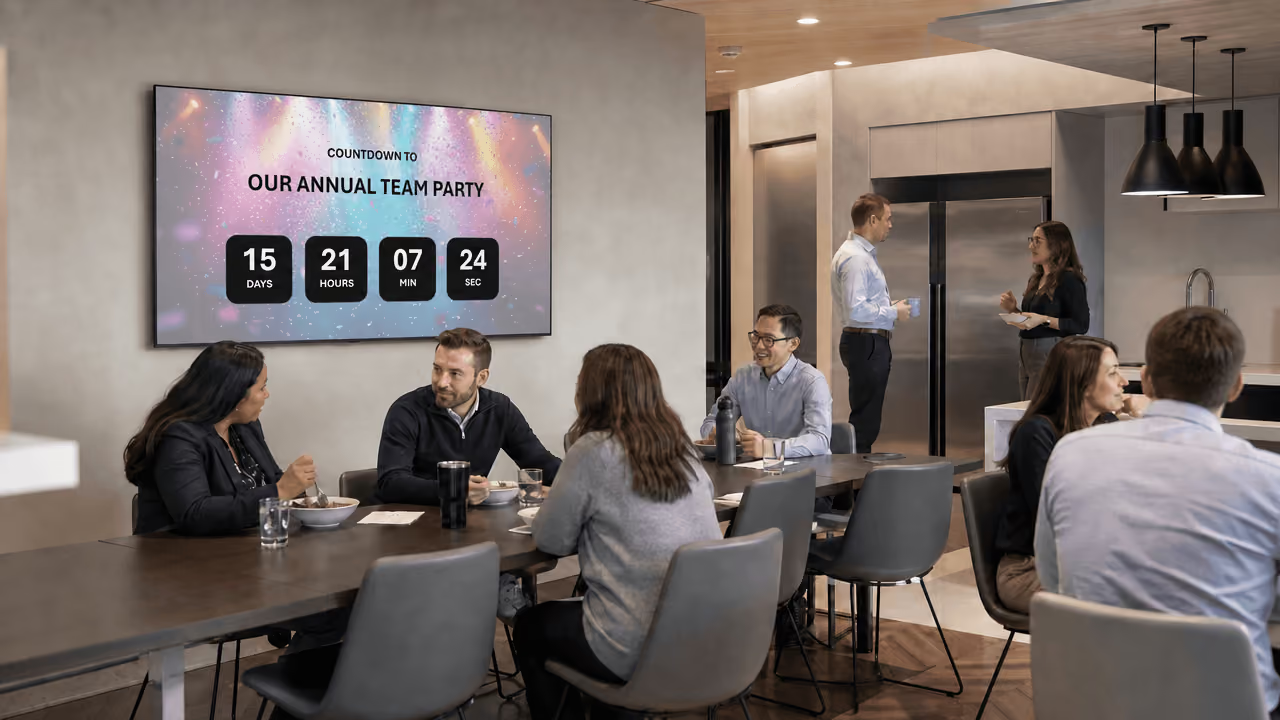
Unlike email, chat tools, or printed materials, digital signage is ambient — it communicates passively, fitting into the natural flow of the workday rather than interrupting it. There's no inbox to check, no notification to dismiss, no document to hunt down. Information is simply there, visible, current, and relevant.
What makes digital signage particularly powerful in an office setting is its versatility. A single network of screens can simultaneously display real-time KPIs for the sales floor, room availability outside a boardroom, safety reminders in a warehouse, and company announcements in a lobby. It serves every department, every role, and every kind of message — all without adding a single extra step to anyone's day.
The result is an organization that moves faster, wastes less time, and keeps its people focused on the work that actually matters. And here are 5 ways digital signage can increase productivity in your office.
1. Streamlining Internal Communications
In most organizations, internal communication is broken — not because companies aren't communicating enough, but because they're communicating through too many channels at once. Emails pile up unread. Slack threads spiral into noise. Important announcements get pinned to a bulletin board that nobody walks past anymore. By the time critical information reaches the people who need it, it's either outdated, buried, or missed entirely.
Digital signage cuts through that clutter by bringing key communications out of inboxes and onto screens that employees naturally encounter throughout their day — in hallways, break rooms, lobbies, and shared workspaces. There's no action required on the employee's part. No log-in, no scroll, no search. The information meets them where they already are.
This shift has a meaningful impact on how quickly and consistently messages land across an organization. A policy update displayed on a break room screen reaches every employee who walks through that space — regardless of whether they checked their email that morning. A company-wide announcement on a lobby display greets staff the moment they arrive, setting context before the workday even begins. Time-sensitive alerts, such as IT outages, building notices, or last-minute meeting changes, can be pushed to screens instantly and updated in real time without requiring a single email blast or manager intervention.
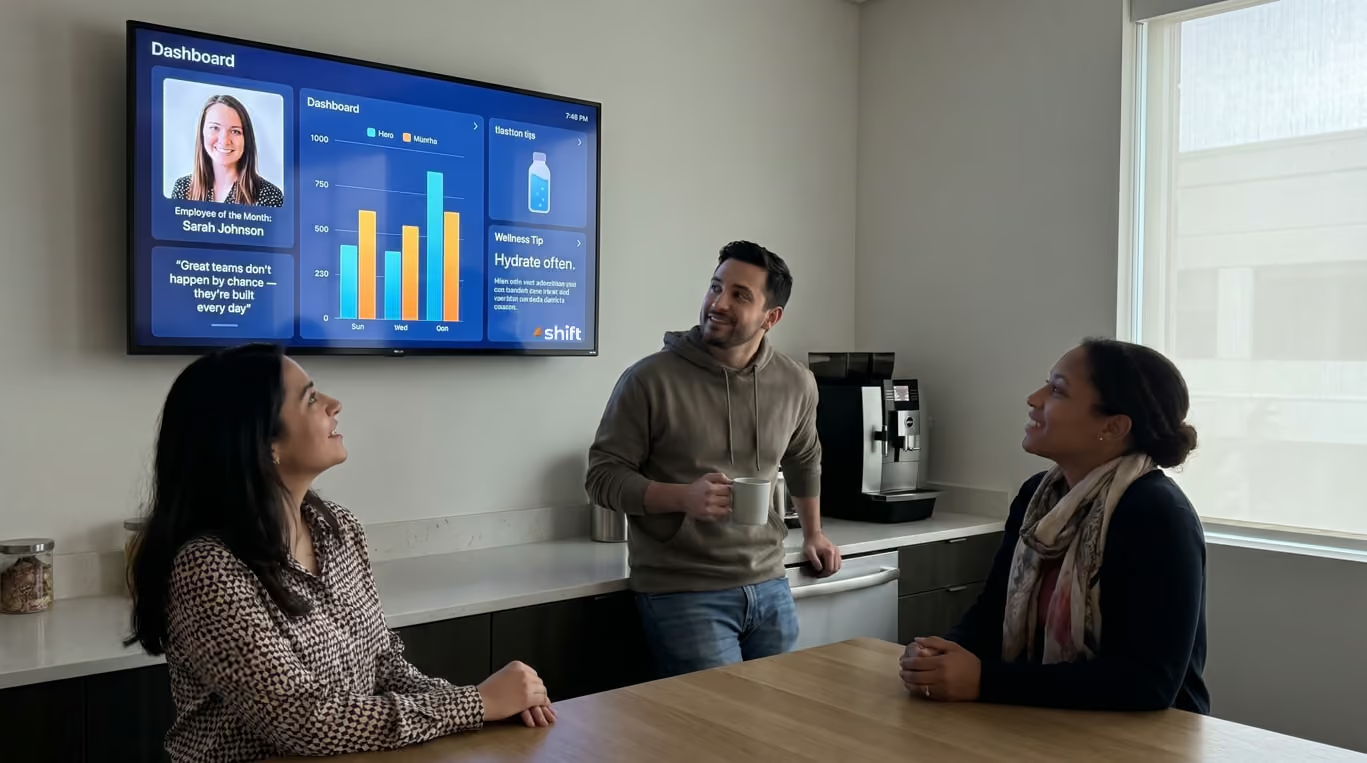
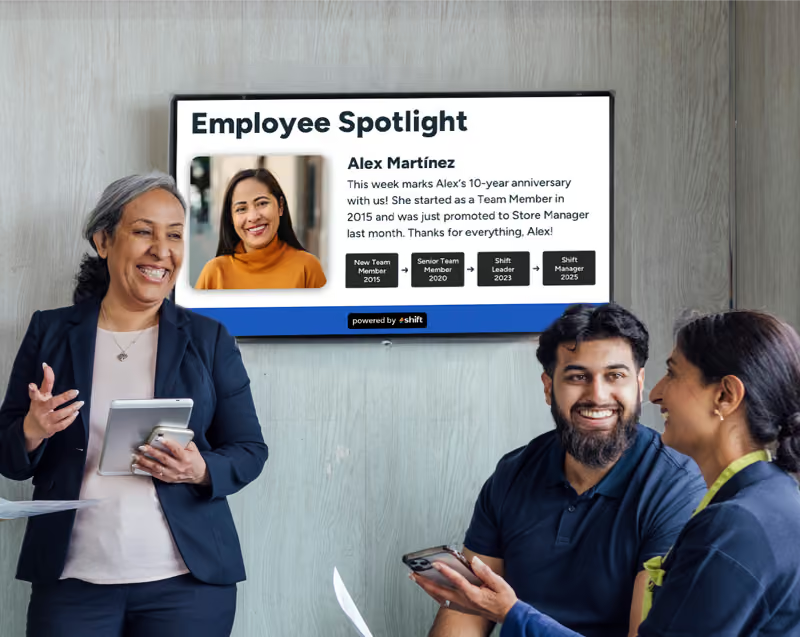
Beyond just broadcasting information, digital signage also creates a more connected workplace culture. Recognizing employee milestones, celebrating team wins, and highlighting company values on shared screens builds a sense of belonging and shared purpose — subtly but consistently reinforcing what the organization stands for. In larger offices or multi-floor environments where teams rarely cross paths, this kind of ambient communication can be the thread that keeps everyone aligned to the same mission.
In short, digital signage doesn't just make internal communications more visible — it makes them work.
2. Optimizing Meeting Room & Space Management
Few things quietly drain office productivity like the chaos of poorly managed meeting spaces. An employee books a room for a 10 a.m. call, arrives to find it occupied by a meeting that ran over, and spends the next ten minutes scrambling to find an alternative — disrupting their own focus, their colleagues', and potentially the clients or teammates waiting on the other end of that call. Multiply this across dozens of employees and dozens of rooms, and what seems like a minor inconvenience becomes a significant, recurring drain on organizational efficiency.
This is one of the most immediate and tangible problems digital signage solves.
Room booking displays — screens mounted outside each meeting room that show real-time availability, current bookings, and upcoming reservations — eliminate the guesswork entirely. At a glance, anyone walking down the corridor can see which rooms are free, for how long, and what's coming next. There's no need to check a calendar app, ask a colleague, or peer through a glass door to see if a space is occupied. The information is immediate, accurate, and impossible to miss.
These displays also tackle one of the most persistent frustrations in shared office environments: ghost meetings. These are bookings that were never cancelled after plans changed, leaving rooms sitting empty while other employees assume they're taken. With smart room displays integrated into calendar platforms like Google Workspace or Microsoft Outlook, rooms that haven't been physically checked in to within a set window can be automatically released back into the availability pool. The result is a more honest picture of what's actually free, and far less wasted real estate throughout the day.
Beyond individual room displays, digital signage can provide a macro view of space utilization across an entire floor or building. A centrally located screen or interactive kiosk can show employees a live map of the office — which rooms are available, which are booked, and which have capacity for drop-in use. In large offices, open-plan environments, or multi-floor campuses, this kind of wayfinding removes a surprising amount of daily friction. Employees stop wandering, stop interrupting the receptionist, and stop defaulting to their desk for calls that would be better taken in a quiet room.
Ultimately, optimizing meeting room and space management through digital signage isn't just about convenience. It's about removing the small but persistent obstacles that chip away at the workday.
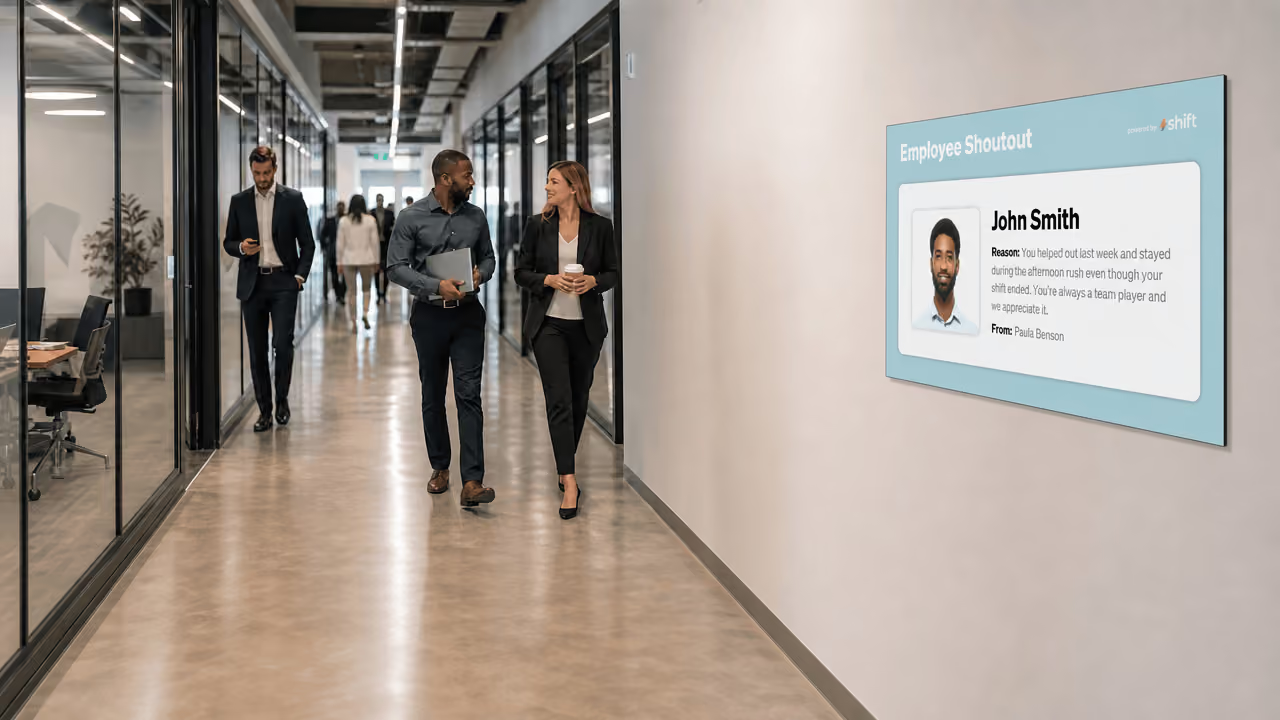
A new hire who sees the company values displayed in the break room, workflow reminders near relevant workstations, and team introductions on a lobby screen will internalize that information more naturally.
3. Keeping Employees Focused with KPI & Performance Dashboards
There's a well-established principle in organizational psychology: people perform better when they can see how they're doing. Visibility into progress — whether individual, team, or company-wide — creates a feedback loop that sharpens focus, sustains motivation, and drives accountability in ways that quarterly reviews and weekly status emails simply cannot replicate. The challenge for most organizations isn't knowing this. It's delivering that visibility in a way that's consistent, real-time, and doesn't require employees to stop what they're doing to go find it.
KPI and performance dashboards displayed on office screens solve this problem directly.
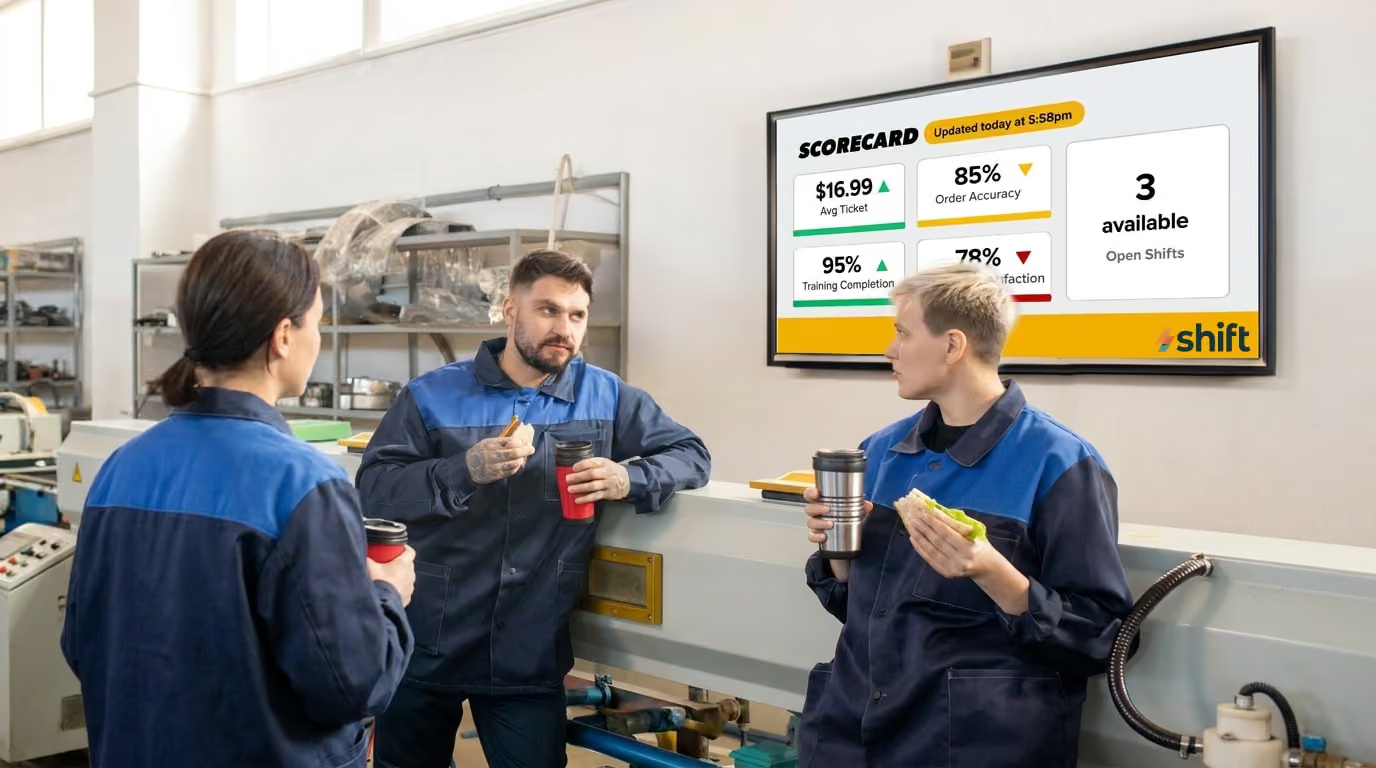
Rather than asking employees to log into a reporting tool, pull up a spreadsheet, or wait for a manager's weekly update, digital signage brings performance data into the physical environment where work is actually happening. A sales team can see their pipeline and daily revenue figures on a screen at the end of their floor. A customer support team can monitor live ticket volumes, average response times, and resolution rates without switching away from their work queue. An operations team can track production output, error rates, or fulfillment status in real time, right on the warehouse or office floor. The data is always on, always current, and always visible — no extra steps required.
This constant, ambient visibility changes how teams relate to their goals. When progress is private — buried in a dashboard that only managers check — it's easy for daily work to feel disconnected from broader outcomes. But when a team can see in real time that they're 80 percent of the way to their weekly target by Wednesday afternoon, something shifts. The remaining gap becomes concrete and closeable. Effort feels directly connected to results.
The same principle applies when performance is lagging. A team that can see in real time that response times are creeping up, or that the week's numbers are behind pace, can self-correct earlier and more organically than one that only discovers the shortfall in a Friday debrief. Digital dashboards don't just motivate — they accelerate the feedback cycle that makes continuous improvement possible.
When designed thoughtfully, KPI dashboards on office screens become one of the most powerful alignment tools an organization can deploy. They replace the lag and noise of traditional reporting with something immediate and tangible. They keep individuals connected to the bigger picture without requiring them to step outside their workflow. And they create a shared language of progress — one that every person in the room can read, understand, and contribute to, every single day.
4. Reducing Interruptions with Wayfinding & Visitor Management
Every office has them — the moments where a visitor stops an employee in the hallway to ask where the bathroom is, where a delivery driver circles the lobby looking for someone to sign a package, or where a new hire spends their first week apologizing for walking into the wrong meeting room. These interactions feel harmless in isolation. But for the employees on the receiving end, each one is an interruption — a context switch that pulls them out of focused work and costs far more time than the interaction itself suggests.
Research consistently shows that it takes an average of more than twenty minutes to fully regain deep focus after an interruption. In an office where these small disruptions happen multiple times a day, the cumulative productivity loss is substantial. Wayfinding and visitor management solutions powered by digital signage address this directly, by giving visitors, contractors, and new employees the information they need to navigate independently — without pulling a single staff member away from their work.
At the most basic level, wayfinding displays function as always-on digital directories. Mounted in lobbies, elevator banks, stairwells, and corridor junctions, they show floor maps, department locations, room names, and points of interest — restrooms, exits, printer stations, cafeterias — in a format that's immediately readable and self-service. A visitor arriving for a meeting can orient themselves from the moment they walk through the door, without needing to flag down a receptionist or interrupt the nearest employee they can find.
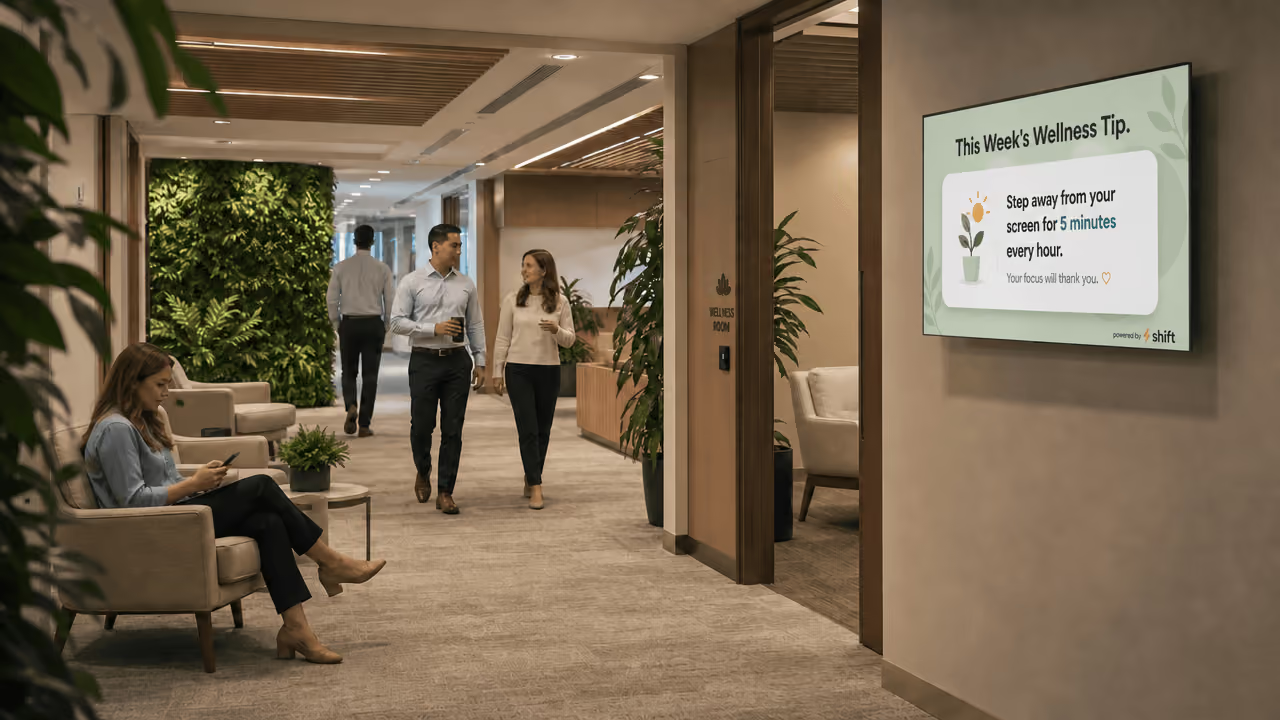
Wellness tips are also great content ideas for offices when they encourage employees to take breaks, potentially boosting their long-term productivity.
5. Reinforcing Training, SOPs & Compliance Reminders
In most organizations, training is treated as an event — something that happens during onboarding, at an annual review cycle, or in response to an incident. Once the session ends, the materials get filed away, the key messages fade, and employees return to their daily routines relying on habit and memory to carry them through. For straightforward tasks this might be sufficient. But for complex processes, safety-critical procedures, or regulatory compliance requirements, the gap between what was learned in training and what gets applied on the floor can have real consequences.
Digital signage bridges that gap by turning the workplace itself into a continuous, low-friction learning environment.
Rather than relying solely on formal training sessions to transfer knowledge, organizations can use strategically placed screens to keep key information consistently visible in the environments where it's most relevant. Safety protocols displayed in manufacturing areas and warehouses serve as a constant reminder of proper procedures — not just in the days after a training session, but every single shift, every single day. Step-by-step SOPs shown near the equipment or workstations they relate to mean employees always have reference material within eyeline, reducing errors and the need to ask a supervisor for guidance. Hygiene and food handling reminders in kitchens and break rooms reinforce standards without requiring a manager to intervene.
The onboarding use case is equally compelling. New employees are expected to absorb an enormous amount of information in a short period of time — processes, systems, culture, expectations, and procedures all at once. Digital signage eases that cognitive load by reinforcing key messages passively over time.
Using Shift Digital Signage to Boost Productivity in the Office Just Makes Sense
If you’re ready to see productivity and focus in your office increase, it’s time to get Shift digital signage. Shift has all you need to easily set up your screen and start creating content for your office. Your digital signage can display everything from employee communication to real-time data that will give productivity the boost you're looking for. For businesses looking to improve productivity without overhauling their entire workplace strategy, digital signage is one of the highest-return, lowest-friction investments available. The screens are already on the wall. It's time to make them work harder.