
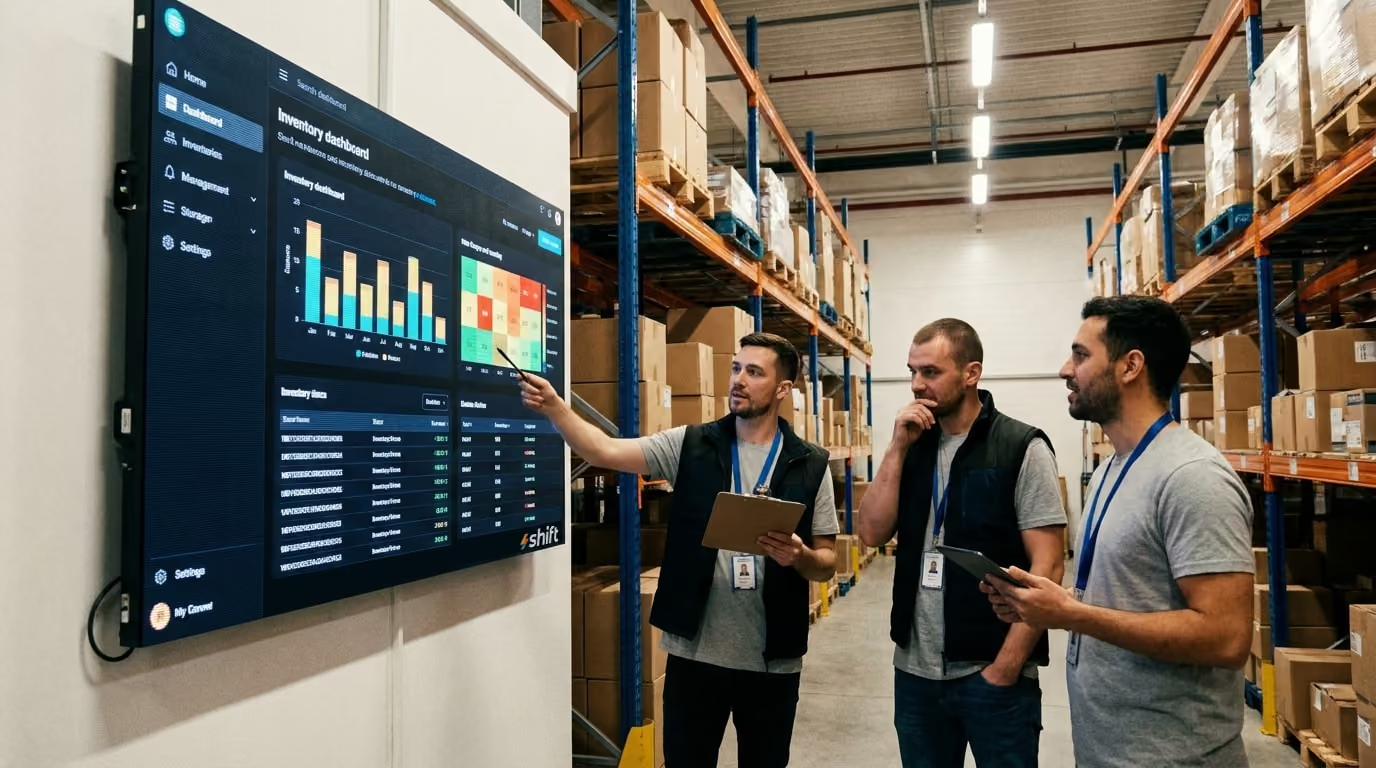
Digital signage in the stockroom has crossed a critical threshold in recent years. Hardware costs have dropped, cloud-based content management platforms have made fleet-wide updates effortless, and integration between signage systems and inventory software has become tight enough that the two can function as a single operational layer. What was once accessible only to large distribution centers is now well within reach for mid-size retailers, restaurant groups, and independent warehouses.
The result is a stockroom that communicates in real time — surfacing the right information, in the right place, automatically. Staff spend less time hunting for information and more time acting on it. Managers get floor visibility without physically walking it. And the operation becomes more resilient to the small, compounding errors that erode efficiency over time.
But the technology is only as useful as what you put on the screens. That’s why we’ve put together this guide that covers:
- Why digital signage is valuable for your stockroom
- Content for stock room signage to keep it running smoothly
- The best choice for a digital signage system
Why is Digital Signage So Important for Stock Rooms?
Businesses of all types are turning to digital signage to modernize their stock rooms
Stockrooms are high-stakes environments. Every inefficiency — a mislabeled bin, a missed reorder, a staff member searching for a product location — adds up across hundreds of daily interactions into real costs: slower fulfillment, more errors, and frustrated employees. The signage in your stockroom isn't decoration, it's infrastructure. And digital signage raises that infrastructure to a level static labels simply can't match.
A printed label is accurate once — the moment it's made. After that, it's a best guess. Digital signage pulls live data from your inventory system, meaning stock counts, bin locations, and alerts reflect reality as it happens, not as it was last Tuesday when someone had time to reprint labels.
New staff in a well-signed stockroom can orient themselves faster, make fewer mistakes, and reach productivity sooner. When screens clearly show stock levels, zone assignments, and task priorities, employees don't need to carry as much in their heads or rely as heavily on supervisors to answer basic operational questions.
A growing stockroom means more SKUs, more staff, and more complexity. Static signage scales poorly — every change means reprinting, re-laminating, and re-mounting. Digital signage scales cleanly. Update one template in your content management system and every relevant screen in the facility reflects the change instantly.
Low stock alerts, receiving discrepancies, and equipment warnings surfaced in real time give your team a window to act before a small issue becomes a fulfillment failure or a safety incident. Static signs can't flag a problem — they can only label a location.
Safety messaging that updates automatically, timestamps that show when data was last verified, and shift-specific instructions that rotate on schedule all create a more consistent, auditable operational environment than manually maintained signs ever could. These are some of the reasons why stock rooms have turned to digital signage to become more streamlined than ever before.
7 Must-Have Digital Signage Content for the Stock Room
This is what you need to put on your stock room digital screens to keep things running smoothly
1. Live Inventory & Stock Level Displays
For decades, stockroom inventory tracking meant clipboards, handwritten bin labels, and periodic manual counts — a process that was slow, error-prone, and always slightly out of date. Digital signage changes that. When screens and electronic labels sync with your inventory management system, every change in stock is reflected instantly across every display.
Current stock counts per bin, shelf, or zone. The most valuable thing your digital signage can show is a live unit count for each location. For smaller stockrooms, a single central display works well. For larger operations, zone-specific screens or electronic shelf labels (ESLs) mounted directly on bin edges give staff immediate, location-specific information without ambiguity.
Low stock and out-of-stock alerts. When stock falls below a defined threshold, your display should change automatically. Color coding does this efficiently: green for healthy levels, yellow approaching the reorder point, red for critical or empty. Visual alerts eliminate the need for staff to memorize reorder points across dozens of SKUs — a quick walk down the aisle tells the whole story.
Reorder thresholds displayed visually. Progress bar indicators showing remaining bin capacity give staff richer context than a number alone. For high-velocity items that can go from comfortable to critical within a single shift, seeing the trajectory matters as much as seeing the current count.
2. Receiving & Inbound Shipment Information
The receiving dock is one of the highest-activity, highest-error-risk areas in any stockroom. Digital signage here keeps staff aligned without requiring constant supervisor check-ins.
Expected deliveries and arrival windows. A screen showing today's inbound shipments — supplier, PO number, expected time, and designated staging area — lets staff prepare before a truck arrives rather than scrambling after it does.
Discrepancy alerts. When what arrives doesn't match what was ordered, that gap needs to be flagged and resolved quickly. Digital displays connected to your receiving workflow can surface discrepancies in real time, prompting staff to quarantine, recount, or escalate before mismatched stock enters the floor.
Cross-docking instructions. For operations moving product directly from inbound to outbound without storage, screen-based routing instructions keep that process moving accurately and efficiently.
3. Pick, Pack, & Fulfillment Guidance
The fulfillment zone is where stockroom efficiency is most visible — and where delays and errors are most costly. Digital signage here keeps staff focused and prioritized without constant manager intervention.
Active pick lists and order priorities. Screens displaying current pick queues, ranked by deadline or carrier cutoff, help staff self-direct through busy periods. When priorities shift, the display updates automatically rather than requiring a supervisor announcement.
Dynamic bin locations. As slotting changes — seasonal resets, high-velocity items moved closer to packing — digital signage reflects those updates instantly, eliminating the confusion of staff navigating by memory or outdated printed maps.
Order deadlines and carrier pickup schedules. A visible countdown to the next carrier pickup creates natural urgency on the floor. Staff can see exactly how much time remains to hit the day's outbound targets without needing to ask.
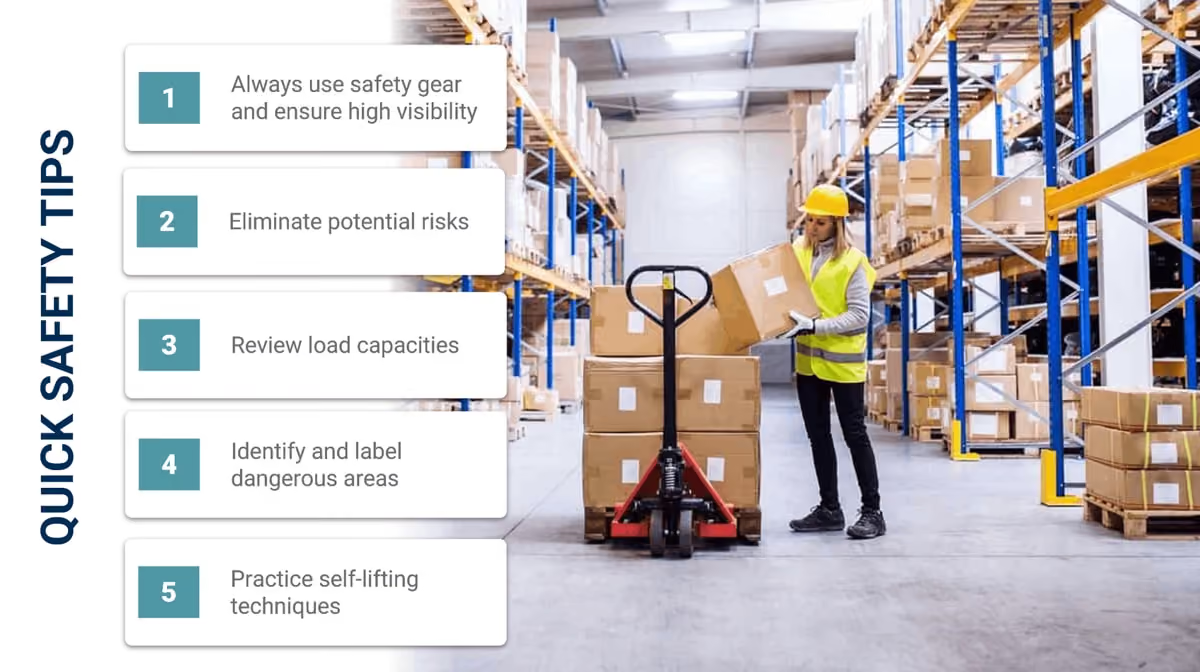
4. Safety & Compliance Alerts
Static safety signs fade into the background over time — staff stop seeing them. Digital signage stays dynamic, which keeps safety messaging from becoming wallpaper.
Real-time hazard warnings. Spill alerts, equipment-in-use notices, and temporary pathway closures can be pushed instantly to relevant zone displays, reaching staff on the floor faster than any PA announcement or manual sign placement.
PPE reminders by task or shift. Rather than generic permanent signage, digital displays can surface task-specific PPE requirements — reminding staff of glove or eye protection requirements only when and where those tasks are actually occurring.
Emergency notifications. Fire alerts, evacuation routes, and lockdown instructions can be pushed simultaneously to every screen in the facility, turning your signage network into an emergency communication system when it matters most.
5. Staff & Shift Management Displays
Keeping staff aligned across a busy shift typically requires supervisor time that could be better spent elsewhere. Digital signage handles routine communication automatically.
Zone assignments and task queues. A screen at the start of each zone showing who is assigned there and what tasks are prioritized removes ambiguity at the start of every shift and keeps staff accountable throughout it.
Break schedules and rotation reminders. Automatically rotating break reminders reduce the supervisor burden of tracking who has and hasn't taken breaks, and ensure compliance with labor requirements without manual tracking.
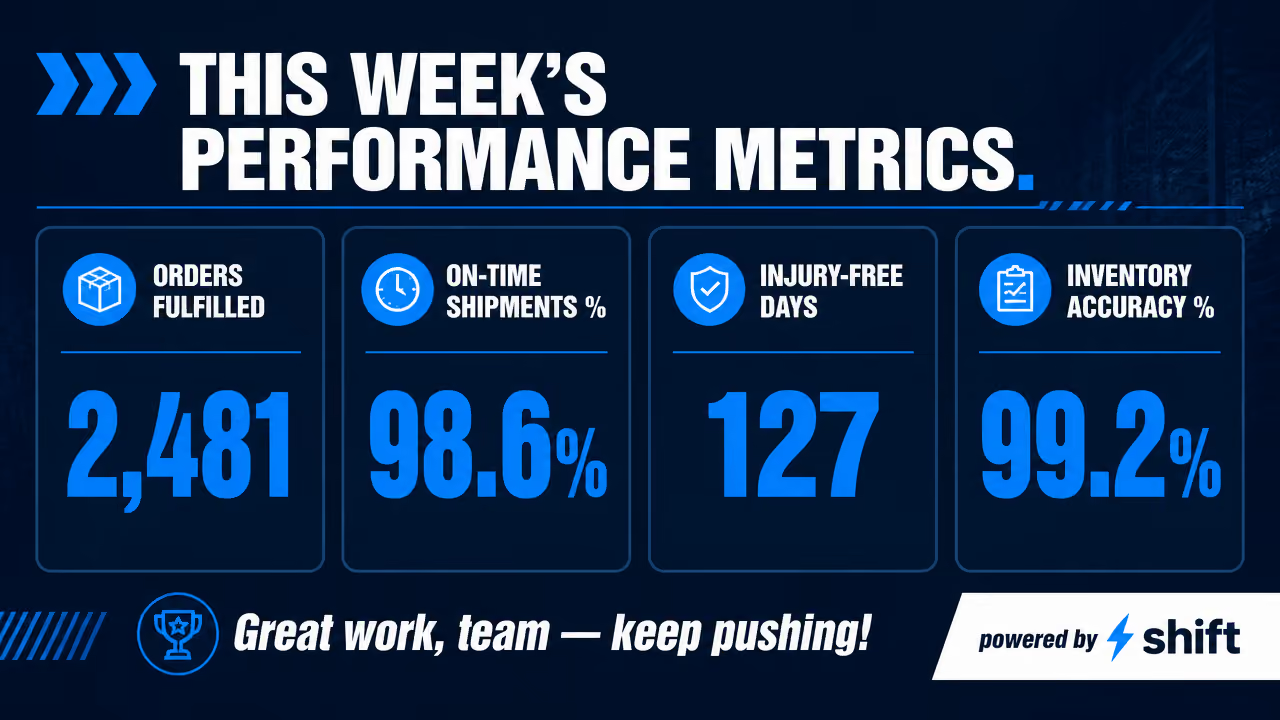
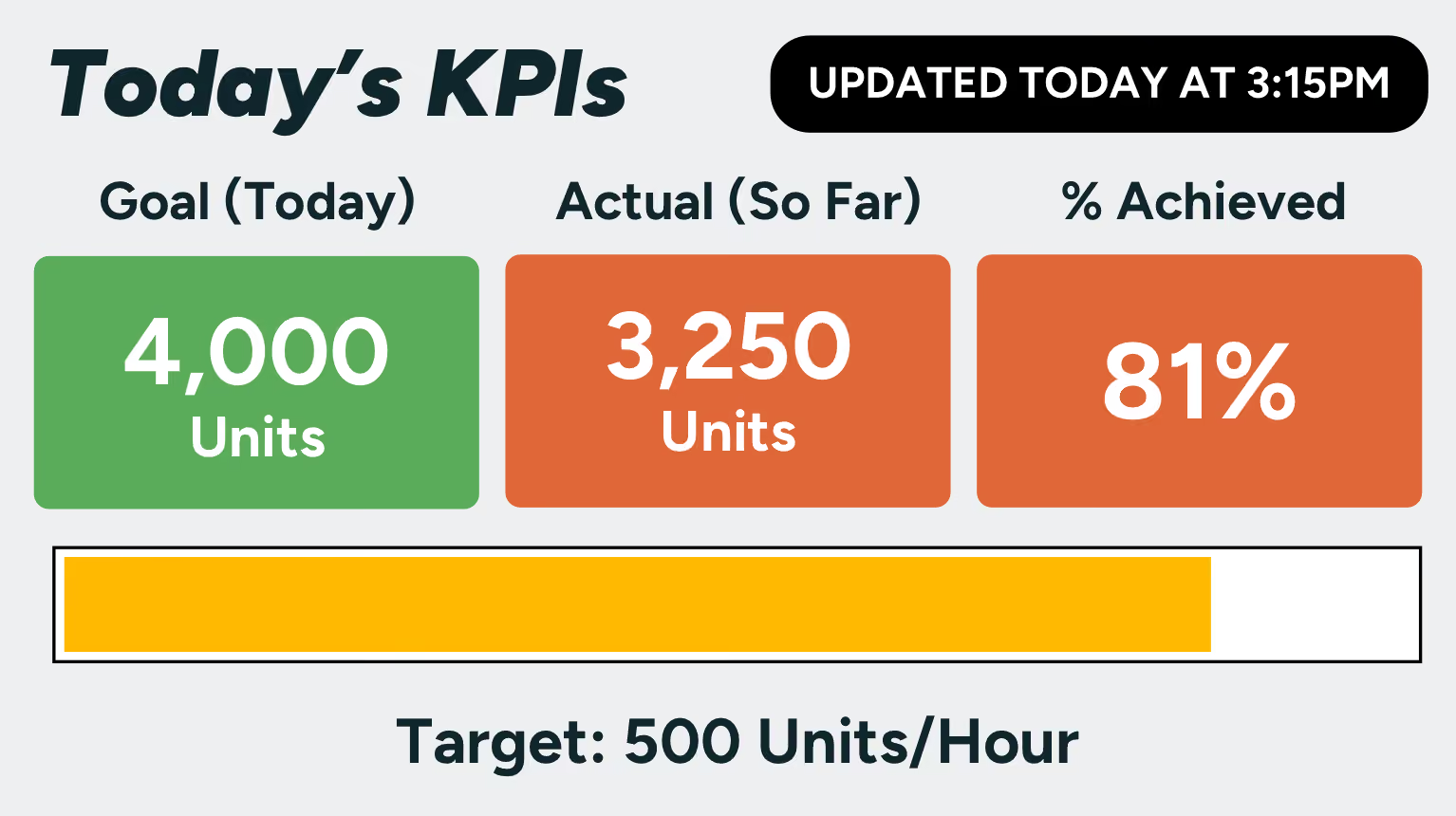
Performance metrics. Picks per hour, order accuracy, and daily goal progress displayed at the zone level give staff real-time feedback on their output. Visible metrics tend to drive performance — not through pressure, but through awareness.
6. Product & Location Identification
Even in a well-organized stockroom, product identification is a constant friction point. Digital signage reduces that friction significantly.
Electronic shelf labels (ESLs). Mounted directly on bin edges, ESLs display product name, SKU, current count, and reorder status in a small, always-current format. When a product moves or a SKU changes, the label updates remotely — no reprinting required.
QR codes linking to product details. Screens or labels displaying scannable QR codes give staff instant access to product specs, handling instructions, or supplier information without leaving the floor or consulting a separate system.
FIFO rotation reminders. For perishable or date-sensitive inventory, digital displays can flag which stock needs to move first, reducing waste and compliance risk automatically.
7. KPIs & Operational Dashboards
A stockroom dashboard gives managers and staff a shared view of how the operation is performing in real time — no report pulling required.
Throughput and productivity metrics. Units received, picks completed, and orders shipped displayed against daily targets give the whole team a live scorecard. When everyone can see the number, ownership of hitting it becomes collective.
Fill rate and order accuracy. Tracking these metrics visibly over the course of a shift creates immediate feedback loops. A dip in accuracy mid-shift is far more actionable than discovering it in an end-of-day report.
Shift-by-shift comparisons. Displaying today's performance against yesterday's or last week's equivalent shift gives context that a raw number alone doesn't provide, helping teams identify patterns and set realistic improvement targets.
Go with Shift as Your Digital Signage Platform in the Stock Room
When you’re ready to update your stock room signage digitally, go with Shift
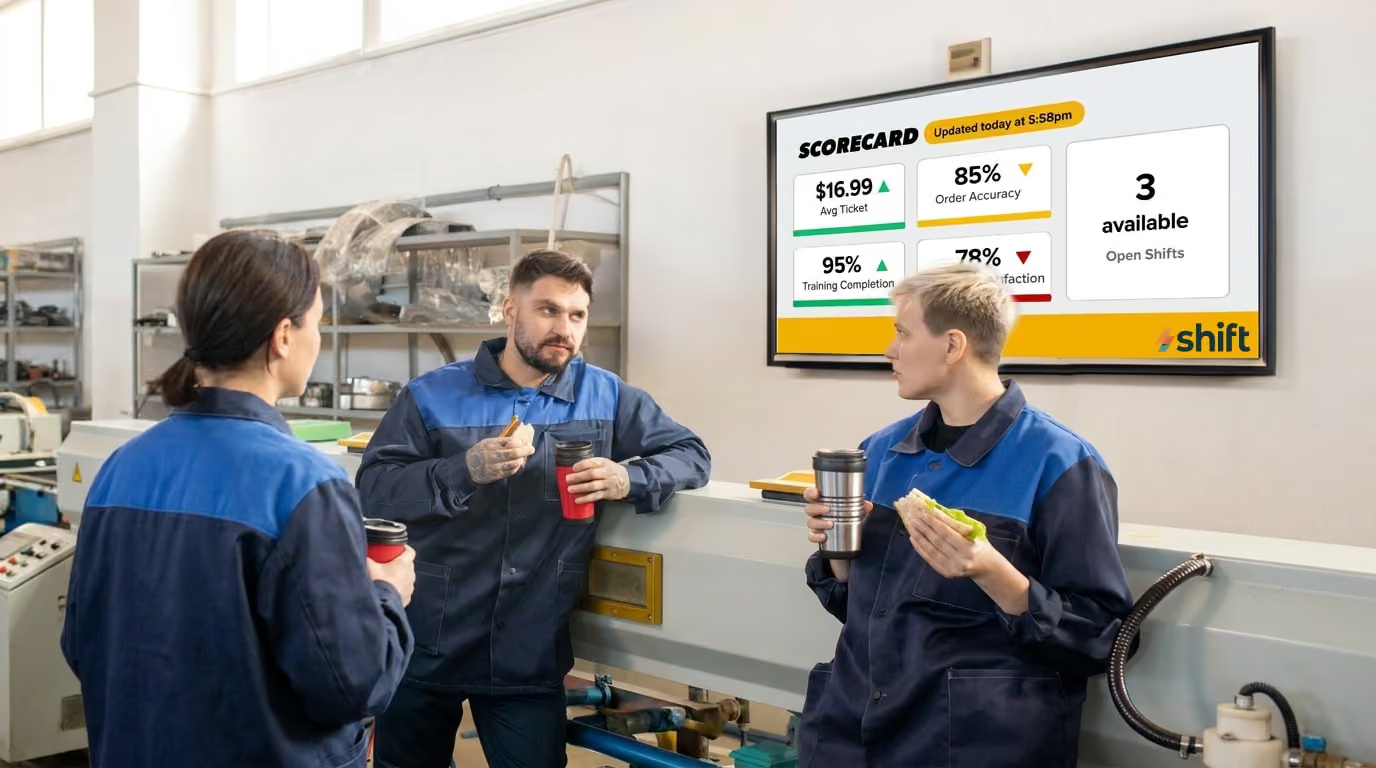
Shift is your go-to digital platform to transform your stock room into an organized, and efficient workflow. This CMS system comes with all kinds of templates for you to use right out of the gate, and their Content Navigator ensures that you can make real-time updates from any device throughout the day. You don’t need to worry about a complicated setup either, because Shift is designed to work without the need for an IT department. Just plug and play, and start seeing the benefits that digital signage can offer your company to keep the stock room running smoothly.

Shift has all kinds of uses, and in addition to helping to streamline your stock room, it can also boost employee engagement and improve productivity with its suite of available features that include:
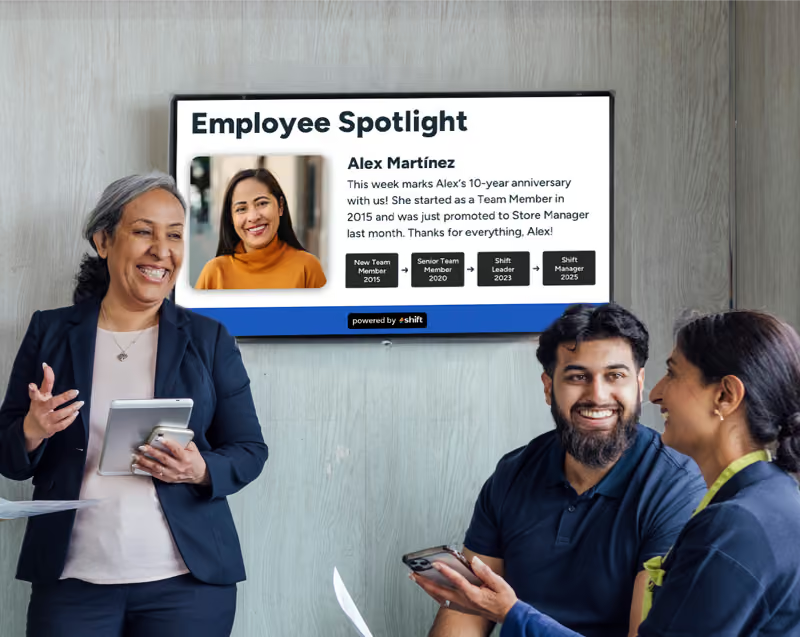
- Employee recognition through spotlights, work anniversaries, achievements, and birthdays
- Access to training materials
- Assisting with onboarding
- Wayfinding
- Internal company communications
- Posting safety or emergency alerts
- Surveys for staff through QR codes
- Real-time leaderboards
A well-signed stockroom is a more efficient, safer, and more accountable operation. Shift’s digital signage takes that a step further — turning static labels into a live communication layer that updates automatically, surfaces problems early, and keeps every staff member aligned without constant supervisor intervention.
The best place to start is wherever your current signage is failing you most. If stock counts are unreliable, start with live inventory displays. If receiving errors are a recurring problem, focus there first. Pick one high-impact use case, get it working well, and build from it.
The goal isn't screens for the sake of screens. It's a stockroom where the right information is always visible, always current, and always where your staff need it most.







.avif)