
Technology has a way of shaping daily office life and how staff works in their everyday tasks and responsibilities. From typical office paperwork, planning future projects, onboarding and new hire training, to planning the next company picnic or event, it’s important to have an easy form of communication to keep staff updated on crucial news without feeling like they’re out of the loop–which is where digital signage comes in to save the day!
Digital signage is a revolutionary form of technology that can help to increase employee engagement, boost staff productivity and morale, and even improve internal communications to ensure everyone is informed of essential tasks, news, and emergencies throughout the day. Office settings are a great place to add digital signage, keep staff in the loop, and share important information throughout the day, but having the right software is the first step to success.
Not sure what digital signage software to use in your office setting? Here are the best digital signage software for offices in 2026!
1. Shift
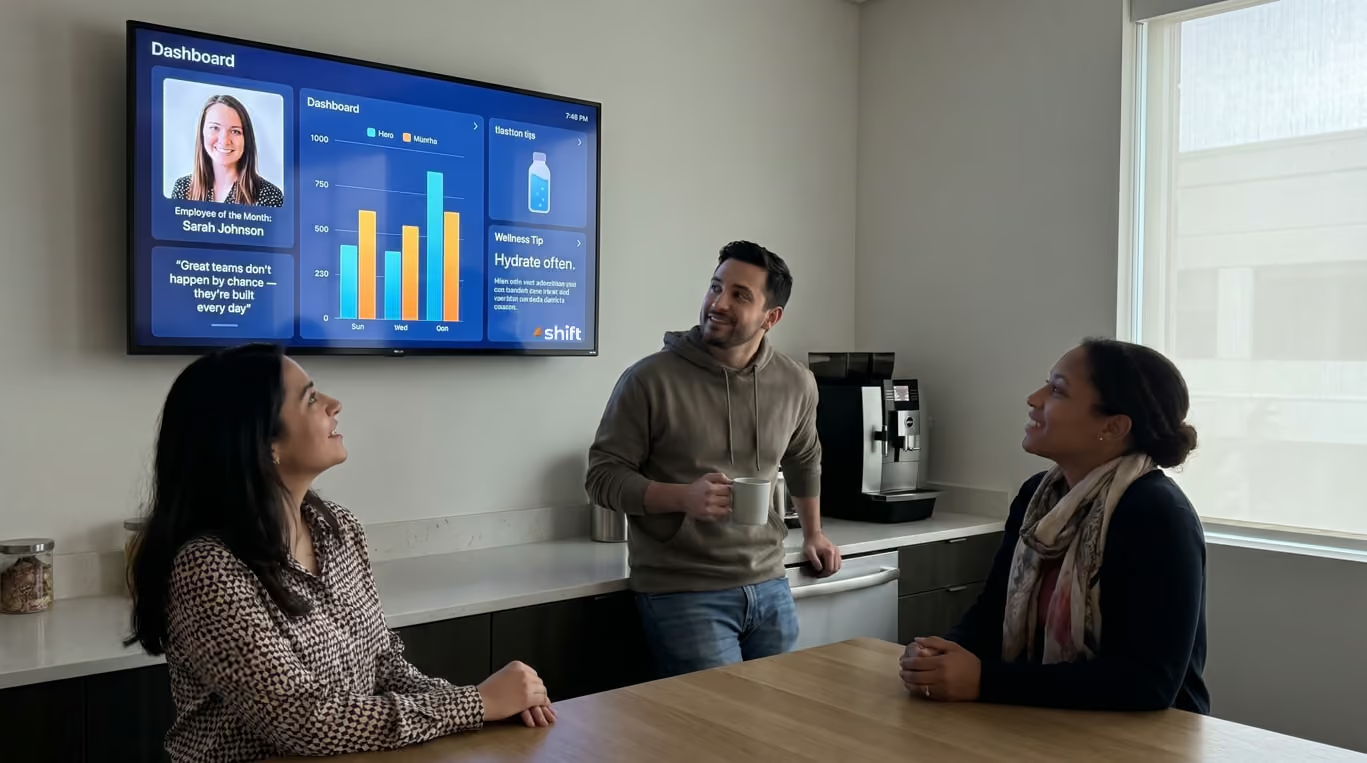
Want to boost employee engagement and productivity? Shift is among the best digital signage software programs that really makes a difference!

The type of changes you’re looking to make in your office setting can indicate the type of digital signage software that will prove to be most useful to you and your employees. Among the many that are available, Shift is one of the best options that features an easy interface for simple content creation strategies and a way to increase brand awareness by using your company’s logo, colors, and font.
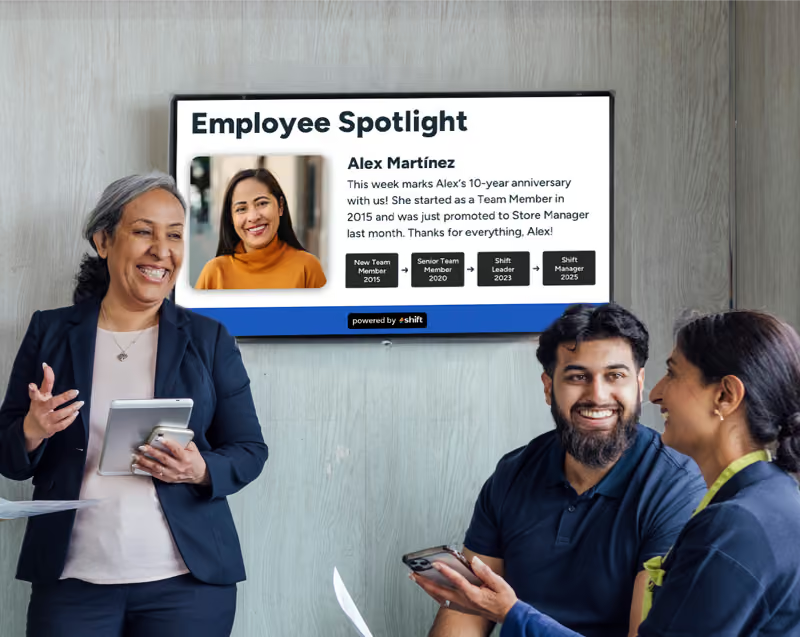
Shift’s main mission aims at increasing employee retention and overall job satisfaction through their encouraging employee spotlight templates. By simply making an employee appreciation post on digital signage, it can do everything from increase engagement and productivity, increase revenue, help streamline operations, and even reduce costs from frequent new hire training and onboarding.
Here are some other features included in Shift’s software program to add to any office setting:
- Boost employee engagement through recognition and appreciation
- Celebrate staff birthdays, work anniversaries, and other achievements
- Show training videos
- Employee spotlights
- Interactive polls for staff to anonymously complete
- Expands internal communications
- Allows staff to retrain and re-skill in key trainings
- Helps leaders learn more about staff
- Encourages employees to do work harder
- Increases productivity
- Create diverse content using pictures, videos, or documents
- Use as a wayfinding and navigation system
- Broadcast company announcements, updated policies, etc.
- Use to post emergency alerts
- Streamline workflow and post frequent updates about each day’s tasks
2. Yodeck
Needing a budget-friendly option for your small business or small group of office staff? This is an incredible program with everything you’ll need!
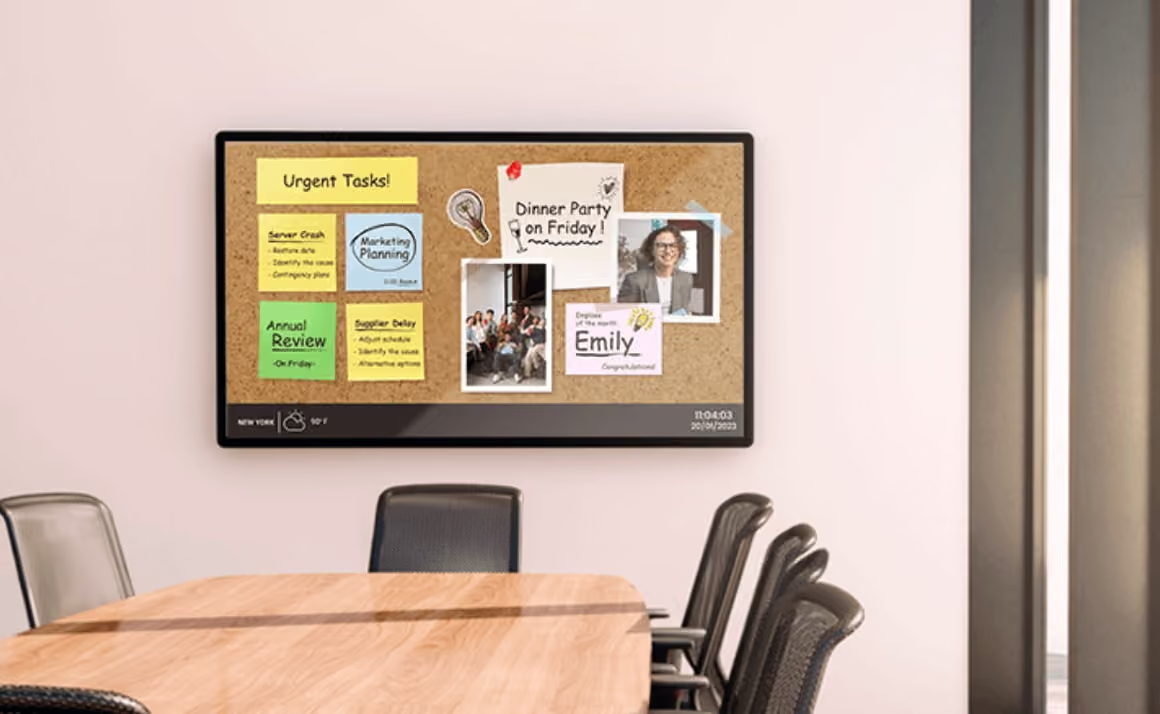
No matter the size of your business, sometimes looking for an affordable, yet reliable digital signage software platform is a high priority. Being able to still get the best guidance on creating content for your staff to be informed throughout the day without breaking the bank on technology that should be easily accessible is crucial–and Yodeck is just that.
Yodeck is a popular digital signage software platform that is known for its budget-friendly subscriptions with a free tier for a single screen, plus other low-monthly subscription options for multiple screens. By driving engagement, helping to build stronger teams, and increasing revenue, Yodeck aims to make an informed and engaged team of staff with eye-catching content.
Below are some of the other features that come with using Yodeck’s content creation capabilities:
- Centralized hub for remote content management and creation
- Drag-and-drop tools to make for easy content creation
- Free to use templates and stock images for digital signage
- Strong security system to keep your content safe and secured
- Remote management to create, edit, and publish content anywhere you go
- Organize content according to which screen it should be on with media tags
- Analytics available to see boost in employee engagement and productivity
- Content personalization to reflect business mission and goals
- Reduces email clutter and static methods of posting signage
- Celebrate staff or team achievements, work anniversaries, birthdays, etc.
- Can help reinforce company culture and create a more connected space for staff
3. ScreenCloud
Franchises and enterprises enjoy this digital signage software platform’s revolutionary full-stack solution that comes with hardware too!

If you’re a manager at a franchise, or working specifically with an office team–such as HR, IT, marketing, or sales–sometimes an intuitive digital signage software is required to have all of the essential tools and features you need. ScreenCloud is another great option that aims to create a powerful messaging tool that creates better business efficiency by keeping staff informed, involved, and engaged.
Another reason why so many people love ScreenCloud is because of its seamless integration with other applications that businesses use on a daily basis. Applications that integrate with Screencloud and can increase daily workflow include Microsoft Teams, Slack, WordPress, Zoom Rooms, Canva, and live social media feeds pertaining to the business.
Listed are some other features ScreenCloud includes in their subscription options:
- Content can be published on TVs, monitors, tablets, and kiosks
- Compatible with Amazon Signage, Amazon Fire, ChromeOS, Android, Windows, and macOS
- Used predominantly in deskless industries with lack of email or access
- Improves internal communications
- Build and foster a sense of community with ScreenCloud Engage to communicate with staff
- Reduces reliance of email
- Utilizes remote and real-time capabilities to create, edit, and publish content from anywhere
- Instantly broadcast safety concerns or protocols to help reduce work-related injuries
- Highlight individual or team successes
- Integration allowed with Microsoft Teams, Slack, or Google Workspace to automate any and all content
- Allows all employees to receive important information regardless of position
- Offers immersive training sessions and skill development
4. OptiSigns
Easy-to-learn digital signage software that is perfect for beginners looking to expand their internal communications and engagement!
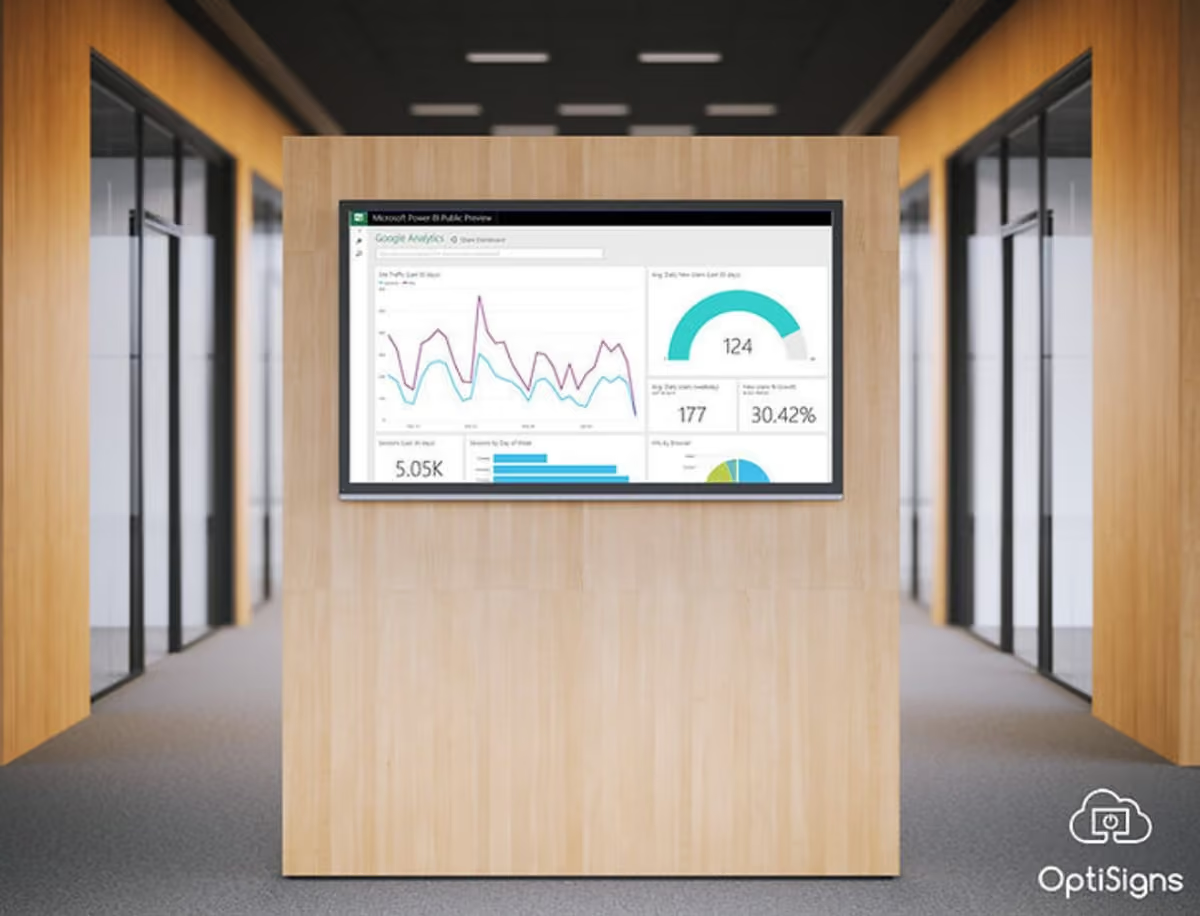
The next best option for digital signage software for offices is OptiSigns, which is highly regarded for its easy interface and pre-made templates for content creation. Built for large franchises or corporations, OptiSigns aims to help managers create content across multiple sites and screens, plus they provide both the software and hardware needed to display your content through digital signage.
OptiSigns can display your content through any kind of device using any type of media player through its all-supported platform design. Users can easily display their content with its beginner-friendly interface, drag-and-drop tools, access to multiple stock images, support from all media types, and customizable templates to promote your brand’s image.
There are a number of features that OptiSigns offers its users, which include the following:
- Integrations to over 140 popular apps like YouTube, Instagram, Power BI, or even get weather and traffic updates
- A completely cloud-based design with drag-and-drop tools, multiple templates, and widgets to use to add text, videos, images, statistics, etc.
- Multi-zone layouts and templates are available to display multiple types of content (such as weather, traffic updates, images, etc.) all at the same time
- Schedule content to be posted at relevant times, or on a rotation to keep staff interested
- Offline mode to continue to display content without the need of an internet connection, or due to an outage
- Top-notch security with industry-leading encryption to keep your account and content safe
- Control content right from your fingertips with your cell phone, tablet, or computer
- Offers role-based permissions and management of all screens from one single dashboard for easy use
5. Rise Vision
Automated content scheduling who? Make content creation and scheduling as easy as can be with this popular digital signage software!
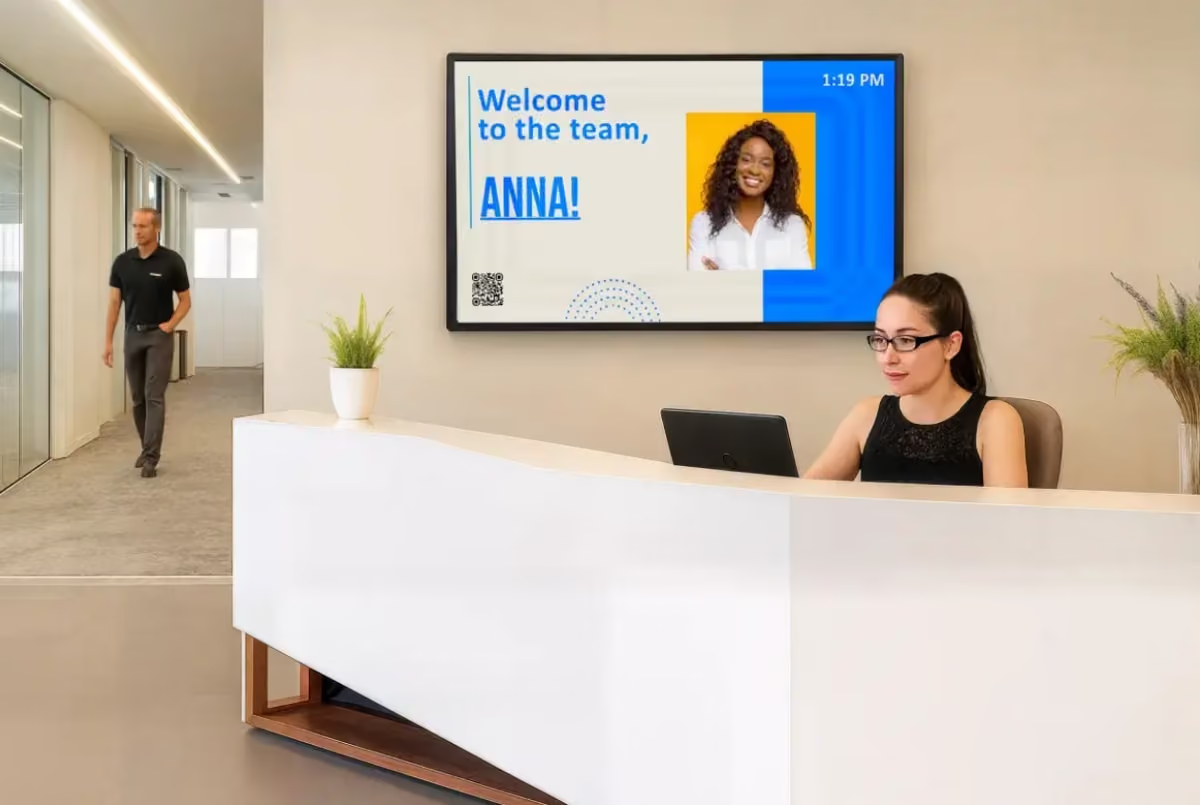
We all have those forgetful moments to send out an email or make a company social media post on time. While it may not seem like a big deal, it can keep staff behind on important information that is crucial for them, but luckily many digital signage software programs offer automated scheduling–such as Rise Vision.
Rise Vision is another popular digital signage software platform that has won many awards for its cloud-based program that is easy-to-use with over 750+ customizable templates to create the best content possible. Leaving static content in the past, Rise Vision gives users the ability to create dynamic content that is appealing to the eye, keeps staff informed and engaged, and features automated scheduling so you’ll never forget to send out important updates ever again.
Many users love Rise Vision for its wide range of unique features that include:
- A complete free tier with up 600+ different templates for the ultimate content creation
- Also offers paid tiers for companies that want to up their content game
- Completely cloud-based and flexible when it comes to creating and posting content at your leisure
- Features a user-friendly interface that is easy to figure out for non-techy individuals
- Supports Single Sign-On (SS) for an easy user management, plus role-based access control
- Uses real-time data integration to connect to other applications to update weather, news, calendars, social media posts, etc.
- Implements Common Alerting Protocol (CAP) for emergency alerts
- Has easy-to-use screen sharing to display content remotely and organize it by location
- Includes offline playback to show content without the use of internet or outages for constant communication
- Reliable scheduling to keep content up-to-date and consistent
6. Appspace
Keep everyone in the know with this digital signage software’s unique features keen on organization!
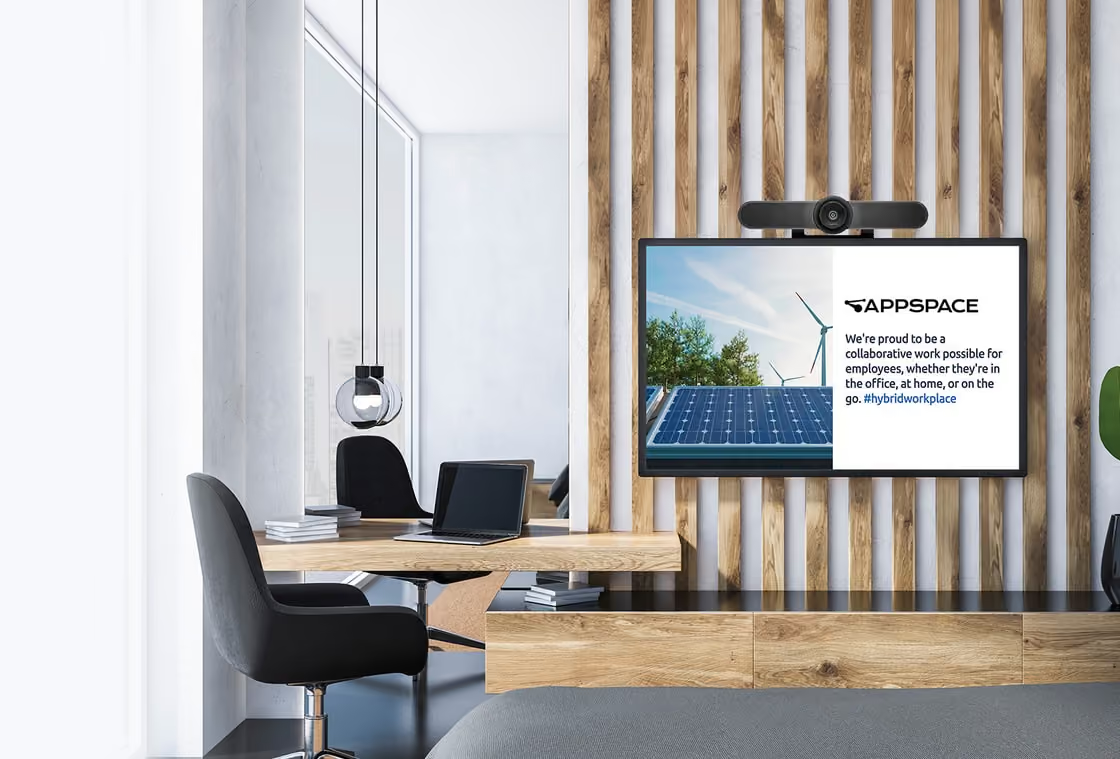
Have you ever wished that your current digital signage software could do everything from enhance employee communication and also keep your space organized and managed all in one program? If you said yes, then Appspace is one of the best digital signage software programs built for businesses of any size.
Built in an all-in-one centralized platform, Appspace can integrate seamlessly with apps that your business runs on–such as Microsoft Teams and Slack–and it even comes with its own mobile and desktop app that staff can access at any time to see posts about essential news, events, and other crucial information occurring throughout the day or in the near future.
Other features included in Appspace to enhance your business’s digital signage includes:
- Seamless integration with multiple applications to increase workflow
- Broadcast everything from company news, events, metrics, alerts, and more in office spaces, conference rooms, and at kiosks
- Dedicated employee mobile and desktop app to access communication, company announcements, newsfeeds, and newsletters
- Comes with pre-made templates and cards with ready-to-use widgets that help create dynamic content
- Can provide insight and analytics on daily office space utilization, content engagement, and room booking frequency
- Built-in cloud-based platform with encryption for top-tier security of all content
- Increased internal communications with staff through its “communications teams” feature to personalize each employee’s feed and publish certain content to particular channels
- AI tools are built-in to speed up the content creation process and save time
Choose From One of These Top 6 Best Digital Signage Software Platforms to Transform Your Office Workspace
Office workers need more than just the mundane, everyday grind that they are used to. Digital signage can help to keep staff in the loop about company news and events, vote on important company decisions, and help to increase engagement and internal communication that will create a successful office team.
Choose Shift, or one of the other best digital signage software programs of 2026 for your office today!








.avif)