
Creating content for your business is exciting–no matter if it’s menus for your customers to mull over or announcing the next company work party to get together with your staff. A CMS software application is crucial to pair with digital signage to create content that is eye-catching, immersive, and keeps your customers in the loop of deals on services or products–or simply to keep your staff engaged.
Raydiant is a popular CMS platform that has a ton of incredible features to offer its users, and it works great for a number of businesses in different industries. Trying to find the perfect CMS platform to create your content can be intimidating with all of the options available, and Raydiant may be a great option for some, but there are other even better selections to choose from.
Let’s take a look at what Raydiant has to offer its users, the pros and cons of the software application, and other alternatives that we find better to choose from!
A Look Into Raydiant: Its Features, Why People Choose it, and the Industries it’s Best For
Lots of CMS platforms offer the same types of features, but many customers are satisfied with Raydiant because of how unique the platform is!
When looking into CMS options, Raydiant is often a popular one that will pop up, but what does it have to offer? It is a cloud-based platform with remote management and is known for being best for creating interactive content, which is why Raydient is a top option for many businesses–but here is everything you need to know before you sign up!
Raydiant: A Popular CMS for Interactive Content Creation
Content creation for digital signage can span out to more than just static images or announcements on a TV or monitor screen, but also be great for interactive kiosks too. Raydiant is a highly-rated, cloud-based CMS platform used to create content that transforms digital signage into interactive displays for a number of different businesses in industries looking to increase both customer and employee engagement.
Raydiant uses a plug-and-play editor that is similar to PowerPoint with absolutely no code needed to learn how to navigate and use it to create dynamic content. With an easy interface, it takes no specialized design skills to create, edit, manage, and publish content to digital signage–plus it can work on a number of different screens too.
It is also highly known for its remote management that is perfect for franchises that have a number of different stores in multiple locations. Users are able to go in and edit and manage content across thousands of screens so they are updated for specific locations or to reflect all of them at once.
While Raydiant offers the essentials when it comes to content creation, it is highly regarded for its interactive content that you can add to kiosks and other digital signage screens. Instead of displaying static images, Raydiant helps to set up content that customers and staff can interact with and is supported on touchscreen kiosks.
What Industries Does Raydiant Work Best With?
There are some CMS platforms that work better for specific types of businesses and industries compared to others. Since Raydiant is known for its interactive content that you can create, it often works best in the following industries:
- Retail
- Restaurants
- Education
- Healthcare
- Banking
- Venues
- Theaters
- Hotels
Features Offered Through Raydiant
Raydiant has a ton of different features and perks that users can benefit from whenever they’re looking to create interactive content for their business. No matter if you’re looking for something for your customers to interact with on kiosks or create dynamic content perfect to help boost employee engagement and productivity, Raydiant has something that every business is looking for.
The following are the unique features that Raydiant has to offer its customers:
- Cloud-based dashboard to manage, update, and schedule content
- Manage content on multiple digital signage screens
- Access to tons of customizable templates to edit and create unique to your own business
- Supports images, videos, or interactive content
- Drag-and-drop editor to create content and manage screens with
- Supports interactive kiosks and digital signage screens and monitors
- Add smart widgets such as the weather, news, and social media posts
- Seamlessly integrate with other popular third-party applications, such as Google Calendar, Slack, etc.
- Remote management from any device to reflect a specific screen or multiple at once
- Integrates with popular POS systems perfect for menu updates in the restaurant industry
- Compatible with Windows, macOS, BrightSign, Amazon Fire TV Stick, and Chromebox
- Performance monitoring for in-store analytics
- Role-based user permissions available
The Pros and Cons of Raydiant From Honest Customers
What many people love and dislike about the popular CMS platform that is useful to know!

When choosing a digital signage platform, it is important to choose an option that resonates with your company. Choosing something that provides all of the features needed to successfully run your business or boost employee engagement is crucial, but going over the pros and cons is just as important before making a final decision–even with a popular platform like Raydiant.
Pro: Drag-and-Drop Editor For Easy Content Creation and Management
If you’re looking for something with an easy interface to create content with, then Raydiant is the perfect option for your business. Raydiant has a drag-and-drop editor that makes creating and scheduling content easier than ever before, plus you don’t need a ton of experience in design to make something that is eye-catching for your customers or staff to interact with.
Con: Weak Offline Capabilities
Many CMS platforms offer offline capabilities when an internet connection isn’t needed or in instances where it goes out, but can still present the content you create without interruption. While Raydiant offers this specific feature, many users report that it is very weak and doesn’t work as well as it’s supposed to. For Raydiant to update content using remote management capabilities, it needs a solid internet connection to efficiently reflect changes on your digital signage screens.
Pro: Perfect for Industry-Specific Needs With Interactive Content
Raydiant is well known for its ability to create interactive content on kiosks and digital signage boards that is perfect for specific industries. For example, Raydiant is great for creating menus that customers can interact with using kiosks to put in their order, pay, and get their receipt for proof of purchase. There is also a template library available to choose from a wide range of pre-made content to edit out, make brand-specific to your business, and upload for unique content that stands out.
Con: Steep Subscription Prices
While Raydiant can provide everything that many typical CMS platforms feature and more, one thing that steers many potential customers away is the steep price of their subscription. Raydiant subscriptions start anywhere from $59 per screen per month and it often requires an annual commitment. Their subscription packages do include a media player, but it also comes with a one time fee of $169–plus if you need extra features of services, it can be another $30 to $100 on top of that, making it a very expensive subscription that many small businesses simply can’t afford.
Raydiant Alternatives For More Affordable Content Creation For Top-Notch Digital Signage Displays
There’s no doubt that Raydiant is perfect for businesses who need their specific features, but the price point is why many seek out alternatives!
There are a number of CMS platforms available for businesses to use with features to help benefit their business. Raydiant is a top-rated option that is perfect for interactive content with cloud-based remote management capabilities on thousands of screens, but its price point is often why many turn away.
Let’s check out some of the best Raydiant alternatives to save money but not miss out on the content creation aspect of a great CMS!
- Shift
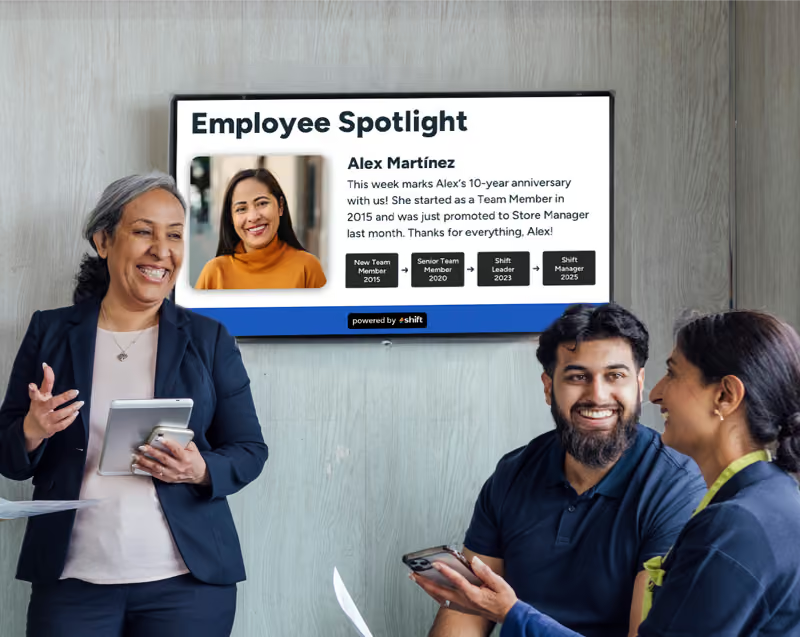
To kick things off, it’s important to mention Shift–a reliable CMS platform that helps to transform how you communicate with customers and more specifically, your staff. Shift’s main goal is to help build deeper connections and relationships with your team members, which in return helps to boost engagement, internal communications, and productivity. With their useful tool–the Content Navigator–Shift gives users the opportunity to quickly update their digital signage screens to reflect the latest company news, policy updates, or even to share employee spotlights for well deserved recognition.
- OptiSigns
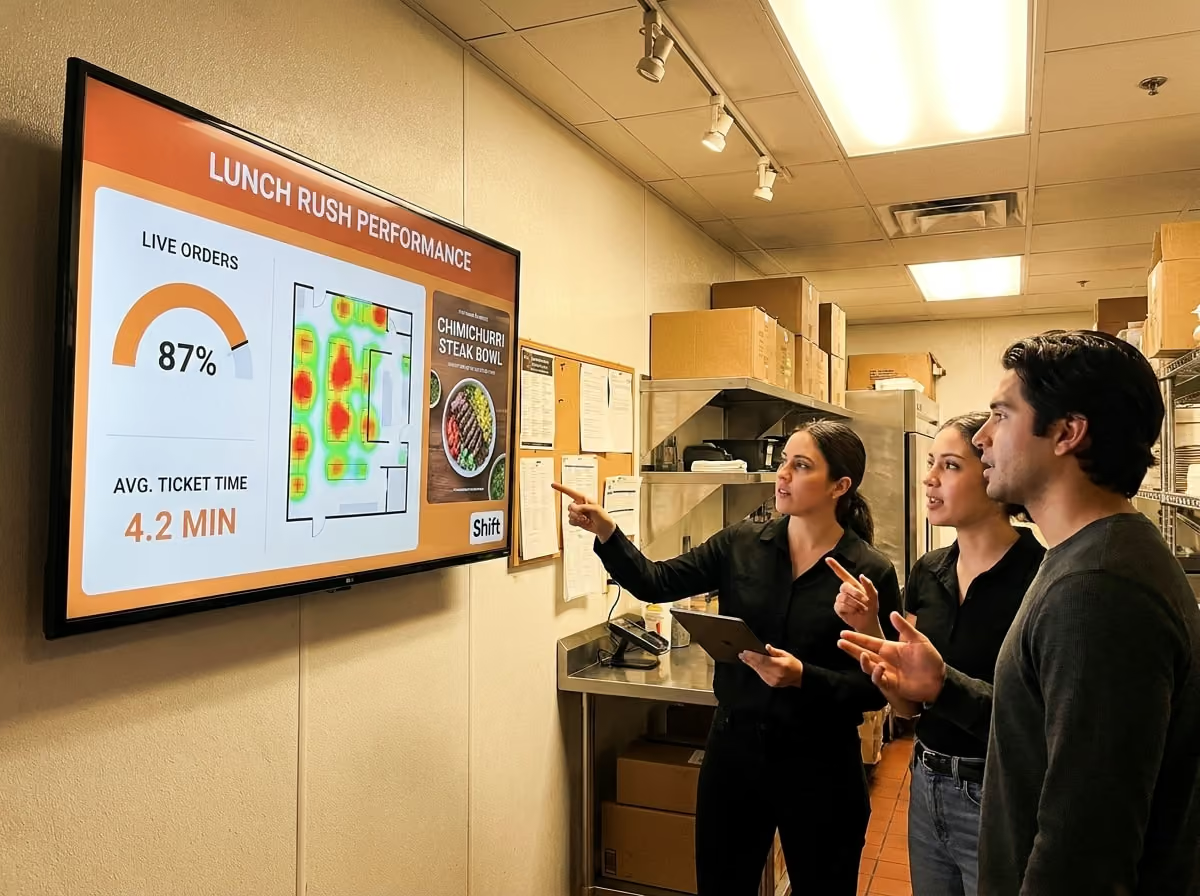
If affordability is on your mind when choosing the best CMS platform, then OptiSigns is a great option that gives you all of the necessary content creation tools that you need. OptiSigns has a beginner-friendly interface with little to no learning curve to instantly create dynamic content and it seamlessly integrates with other third-party applications that you use on a daily basis for an easy workflow. It also gives users the opportunity to check out live performance mechanics and even use AI cameras, motion sensors, and QR codes for more interactive content creation.
- Yodeck
Who can say no to free, especially if it comes to a CMS platform to pair with digital signage that typically has high subscription fees? If you’re looking to make the switch or looking for something better than Raydiant, Yodeck is the best option for you. Yodeck not only offers a free subscription, but other low-cost options just in case you need specific features–plus it can pair with common applications that you use daily. Yodeck also has pre-made templates to edit and create brand-specific content for your business, along with free stock images and easy content scheduling.
- ScreenCloud
Want to be able to have your staff interact more with one another and create a strong bond within your team? ScreenCloud may be the best option for you then, simply because of the way it allows you to engage with your employees better, its affordability, and being that it's perfect for a lot of deskless industries. It also includes ScreenCloud Engage, which acts as the company social media page for staff to interact with each other, make posts, add photos, and so much more to build a strong and effective team.
- Juuno
Sometimes an user-friendly interface is all that people are looking for when selecting a reliable CMS platform. Juuno is another popular alternative to Raydiant that is cloud-based with remote management capabilities to create, edit, manage, and schedule content from a singular app. For as little as $5 per month, Juuno provides users with the features that Raydiant offers, plus a non-techy design that is easy to learn off of for those who don’t know code.
Simply Create Content at a Price That Fits Your Business With Better Features
Raydiant is a great CMS platform to use when it comes to creating content, especially for businesses who use interactive kiosks to engage with their customers and staff more. It is a great option with tons of features for many businesses in a wide range of industries, but with a steep price point that may not be good for everyone. Luckily, Raydiant has many alternatives to check out something that better fits your price range, plus helps to boost employee engagement, internal communications, and build a stronger, more efficient team of staff.
Consider using Shift to create content for your digital signage screens or monitors, or opt for other alternatives to Raydiant that will boost your business!







.avif)