
When you’re looking for simple ways to improve your business, think of going out with the old and in with the new–as they say. For example, many restaurants still utilize traditional posters to display their menu and plenty of businesses still rely on email as the number one form of communication with staff members, but why not upgrade both of these to digital signage?
Digital signage can be revolutionary in terms of technological advancements for businesses by getting rid of old, static signs and posters and instead opting for dynamic content on a bright screen that can change during particular shifts and promotional deals. Many businesses utilize digital signage, but finding the right content management system (CMS) to create, modify, and schedule content can be the most difficult part in getting started.
NoviSign is a popular digital signage platform that businesses use for its content creation, web-based management capabilities, and other built-in core components. While it’s a great option for many, other people like to be kept aware of other alternatives, pros and cons of the platform, and a deep-dive in how it truly works to see if it’s right for them!
More About NoviSign: A Detailed Description and Features of This Unique CMS Platform
NoviSign can help businesses improve retention rates, drive sales, and make content creation easier than ever before!

When you’re looking for ways to improve your business, choosing digital signage with an easy-to-use CMS platform is key. NoviSign is a popular CMS platform that is most well-known for its cloud-based management system, customizable templates, and even its helpful AI content generator. There’s a reason why many people choose NoviSign, but let’s first start off with a detailed description of who they are, their main features, and what types of businesses it benefits the most.
An Inside Look Into NoviSign
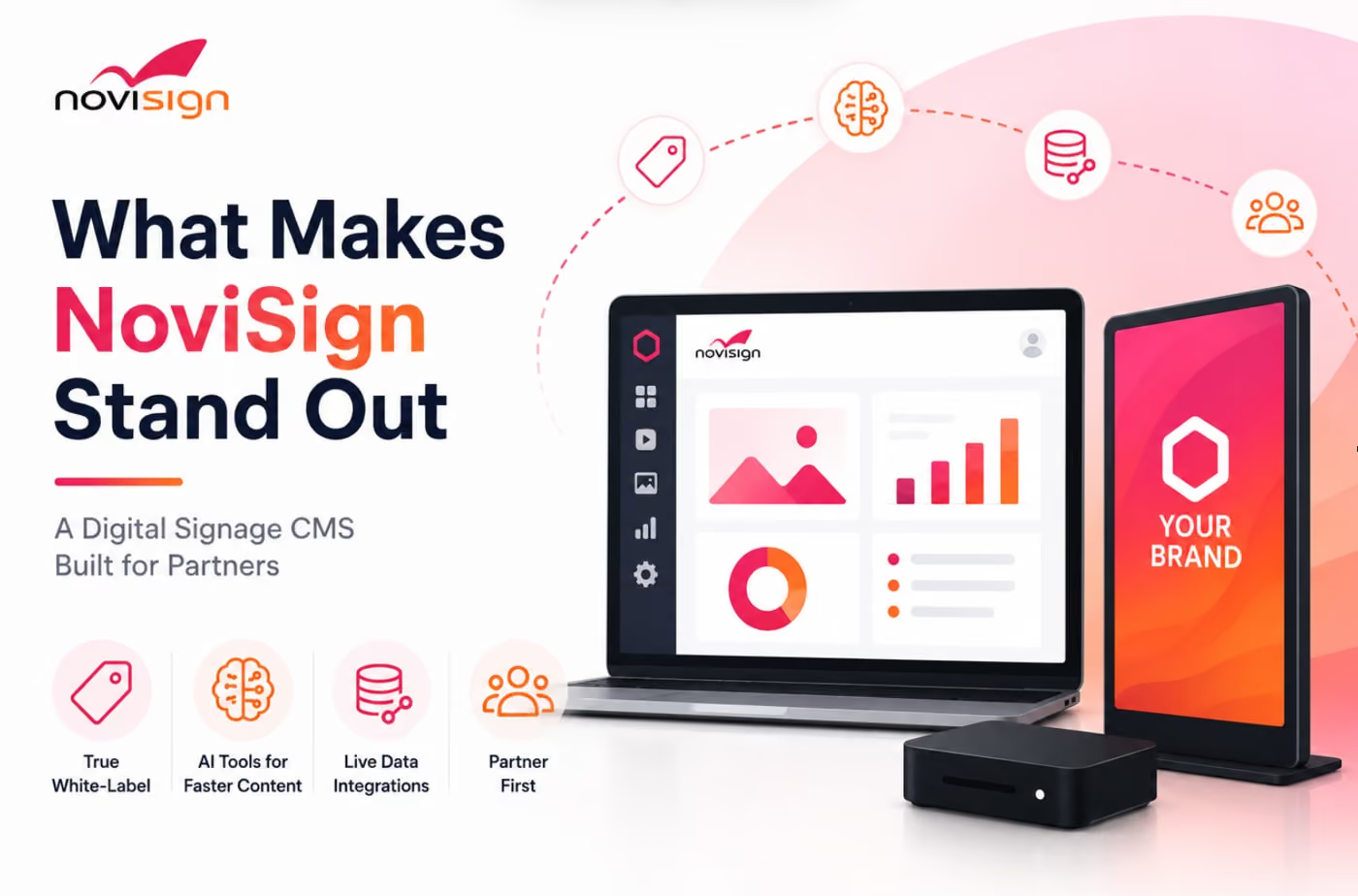
NoviSign is a CMS platform that takes content creation, management, and scheduling to the next level. It’s a web-based dashboard with everything you need in one centralized hub, NoviSign can help you create content with over 400 customizable templates and over fifty widgets to add using a simple drag-and-drop tool in the NoviSign Studio–the first core component of the platform–making it extremely easy to create your content, scale your business, and stay consistent with branding.
The second core component of NoviSign is the Player App that helps to manage how you display your content. Using a lightweight app that you can install on any media player or smart TV display, such as Windows, ChromeOS, or even Android. This simple process will get you presenting your content to the right screen and for the correct crowd to keep staff informed on essential communication or present promotional deals, navigation wayfinding, and more to customers or clients.
NoviSign’s third and final key component may be the most important of all–the cloud-based infrastructure that keeps all of your content in one place and safely secured. The cloud is the place where you can schedule content to specific screens, organize your playlists, and perform updates when necessary.
Features Included on NoviSign
There are a wide variety of features that NoviSign offers its users for those looking for the best content creation and scheduling platform for their business. Some of the best features that NoviSign offers include the following:
- Drag-and-drop tool
- Comprehensive design studio featuring 400 customizable templates
- Over fifty widgets to add to content templates
- Remote management for creation, managing, and scheduling content
- Can create content for one or multiple screens
- Ability to add images, videos, text, and more
- Data integration to display key performance indicators (KPIs), Google Sheets, Google Slides, O365 calendars, and Microsoft PowerBI charts
- Can connect to interactive kiosks for navigation wayfinding, virtual queues, and website access
- Flexibility with hardware and connection to almost any digital signage screen
- Remote management capabilities to control and monitor all of your screens and playlists
- Offers ability to edit and manage content in real-time updates
- Offline playback access to continue playing content even without an internet connection
What Types of Industries Utilize NoviSign’s Features?
Certain CMS platforms seem to work well for some businesses and industries better than others, but many people enjoy NoviSigns because of its features that are accessible to everybody. Everything from major global brands, Fortune 500 businesses, small businesses, and even franchises utilize NoviSign’s popular platform for all of the content creation, management, and scheduling purposes.
To get specifically into what industries NoviSign works best for, here are some examples to see if your business falls into one of these categories:
- Corporate communications
- Restaurants and quick-service restaurants
- Hotels
- Hospitality
- K-12 school districts
- College and university campuses
- Retail stores
- Commercial stores
- Airports
- Train stations
- Bus stations
- Hospitals
- Private doctor’s offices
Pros and Cons of NoviSign: Learn What People Like and Dislike About the Platform
While NoviSign is a popular CMS platform that many well-known businesses use, there are still pros and cons to consider!
While it seems like NoviSign is the perfect CMS platform for almost any type of business in every industry, there could be some issues that users face or even features they simply don’t like. It’s important to go over the pros and cons before choosing the right platform to create and schedule content to ensure that it corresponds with your business and its needs.
Here are some notable pros and cons that are crucial to mull over before deciding if NoviSign is right for your business or not!
Pro: Easy to Navigate and Use
One of the biggest reasons why businesses love NoviSigns is because of how easy the platform is to use. Whether you’re creating content with their customizable templates and addable widgets, scheduling content, or remotely updating or organizing playlists, NoviSign makes using their platform easy for someone with minimal tech skills.
Con: Price May Not Be Feasible for Some Businesses
There are numerous CMS platforms that are affordable for businesses, but others can be more expensive depending on the features they offer and the complexity of it. NoviSigns is by no means a very expensive CMS platform, but starting at $14 per month per screen when billed annually or $16 per month per screen on a month-by-month basis, it can be out of the price range for many businesses–especially when many platforms are free-to-use or offer cheaper monthly plans.
Pro: Offline Reliability
Everywhere in the world seems to rely on internet connection nowadays. You want to use your laptop to search for something online? Make sure you have an internet connection. You want to talk to your friends online? Check for an internet connection. NoviSign is a CMS platform that aims to make a difference just in case of a freak incident, such as the internet going down or even a power outage as they make sure that your business has offline reliability. No matter why your internet goes down, offline availability is there to save the day and continue to display your content without any interruptions.
Con: The Occasional Lag
We’re in a day-and-age now where we expect everything to load within the blink of an eye. Lag when you’re looking something up online or refreshing your Instagram page can be seen as an inconvenience now, and businesses definitely don’t want to experience that when they’re trying to display their digital signage content. One of the other cons of NoviSign that many users have reported are issues with lag for multi-zone screen layouts or when you’re trying to push forward a complex media library. This can be just an occasional issue, but for multiple screens businesses opt for a CMS platform that has high speeds, no lag, and their content displayed instantly.
A Comprehensive Guide to CMS Platforms: Alternatives to NoviSign Worth Signing Up For
Trying to find NoviSign alternatives can be challenging, but here are a few notable mentions worth trying out!

Trying to find the best CMS platform for your business is the hardest part about getting started. While you got your screens up and ready, sifting through the platforms available can be very daunting, and while NoviSigns is a great option, there are better options out there.
Don’t make the decision as difficult as it needs to be, check out these top five digital signage screens perfect for any business today!
1. Shift
Shift is a top-rated CMS platform known for its easy content creation and the mission that the brand brings forth.
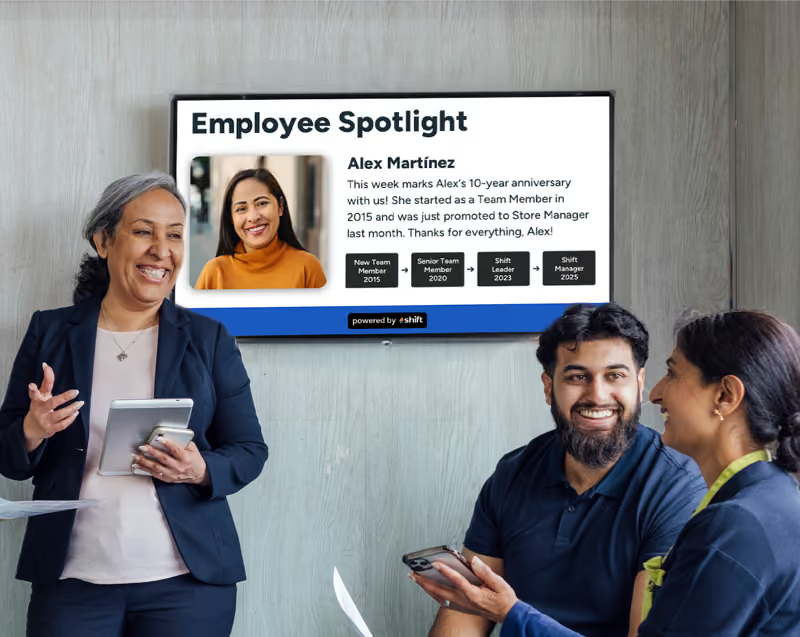
When you’re looking to create digital signage content specifically to uplift staff or as another form of communication, Shift is exactly what you’re looking for. Shift is a popular digital signage platform that can help to expand your business by allowing for brand consistency, scaleability, and by engaging the right audience. With the Content Navigator feature that allows for remote management and real-time updates, Shift aims to help businesses form deeper connections with their staff through engagement and communication through digital signage content.
2. Yodeck
Yodeck is an affordable CMS option perfect for a scalable solution with a simple, easy-to-use design.
Maybe cost is a factor in the type of CMS platform you choose for your digital signage screens. We totally understand if this is the issue, especially for small businesses or for one-screen only users. Yodeck is another great option for those who are looking for affordability and an easy platform to navigate no matter how many screens you have. This particular CMS platform offers free media players on annual plans or you can opt to try out their free subscription for one screen only. They have pre-made templates to start your creative process and remote management for easy managing and scheduling.
3. PosterBooking
PosterBooking is another great free digital signage CMS platform that is cloud-based, offers remote management, and is free to use.
Every business wants to try to save money where they can, and PosterBooking is another great digital signage software that has a free tier perfect for those looking to dip their toes into content creation without the large price tag attached to it. PosterBooking can work with any kind of hardware, such an Amazon Fire TV Stick, Android media players, and Windows PCs and offers cloud-based remote management to manage and update any and all screens as needed–plus they have a generous free tier where you can control up to ten screens.
4. OptiSigns
OptiSigns is a reliable CMS platform that offers a wide variety of features, including app integration, remote management, and even pre-made templates.
Cloud-based digital signage software programs are very popular and they make for easy ways to design content, manage it, and then schedule it for display. OptiSigns is another great CMS option for those looking for remote management for real-time updates. The unique OptiSigns Designer feature has over 5,000 pre-made templates, a drag-and-drop editor, and dynamic widgets to make your content look and feel more lively. It also allows for integration with popular apps such as Microsoft Office 365, Google Workspace, and even Salesforce.
Choose an Alternative to NoviSign With Countless Other Options Available
It can be a process choosing the right CMS platform with features that best fit your business. NoviSign is undoubtedly a great option to select, but make sure to check out some of the other options too to ensure that you’re making the most out of the content you create and see the positive effect it has on your business.
Consider choosing Shift or another NoviSign alternative today and start your content creation journey and see how much further your business can evolve!