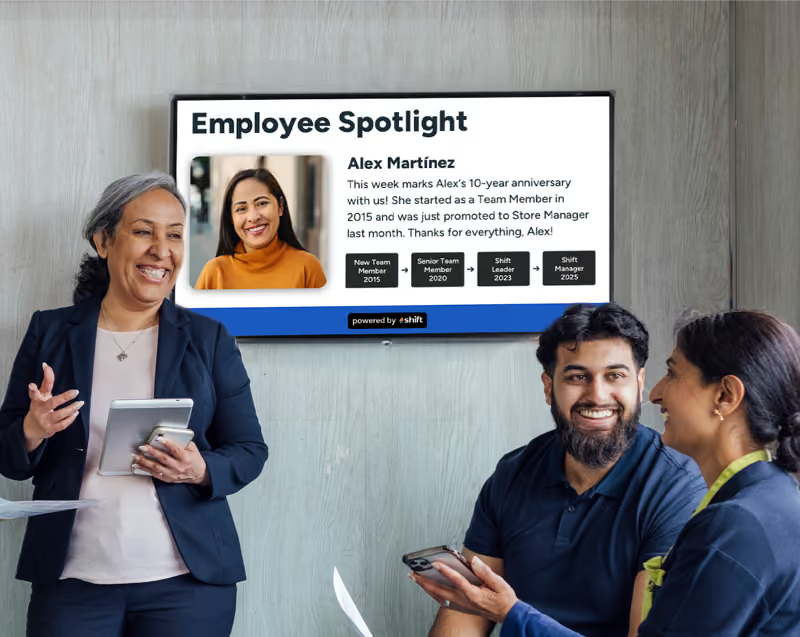
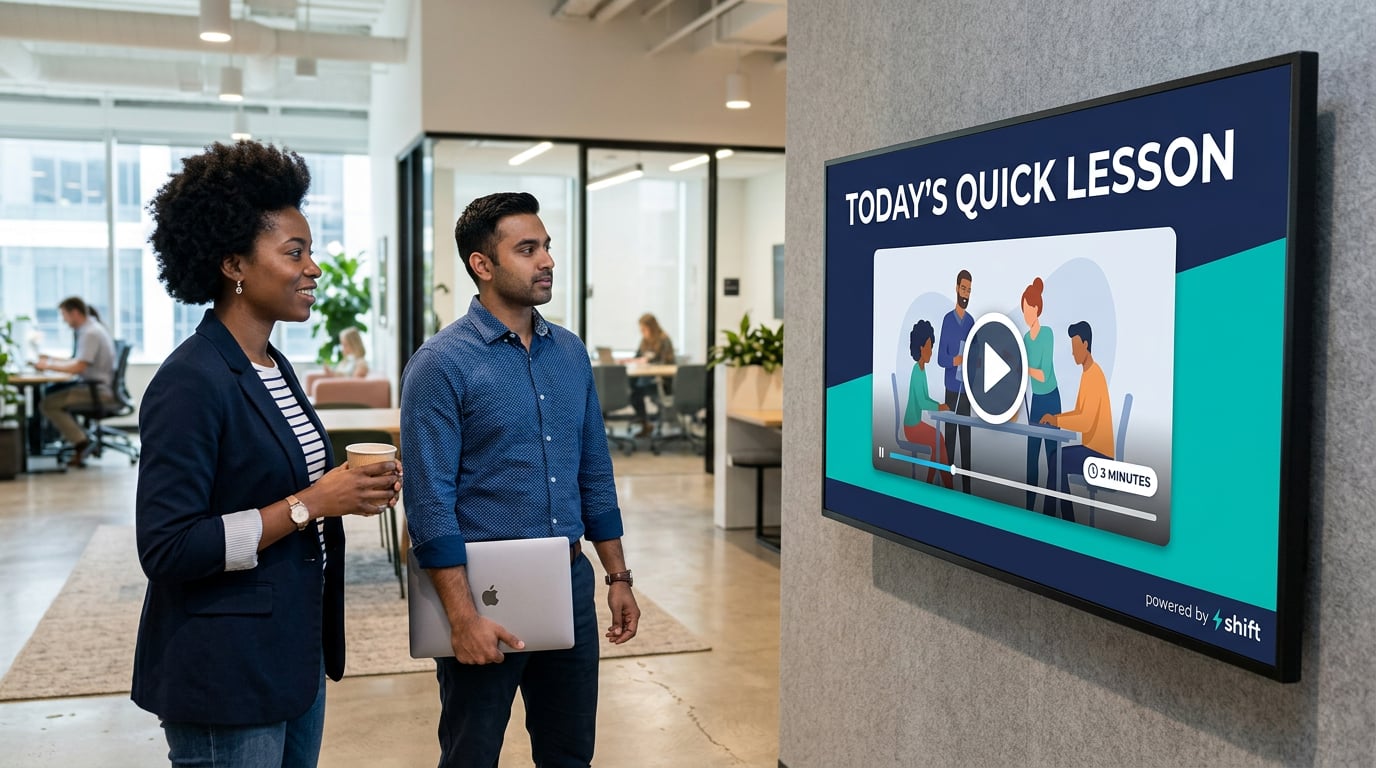
Corporate employees are buried in information every day. Between back-to-back meetings, overflowing inboxes, and a constant stream of Slack notifications, it's no surprise that hour-long training sessions and lengthy e-learning modules often get pushed aside or rushed through just to check a box. The result is a workforce that technically completed its training but doesn't remember much of it a few weeks later.
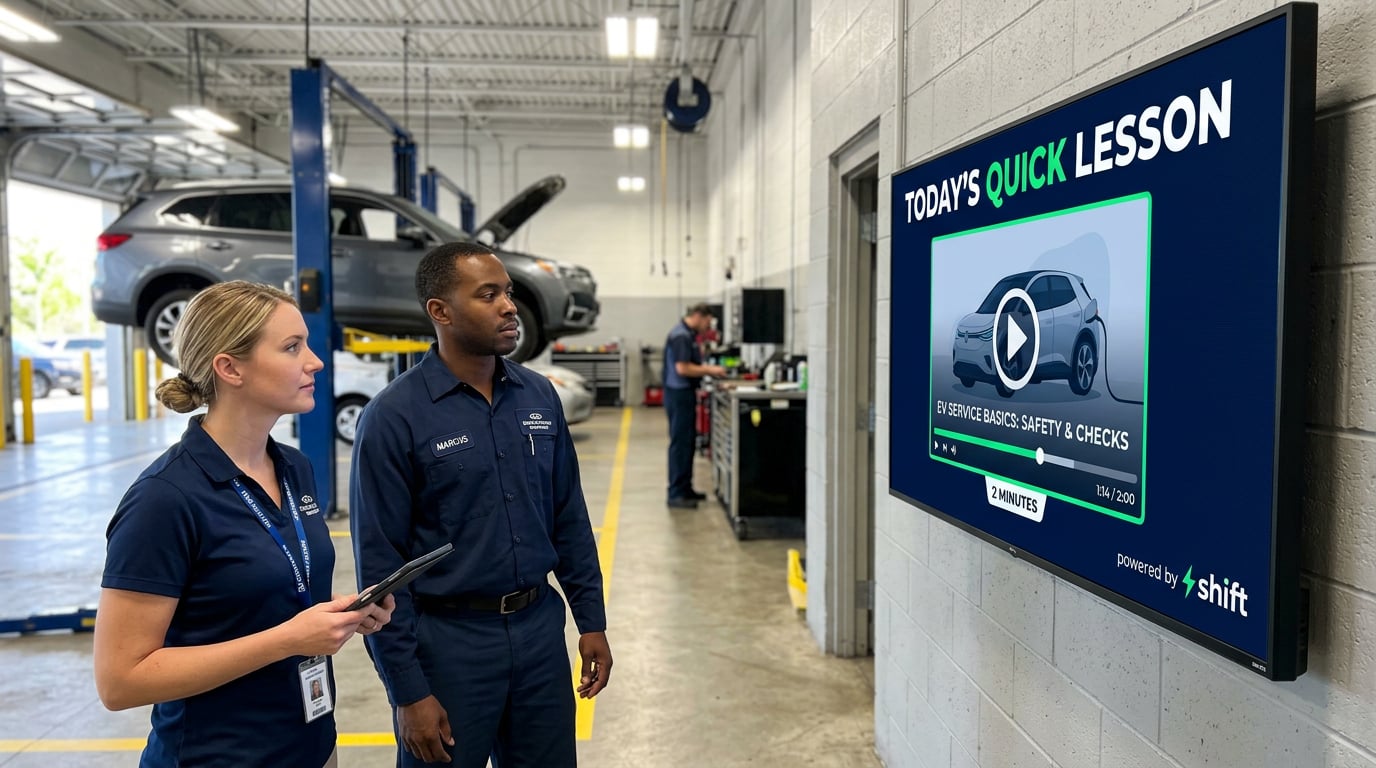
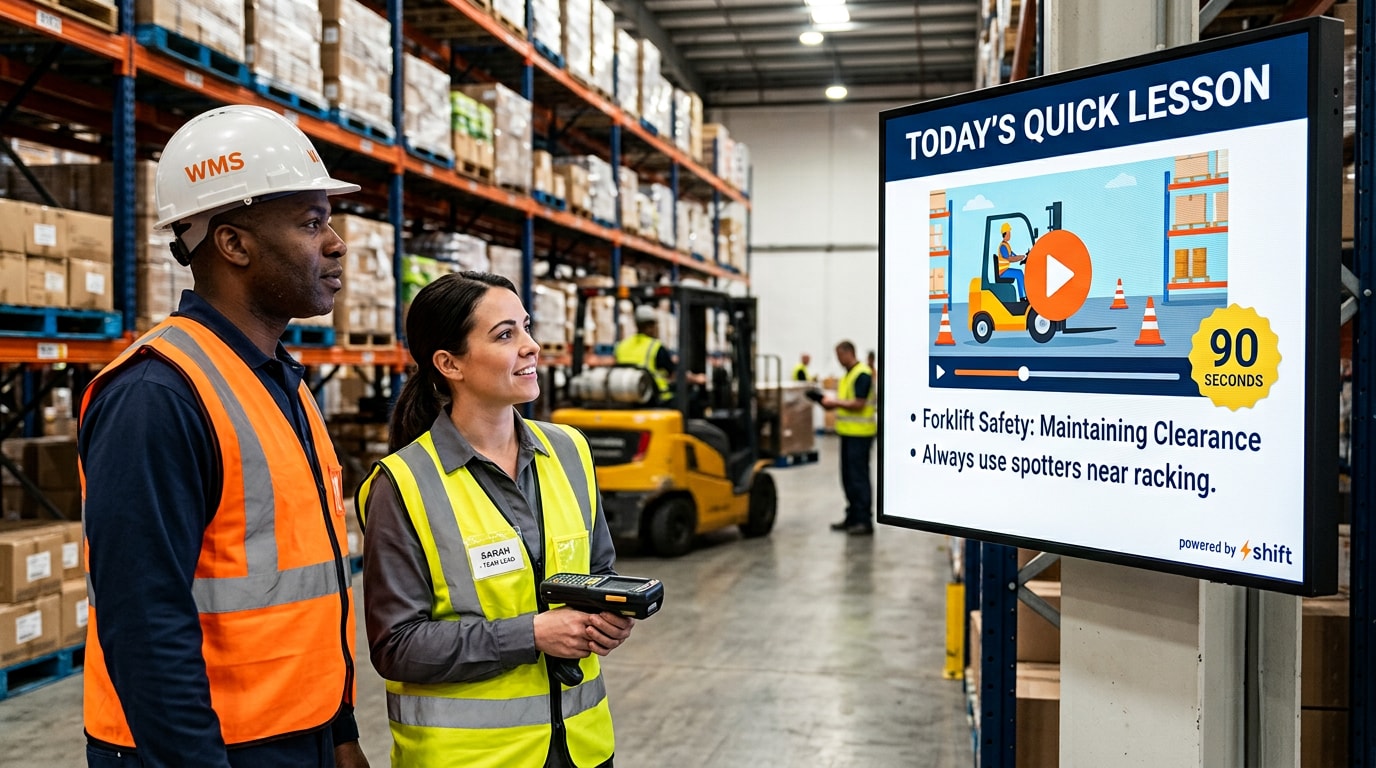
Microlearning offers a simple fix. Instead of asking employees to sit through long sessions, microlearning breaks training into short, focused lessons that take just a few minutes to absorb. When those lessons show up on digital signage in the places employees already pass through, like lobbies, break rooms, elevator banks, and hallways, learning becomes part of the workday instead of an interruption to it.
Let's go over the ways to implement microlearning in the corporate office using digital signage and the benefits that come from it!
Compliance and Policy Refreshers
Annual compliance training doesn't have to be a once-a-year event that everyone forgets by February!

Every corporate office has a long list of policies employees are expected to follow, from anti-harassment and code of conduct guidelines to data privacy, expense reporting, and workplace safety. Most companies cover these topics in an annual training session, but cramming a year's worth of compliance information into one sitting makes it hard for anything to stick.
Microlearning through digital signage turns compliance into an ongoing conversation instead of a yearly chore. Short refreshers, such as a quick scenario about reporting a conflict of interest or a two-question quiz on the updated travel policy, can rotate on screens throughout the office. Pairing these refreshers with QR codes that link to the full policy gives employees an easy way to dig deeper when they want to, without overwhelming them in the moment.
Just-In-Time Software and Tech Tips
Rolling out a new tool or platform? Microlearning can help your team get up to speed without flooding the IT help desk!
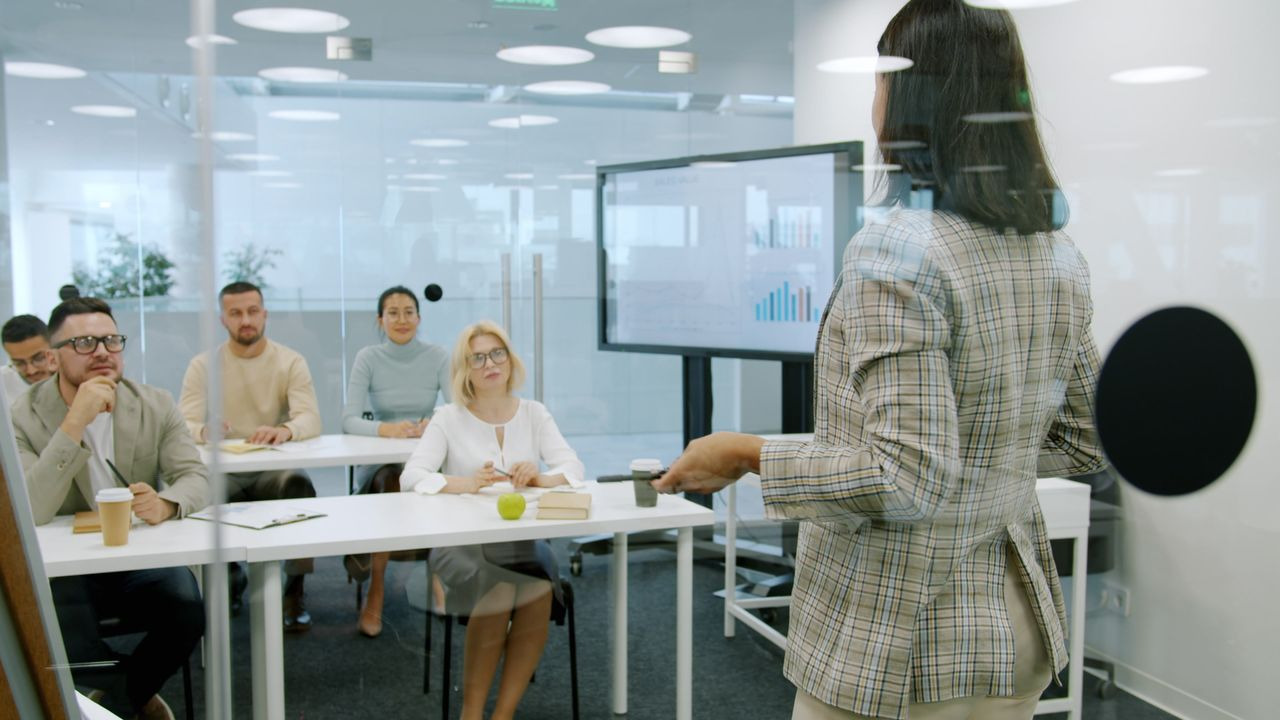
Corporate teams rely on a growing stack of software to get their work done, including project management tools, CRMs, communication platforms, and HR systems. Every time a company adopts a new tool or an existing one releases a major update, employees are expected to adjust quickly, and many of them end up only using a fraction of what the software can actually do.
Microlearning is perfect for just-in-time tech training. Digital signage can feature quick tips like a keyboard shortcut of the week, a 30-second walkthrough of a new feature, or a reminder of where to find the updated expense reporting portal. QR codes on screens near shared workspaces and conference rooms can also link to short how-to videos, so employees can troubleshoot common issues on their own instead of waiting on a help desk ticket.
Cybersecurity Awareness
Your employees are your first line of defense against cyber threats, and short, frequent reminders can keep them alert!
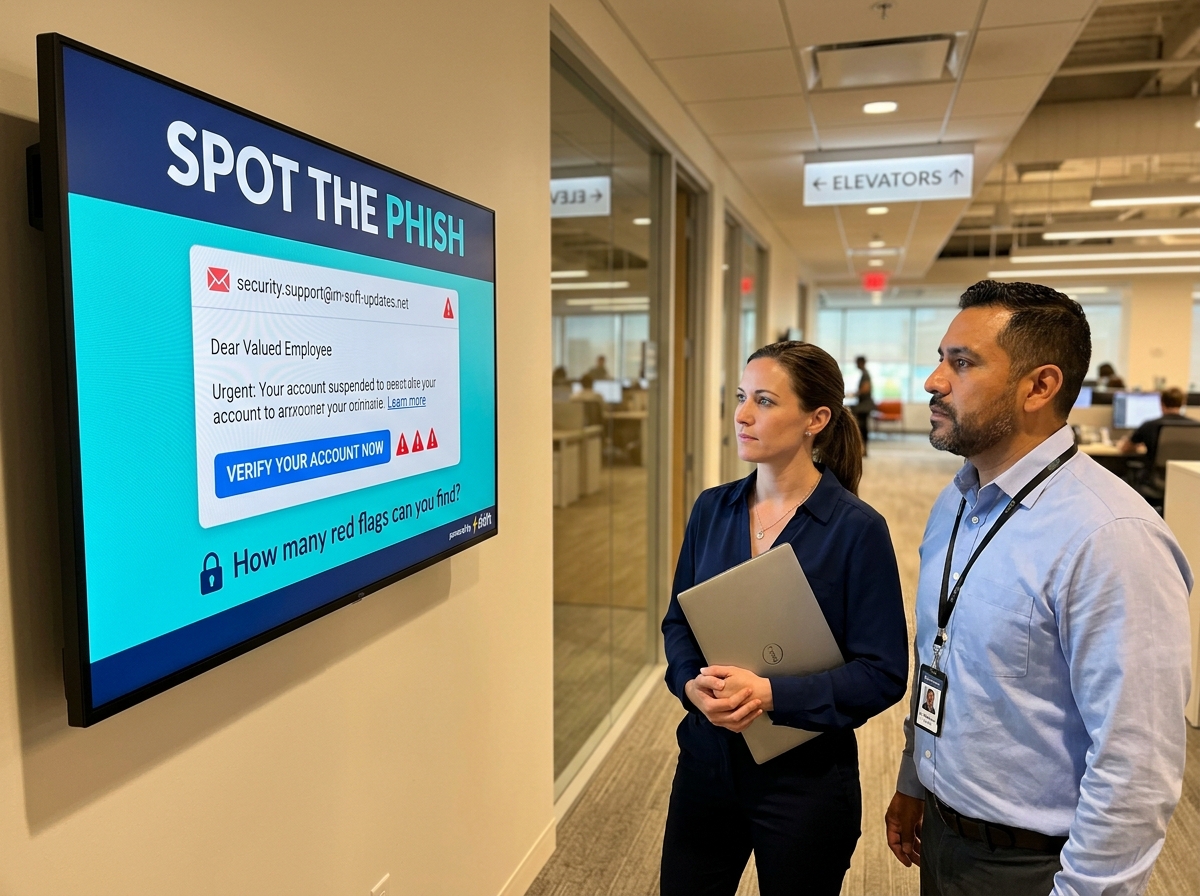
In a corporate office, cybersecurity is everyone's responsibility. Phishing emails, weak passwords, unsecured Wi-Fi connections, and unlocked computers left unattended can all open the door to a data breach, and many of these risks come down to simple human error rather than a failure of the company's technology.
Microlearning through digital signage can keep cybersecurity top of mind without making it feel like a lecture. Screens can display a "spot the phishing email" challenge, tips for creating strong passphrases, reminders to lock screens before stepping away, or alerts about scams currently targeting your industry.
Because cyber threats change constantly, the ability to update this content in real time makes digital signage especially useful for keeping employees informed about the latest risks.
Onboarding New Hires
Help new employees feel at home faster by giving them bite-sized lessons on company culture and processes!
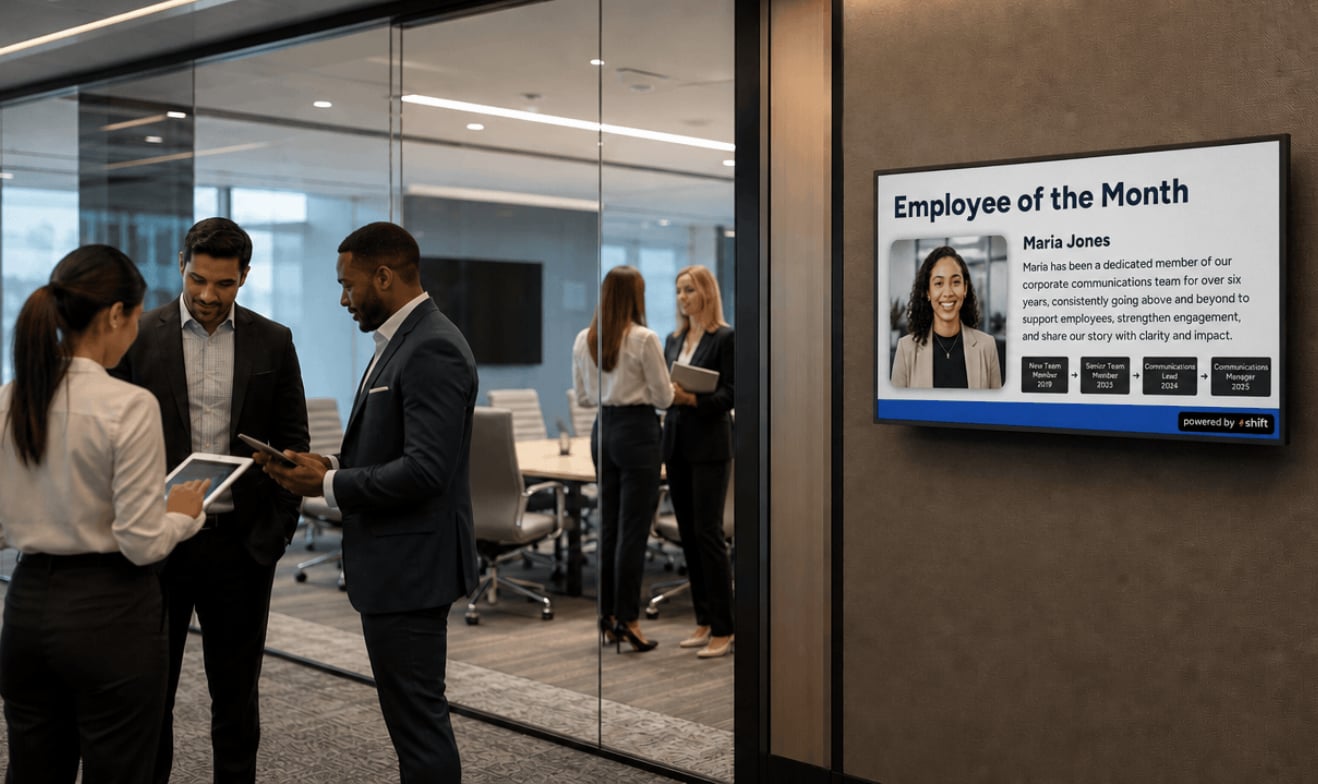
The first few weeks at a new job can feel like drinking from a firehose. New hires are introduced to dozens of people, systems, and processes all at once, and most of that information is forgotten almost as quickly as it was shared. A rocky onboarding experience can leave new employees feeling lost and disconnected, which can make them more likely to start looking for their next opportunity.
Microlearning on digital signage can help reinforce onboarding in a way that feels welcoming instead of overwhelming. Screens can introduce company values, explain who to contact for IT or HR questions, share a quick org chart of each department, or highlight office amenities new hires may not know about yet.
Welcome messages featuring new team members by name can also help them feel recognized from day one while introducing them to the rest of the office.
Soft Skills and Leadership Development
Communication, time management, and leadership skills can be built a few minutes at a time!

Technical skills may get employees hired, but soft skills like communication, collaboration, giving and receiving feedback, and time management are what help them thrive in a corporate environment. Unfortunately, these skills are often overlooked in formal training programs, and many employees are promoted into management roles without ever learning how to lead a team.
Microlearning is a natural fit for soft skill development because these skills are built through small, consistent habits. Digital signage can share a tip for running more productive meetings, a quick framework for giving constructive feedback, or a reminder to block focus time on the calendar. Featuring internal career paths and upcoming professional development opportunities on screens can also show employees that the company is invested in their growth, which goes a long way toward keeping top talent around.
Micro-Huddles to Build Stronger Teams
Bringing teams together for quick learning sessions can improve collaboration across departments!

With hybrid schedules and remote work now common in corporate settings, many employees rarely see their coworkers face to face. Departments can easily become siloed, and team members may go weeks without interacting with colleagues outside their immediate group. That disconnect can make collaboration harder and leave employees feeling less invested in the company as a whole.
Microlearning can help bring teams back together through "micro-huddles," or short morning or weekly sessions where a team gathers around a screen to learn something new. These huddles can cover a quick refresher on a company process, a trivia-style quiz on industry trends, or a spotlight on what another department is working on. Gamified lessons and friendly competition between teams can make these sessions something employees actually look forward to, while building stronger relationships across the office.
Microlearning Through Shift: How This CMS Platform Can Help Transform Learning in the Corporate Office
Keeping employees informed, engaged, and continuously learning is exactly what Shift is built to help with!

Digital signage paired with microlearning is an engaging way to get employees more involved in their own training, helping them retain information without adding more meetings to their calendars. Content management systems (CMS) power digital signage by giving companies a central place to create and schedule content, whether that's a compliance refresher, a cybersecurity tip, a company announcement, or a real-time update on team KPIs.
Shift and How It Can Positively Impact the Corporate Office
Corporate offices are busy places, with employees juggling deadlines, meetings, and hybrid schedules that make it hard to stay connected. Shift's unique CMS platform is a great way to bring employees together, keep them informed, and most importantly, help them feel appreciated and valued for the work they do.
Shift's main mission is to improve manager and employee relationships through staff acknowledgement. That could be anything from employee appreciation posts and employee-of-the-month features to giving team members the opportunity to nominate and shout out a coworker through interactive QR codes. Recognition like this helps employees feel seen, which plays a big role in keeping them engaged and committed to the company.
Shift can also strengthen internal communications in an office where important emails often get lost in crowded inboxes. Employees can see updated policies, training reminders, onboarding content, and company news displayed right where they work, and content can be updated in real time using the Content Navigator that puts you in control of all of your screens.
Features to Use on Shift's CMS Platform to Benefit Your Corporate Office
Shift offers a ton of unique features that allow managers and HR teams to quickly see the benefits of focusing on their people and building stronger, more meaningful relationships. Microlearning is a great way to train employees, but Shift also offers the following features that can greatly benefit any corporate office:
Improve Microlearning Within the Corporate Office Through Digital Signage and Shift's CMS Platform
Microlearning can help corporate offices keep employees properly trained, informed, and connected, whether they're brushing up on compliance, learning a new software feature, or developing the skills they need to grow into leadership roles. Short, focused lessons help prevent training fatigue, keep employees engaged, and help them retain information far better than a long training session ever could.
Consider using Shift and its unique content creation abilities to up your game when it comes to training your employees through microlearning in the corporate office!