Trying to come up with new methods on engaging staff and boosting productivity can be quite the challenge–but it’s safe to say that throwing out your used up bulletin or cork board is the first step. While technology continues to advance, it’s sometimes a great idea to hop on the bandwagon and incorporate it in your own business.
Digital signage uses both LED/LCD screens, but the real magic happens behind-the-scenes when using a content management system. CMS are software applications that allow users to use templates or create their own content that can be displayed on a digital signage screen. Not only can users be creative with how and what they present on digital signage, but it can also be a way to boost employee engagement, create a positive work environment, and boost productivity.
With so many CMS software applications to choose from, it can be difficult to find the best one for your business, so here are the top five options that are perfect for any business!
Your Comprehensive List of the Best CMS Software Applications For Internal Digital Signage
Digital signage can truly transform any business, and these CMS applications can make the difference!
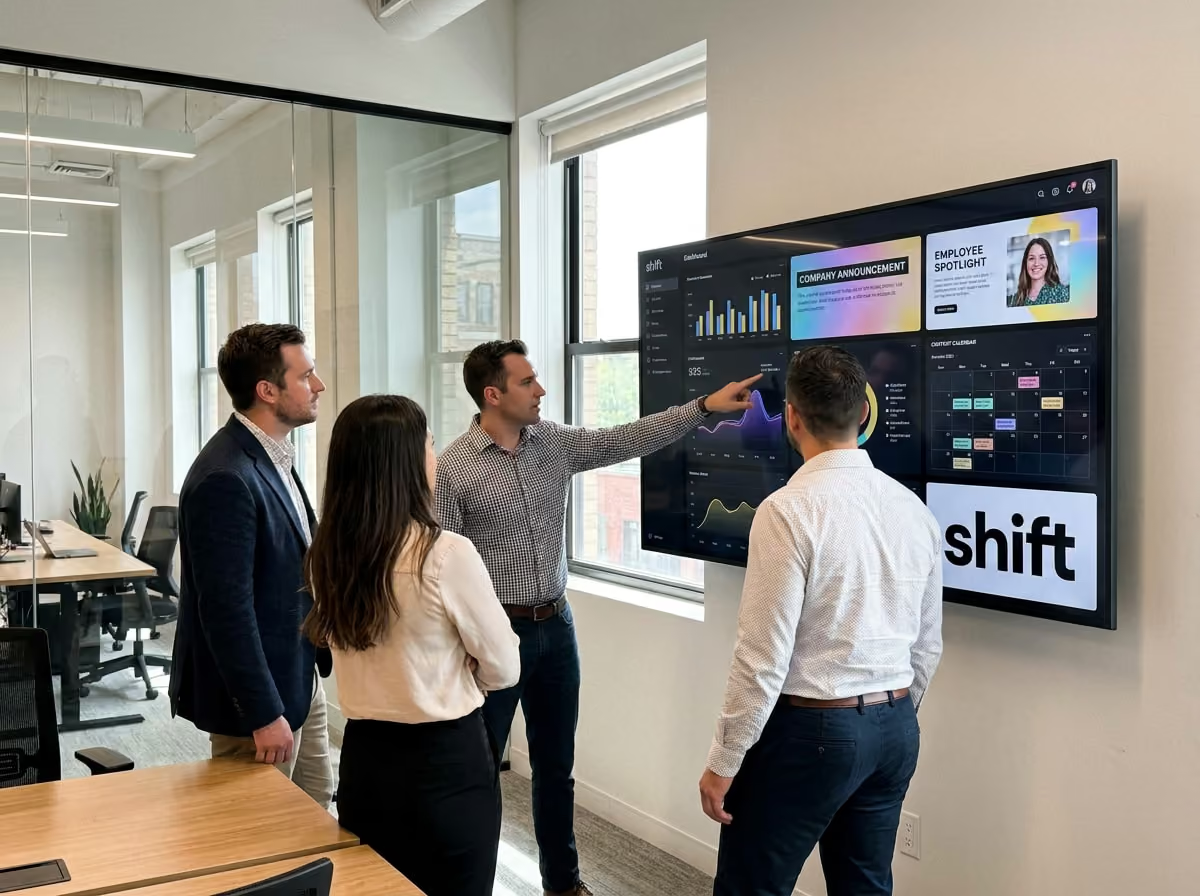
When trying to create a digital signage screen that gets your staff involved, a good content management system is needed. CMS software applications allow users to get creative and dive into content creation that can not only get staff more engaged, but get them talking, provide feedback and suggestions, and even increase internal communications.
There are a wide variety of CMS software applications to choose from all with their very own key differences that make them unique in their own way. One thing about them is that they all have the same goal in mind–increase internal communications and employee engagement.
Check out these top five best CMS software applications to implement in your business with the use of digital signage!
1. Shift
Shift is a top-rated CMS software application that can help to boost employee engagement and aims to help deepen relationships with staff.
When searching for a top-rated CMS software application, you’ll want to start off by thinking about the types of things you want to see your business improve on. If developing deeper, more meaningful relationships with your staff is at the top of your list, then Shift is the best digital signage content creator around when it comes to improving internal communications.
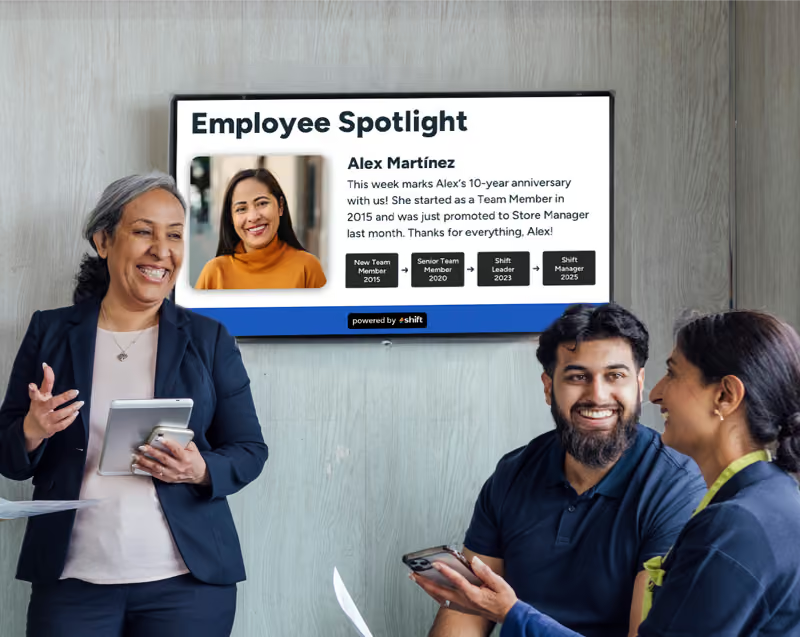
Shift aims to help enhance your relationship with staff through means of recognition and appreciation, whether it’s highlighting employees for the day’s hard work, work anniversaries, birthdays, or even doing something as simple as having them submit a photo of their pet to learn more about them. This CMS software application also uses remote management to help you create, edit, and upload content to be changed and reflected to company news and alerts remotely using a cell phone, tablet, or a computer.
Shift offers a ton of unique features that can help make a difference in how staff interact, communicate, and develop relationships with each other with some of the top being:
- Boost employee engagement through recognition and appreciation
- Celebrate staff birthdays, work anniversaries, and other achievements
- Show training videos
- Employee spotlights
- Interactive polls for staff to anonymously complete
- Expands internal communications
- Allows staff to retrain and re-skill in key trainings
- Helps leaders learn more about staff
- Encourages employees to do work harder
- Increases productivity
- Create diverse content using pictures, videos, or documents
- Use as a wayfinding and navigation system
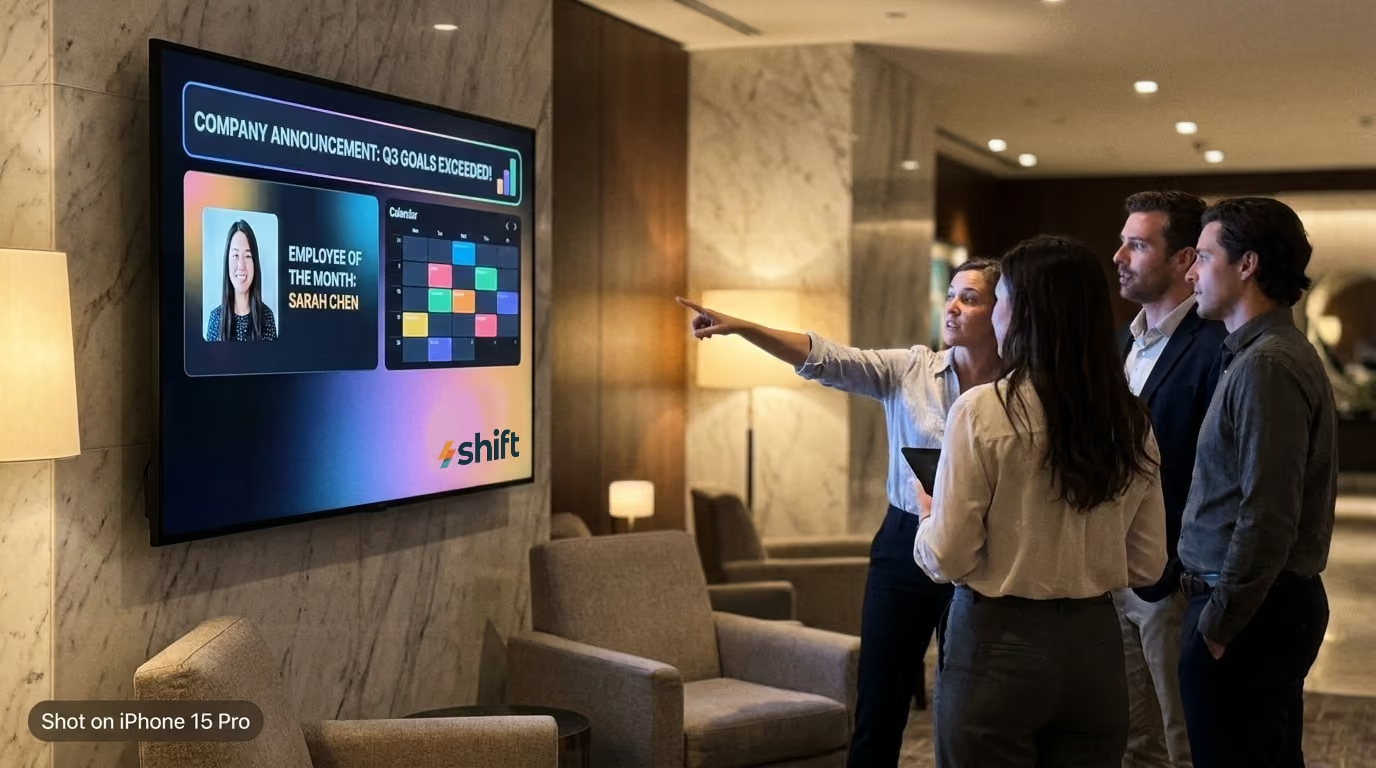
- Broadcast company announcements, updated policies, etc.
- Use to post emergency alerts
- Streamline workflow and post frequent updates about each day’s tasks
2. ScreenCloud
Key goals of using ScreenCloud:
- Allows deskless industries to access important internal communication
- Uses ScreenCloud Engage to allow for further employee engagement
- Reduces reliance on email and opts for a centralized communication hub instead
Another great option when it comes to choosing a CMS software application that can help to improve internal communications is with ScreenCloud. This is a great internal communications CMS that aims to unify workplace messaging with the use of their cloud-based software that allows you to create, manage, and display content using digital signage in high-traffic areas–such as breakrooms, warehouses, and lobbies.
ScreenCloud was designed for the 80% of the workforce that is deskless–for those who don’t sit at an office desk with time to really catch up on emails.
Their CMS software application works best in many manufacturing, healthcare, hospitality, and retail businesses for this reason alone. It helps to build a sense of community by using their ScreenCloud Engage tool that can foster belonging and increase employee engagement by allowing staff to share photos and other content–almost acting as its own companywide social media platform.
Besides the use of ScreenCloud Engage, there are other features that are worth noting for ScreenCloud users to implement into daily operations such as:
- Content can be published on TVs, monitors, tablets, and kiosks
- Compatible with Amazon Signage, Amazon Fire, ChromeOS, Android, Windows, and macOS
- Used predominantly in deskless industries with lack of email or access
- Improves internal communications
- Build and foster a sense of community with ScreenCloud Engage to communicate with staff
- Reduces reliance of email
- Utilizes remote and real-time capabilities to create, edit, and publish content from anywhere
- Instantly broadcast safety concerns or protocols to help reduce work-related injuries
- Highlight individual or team successes
- Integration allowed with Microsoft Teams, Slack, or Google Workspace to automate any and all content
- Allows all employees to receive important information regardless of position
- Offers immersive training sessions and skill development
3. Yodeck
Key goals of using Yodeck:
- Easy interface for centralized control of all content
- Allows for better personalization for content that is displayed
- Helps improve operational efficiency to integrate with other tools to perfect performance
Creating dynamic content shouldn’t be difficult–especially with a CMS software application like Yodeck that helps out a ton of the leading industries and franchises around the country. Yodeck is well known for its easy interface to create content that can all be done in-app. It features an efficient drag-and-drop editor, free templates and stock media to use, and custom layouts to organize your content using media tags to send to specific screens depending on location.
Yodeck is also extremely useful for its offline playback capabilities that will ensure that your content is still displayed regardless of internet connection or a lack thereof. Users even enjoy its seamless integration to other popular platforms like Canva, Asana, and other third-party apps to draw media and other useful data into your content.
Many people enjoy Yodeck because of its efficiency and freedom of personalization of content, but here are some other benefits and features to using Yodeck:
- Centralized hub for remote content management and creation
- Drag-and-drop tools to make for easy content creation
- Free to use templates and stock images for digital signage
- Strong security system to keep your content safe and secured
- Remote management to create, edit, and publish content anywhere you go
- Organize content according to which screen it should be on with media tags
- Analytics available to see boost in employee engagement and productivity
- Content personalization to reflect business mission and goals
- Reduces email clutter and static methods of posting signage
- Celebrate staff or team achievements, work anniversaries, birthdays, etc.
- Can help reinforce company culture and create a more connected space for staff
4. Rise Vision
Key goals of using Rise Vision:
- Enhances employee engagement and workplace culture
- Streamlines operations with an easy-to-use platform
- Schedule relevant content using automated updates for scheduling on-the-go
There are a number of CMS software applications that are useful for managers to use to help boost internal communications. Implementing digital signage in the workplace is one of the best ways to get staff involved and Rise Vision is another CMS software application. It does everything from enhancing employee engagement and culture, boosting productivity, increasing safety and awareness, and also reinforcing the branding of any business.
Rise Vision is a free digital signage software that has over six hundred different templates to use, edit, and post content with in order to help increase internal communications among staff. It has seamless screen sharing capabilities, and even allows users to connect to other applications to share everything from real-time data and weather, while managed using their efficient cloud-based user-friendly platform. It even features offline reliability to keep your content displayed in case of an internet outage or other complications.
Rise Vision has a ton to offer its users when it comes to creating dynamic, immersive content, but it also has features that include:
- A complete free tier with up 600+ different templates for the ultimate content creation
- Also offers paid tiers for companies that want to up their content game
- Completely cloud-based and flexible when it comes to creating and posting content at your leisure
- Features a user-friendly interface that is easy to figure out for non-techy individuals
- Supports Single Sign-On (SS) for an easy user management, plus role-based access control
- Uses real-time data integration to connect to other applications to update weather, news, calendars, social media posts, etc.
- Implements Common Alerting Protocol (CAP) for emergency alerts
- Has easy-to-use screen sharing to display content remotely and organize it by location
- Includes offline playback to show content without the use of internet or outages for constant communication
- Reliable scheduling to keep content up-to-date and consistent
5. OptiSigns
Key goals of using OptiSigns:
- Increase transparency with live dashboard and performance metrics
- Enhance productivity by streamlining operational information
- A source of communication for staff who don’t regularly check email
Many CMS software applications aim to update industries on daily operations, such as keeping tabs on key performance indicators (KPIs) and other metrics, enhance transparency, and boost employee engagement through a real-time flow of regularly updated information. OptiSigns is a great CMS application perfect for industries that want to foster a stronger company culture and have messages reach out to everyone–especially non-desk staff.
OptiSigns is a unique CMS application because they offer the capability for both immersive and interactive content using AI cameras, motion sensors, and even QR codes. Using this unique tool can trigger specific content and gather audience analytics that can help create more efficient content—and be a great way for updating daily operations. It can also use QR interactivity that staff can scan to provide feedback on company surveys, or to be used as a tool to develop deeper connections with them.
Interactive data is what OptiSigns is all about, but they also have other features that can improve any deskless industry or business including:
- Integrations to over 140 popular apps like YouTube, Instagram, Power BI, or even get weather and traffic updates
- A completely cloud-based design with drag-and-drop tools, multiple templates, and widgets to use to add text, videos, images, statistics, etc.
- Multi-zone layouts and templates are available to display multiple types of content (such as weather, traffic updates, images, etc.) all at the same time
- Schedule content to be posted at relevant times, or on a rotation to keep staff interested
- Offline mode to continue to display content without the need of an internet connection, or due to an outage
- Top-notch security with industry-leading encryption to keep your account and content safe
- Control content right from your fingertips with your cell phone, tablet, or computer
- Offers role-based permissions and management of all screens from one single dashboard for easy use
Choose From One of These Top Five Best CMS Software Applications to Create the Best Content For Your Business
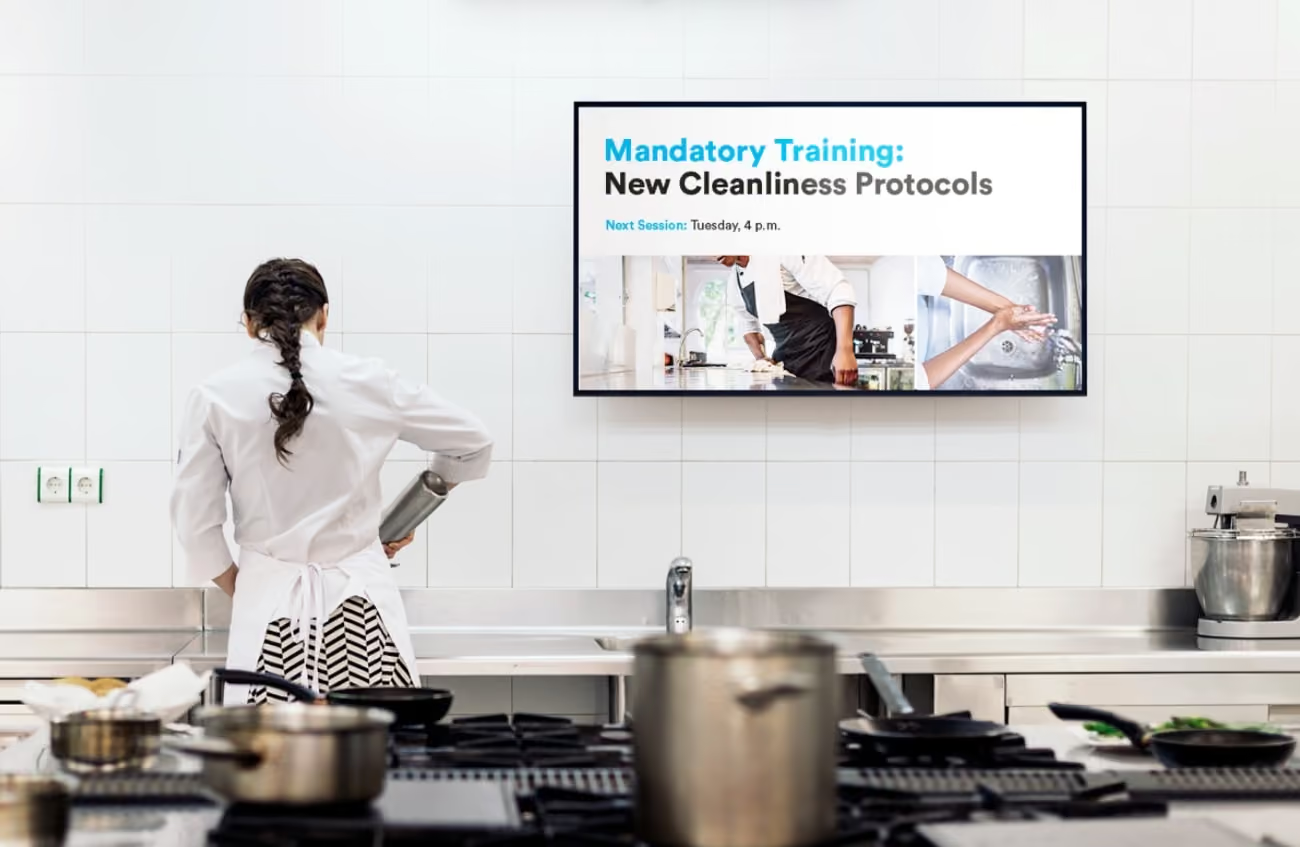
Content creation shouldn’t be difficult–and neither should using it to further engage your staff. If you’re looking to increase internal communications with your staff through the use of dynamic content, then digital signage is a great way to see positive changes in your staff through some simple recognition and engagement.
Consider using Shift as your go-to CMS and check out these other top CMS software applications to see which is best for your business–and more importantly, your staff!