
Creating clear and concise communication between management and all levels of employees has never been easier thanks to digital signage. Instead of running from “x office” to “y base of operations” or relying on email(s) to get through without any annoying snags along the way, you can instantly share and delegate business matters near instantly thanks to such programs. The digital age has proven that although not all of its advancements are necessary or good for general business in the long run, some things are more than worth investing in and one of those things is digital signage.
Just like with any up-and-coming technology there is going to be a lot of companies vying for the number one slot. OptiSigns is a digital signage company that has had quite the reach in the corporate world. Offering their own unique toolsets and capabilities for easy content management and the like. But what are their pros and cons? Are there better alternatives out there for your business? We’re going to take a deep dive into OptiSigns and offer you some alternatives that you may be more interested in.
- What is OptiSigns: A Look into the Digital Signage Software
- The Pros and Cons of OptiSigns
- OptiSigns Alternatives to Consider
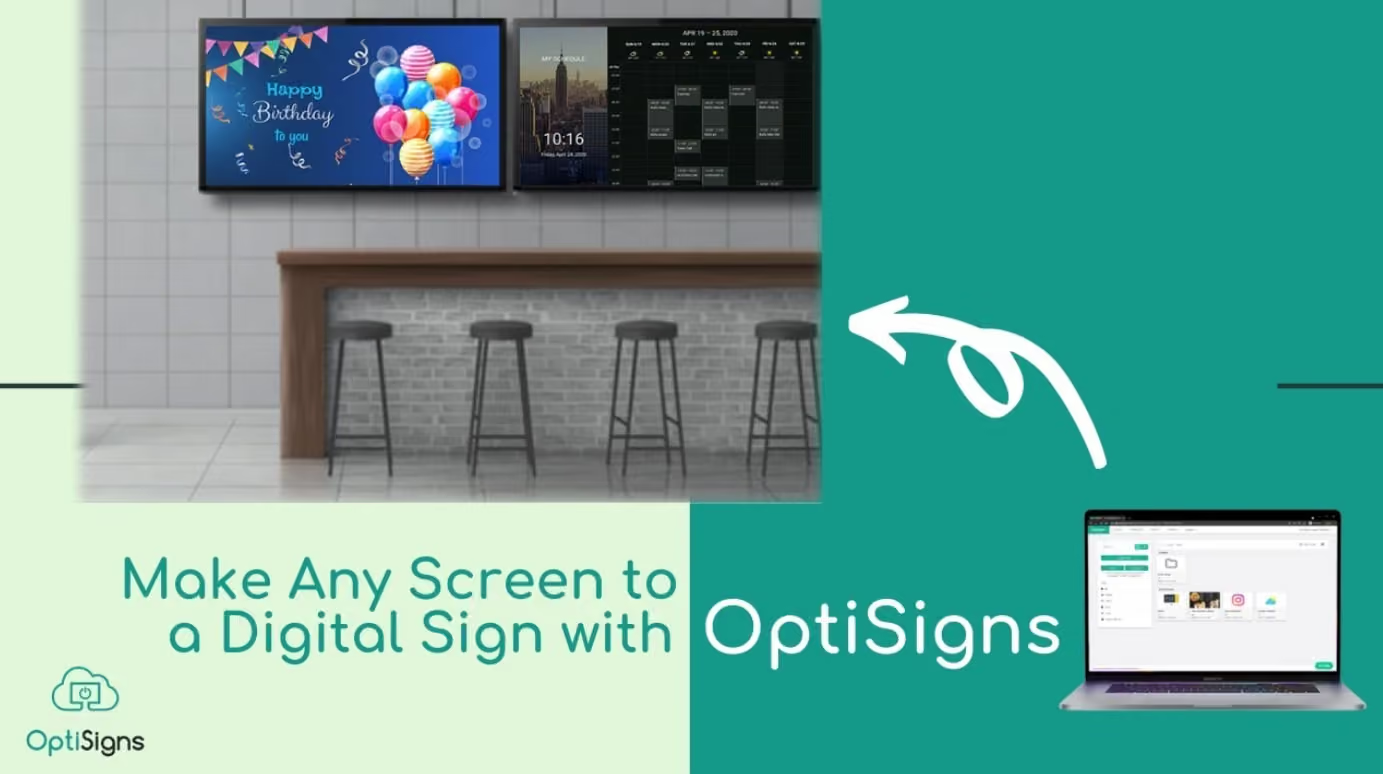
What is OptiSigns: A Look into the Digital Signage Software
“Effortless communication” is the two buzzwords OptiSigns uses to advertise its product of digital signage. As most businesses start, things were small at the beginning, but now that have reached an impressive height with over 30,000 companies using OptiSigns it’s no wonder they have left their own indelible mark on the industry. Their software isn’t just for corporate offices, no, they have a wide reach with offerings in Manufacturing and Production, Retail, Healthcare, Education, and more. In just ten years since the business’s start they have captured nearly 200,000 screens and work with 163 countries.
But how does their program work?
OptiSigns has their own app you can download and try out risk free for a 14 day trial period. It has “a user-friendly CMS, drag-and-drop interface, stock images, and support for multiple file types.” There’s also a ton of app integration, working with popular social-based, management, and practical-use icons like Instagram, YouTube, Weather, Canva, Google Slides & Reviews, PowerPoint Online, and more. Their downloadable app that requires no external hardware works with the following systems:
- Windows
- macOS
- Linux
- Android
- Amazon Signage
- Raspberry Pi
- Apple TV
- BrightSing
- LG WebOS Signage
- Samsung SSSP
- Chrome OS
- Roku
- Samsung Smart TV
- IOS
- ARM Linux
- Fire OS
Once you’re done with the free trial or are tired of being limited by the “free” capabilities of their app. There are four other monthly plans to consider:
But if you’re looking to have a piece of reliable hardware, OptiSigns has three software options:
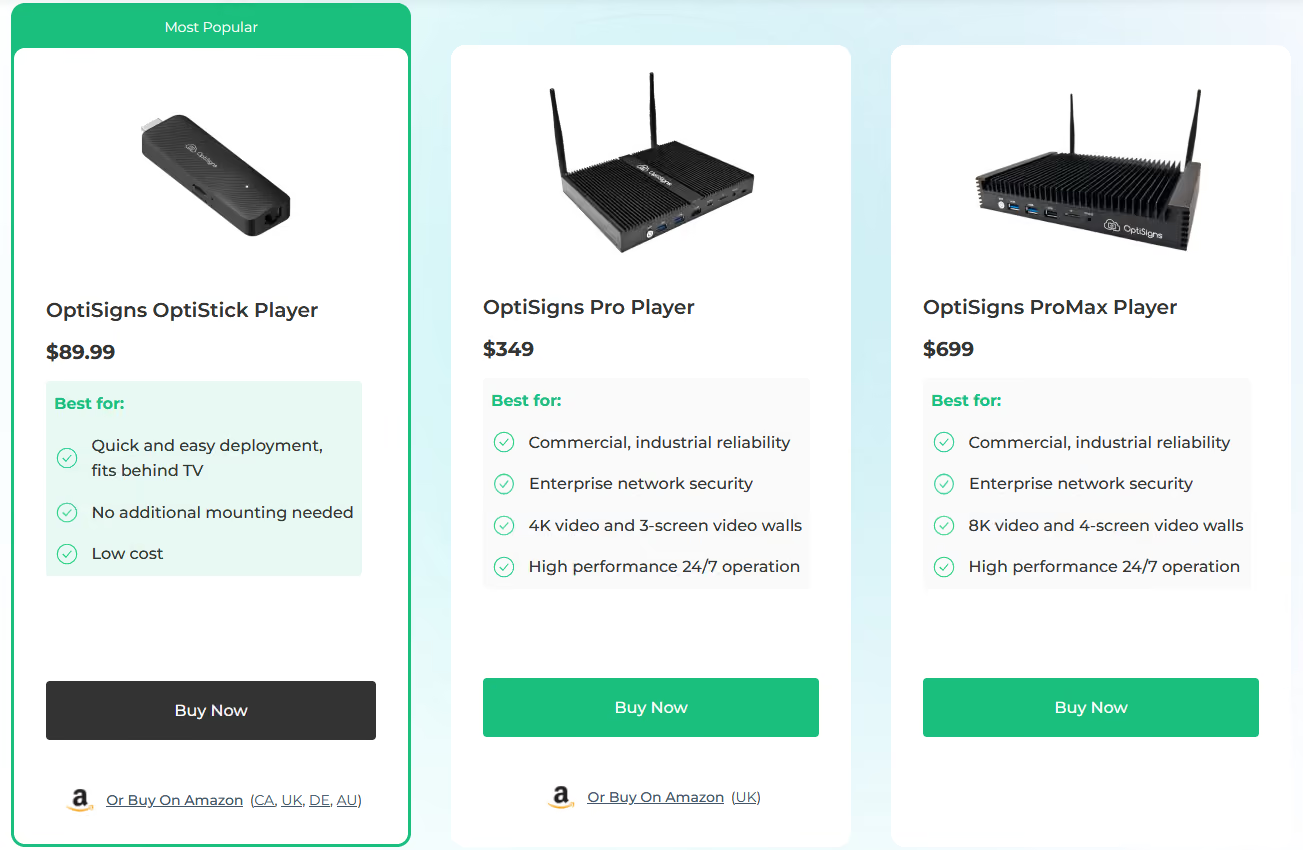
They have their most inexpensive (and most popular) option, the OptiSigns OptiStick Player for $89.99. Similar to a Chrome Stick, you would plug it into the back of your office TV and set it up that way.
Then there’s the OptiSigns Pro Player for $349 which is for bigger businesses looking for a higher performance. Offering “4K video and 3-screen video walls, enterprise network security, and commercial, industrial reliability,” this one is worth the investment should it be the scale you’re looking to conquer.
Lastly there’s the OptiSigns ProMac Player for a whopping $699. This is their biggest option that offers all the same things the Pro Player has but with higher quality to boot. Best for corporations on a larger-scale.
The Pros and Cons of OptiSigns
Now that we know a little bit about their company and what they have on offer, we should next take a look at the pros and cons so you can see if it's right for you or if alternatives will be more up your alley.
Pro: Varied Subscription Plans
Many companies out there, specifically ones selling to other corporations and businesses alike will limit their product based on scale. Keeping things exclusive to “top performers” but OptiSigns has not just one or two subscription plans with fairly priced monthly/screen costs, but five (including the free plan).
Con: Steep Learning Curve
Obviously you saw just how many features each plan comes with and although the variety is nice, it’s a bit of a steep learning curve when it comes to actuality utilizing their programs. Not just from the sheer overwhelming assets, but because the UI isn’t the most intuitive, so it can take some tutorials, trial and error, and some last minute Google searches to really get a handle on everything.
Pro: “Free Forever” Tier
Many companies will only allow you to use their program for free for a limited time before you have to start paying, but OptiSigns has a fully free tier that you can use as much as you want without ever having to pay, with that tier you can: Upload Images, Videos, Documents, Manage screens remotely from web or mobile, 1GB Cloud Storage, 25 Basic Apps, a 3 screen limit,* OptiSigns logo on screens, and 25 MB File Limit.
Con: Hidden Costs
And just like most companies will only have a trial-based “free” period, there’s also the needle drop of “hidden costs” and OptiSigns is no different here. We talked a little bit about the hardware when breaking down the company, well OptiSigns charges for hardware as well as software. That means even if you opt to just get one of their tech-products you still will pay monthly for select services.
Plus some features you’ll get from other SaaS programs are another additional cost with OptiSigns. For instance, to get a video wall it will be another $25 per video wall per month and wireless presentations are $20 per presentation. A recent reddit thread showed the frustration with the “video wall add-on” cost and urged users not to get OptiSigns because of it. Taxes also aren’t included in listed price(s), as well as price increases which could happen at any moment.

OptiSigns Alternatives to Consider
With additional costs you weren't expecting and an awkward app-interface for not-so technology literate managers and delegates, there are some that look at the versatility of OptiSigns and want an alternative that will get what they need done all while performing at an above average level. So let’s take a look at some so you can get a CMS you’re happier with:
- Shift
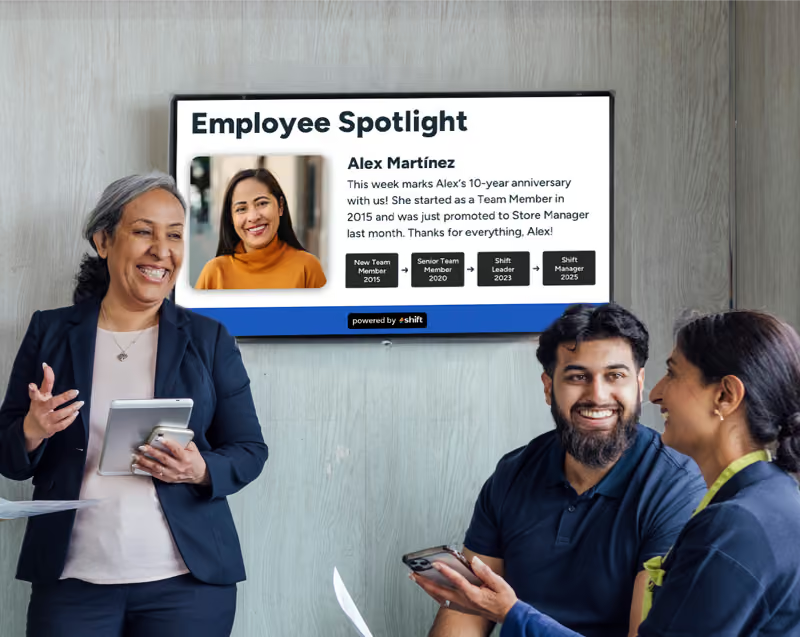
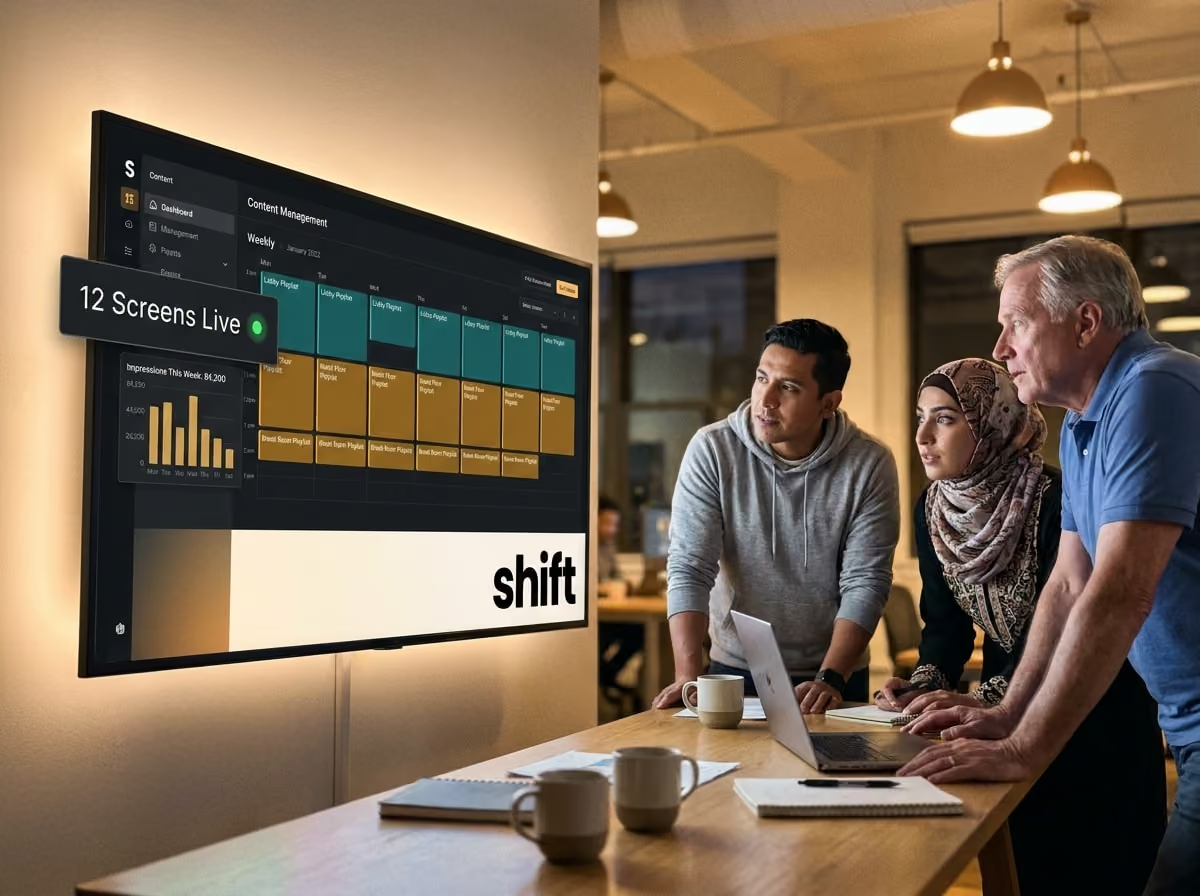
We’re starting with our very own golden goose egg, Shift, the platform for digital signage that can be placed in any kind of workspace and environment you’ve cultivated. Looking for a place to communicate fast with BOH (back of house) employees? Shift’s streamlined platform allows for a direct line of communication from management to the staff. No frills, no extra clunky additives that will make for missed opportunities and interrupt the work flow. With the Content Navigator tool, Shift can efficiently update any digital signage screens to give updates on company news, spotlight employees, and give updates on current projects.
- Displai (Raydiant Dashboard)
Best known for its widely loved interactive content on kiosks and digital signage boards, Displai’s Raydiant Dashboard is great for a business that has lots of customers coming in and out. Think “up to kiosk” food/drink orders or those who are looking to take their paper menus and thrust them into the digital age with an engaging UI- (that’s easy to follow) and is great for their type of business and regular incoming demographic.
- Yodeck
Yodeck is probably the most cost-efficient option out there for a CMS, they have a free, yes free, subscription that isn’t limited. And if you’re looking to upgrade, they have a number of low-cost options that really make it worth the price. It pairs with applications known and used by many so there doesn't need to be a steep learning curve or any extra annoying downloads when switching to Yodeck. With pre-made templates and free stock photos, there’s quite the draw to a software that has as many free resources as this one.
- Juuno
This cloud-based and user-friendly digital signage software is another popular alternative, especially when it comes to comparing the interfaces together with OptiSigns. Sometimes it’s nice to not feel overwhelmed when undertaking an overhaul of your previous digital signage program or starting out with something that’s easy to understand- Juuno gets its flowers for exactly this. All from a singular app, Juuno allows users to create and edit what they need from management to employer with no extra hassle.
- ScreenCloud
And lastly we have ScreenCloud which is best known for being a great choice for encouraging communication between employees. They have this thing called “ScreenCloud Engage” which is essentially a "business social media page” where employees can engage, add comments, and post in to feel more connected. It opens up communication more efficiently than many other related companies have done.

There are OptiSigns Alternatives!!
OptiSigns has an accomplished background that’s well worth the look, especially if you’re someone that likes to have options when searching for a program relating to your work and how it could effectively change the way your business is communicating from the ground up. Although there might be some hidden cost fees and some clunkiness regarding the in-app features, there is plenty to appreciate about OptiSigns when it comes to its versatility and integrating third-party apps we all know and use in our personal and professional lives.
Should you need reliable and sturdy digital signage software to fall back on that bridges the gap between management and employees, then Shift is a perfect alternative for you to consider. Especially if you’re looking to make that transition simple and need your real-time communication goals met with the standard that you’re used to setting.








.avif)