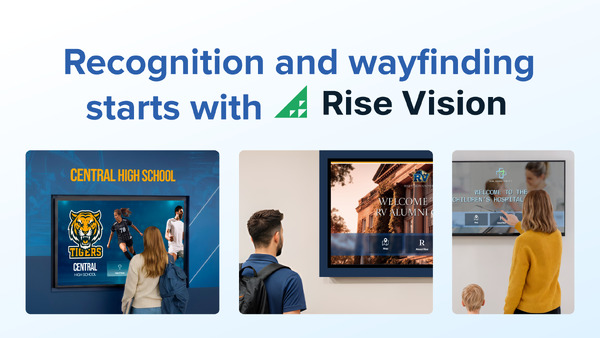
If you've been using Rise Vision for a while, or you're comparing options before committing, you've probably run into the same questions a lot of buyers ask: does it scale well once you're managing screens across multiple buildings, and does the template library keep up once your content needs get more specific? Rise Vision has built a strong reputation, but limitations tend to show up in multi-site complexity, and the template library is generally thinner than some alternatives. For organizations running dozens of screens across several locations, or for industries like retail and restaurants that need a different feature set entirely, those issues can be reason enough to start looking elsewhere.
The good news is that the digital signage market is crowded with capable competitors, which is why we’re going to explore information relating to:
- Why you might be on the hunt for a Rise Vision alternative
- Things to consider in any digital signage platform
- The best 5 Rise Vision alternatives available now
Why Look for a Rise Vision Alternative?
There are lots of reasons why you may be in the market for a Rise Vision substitute
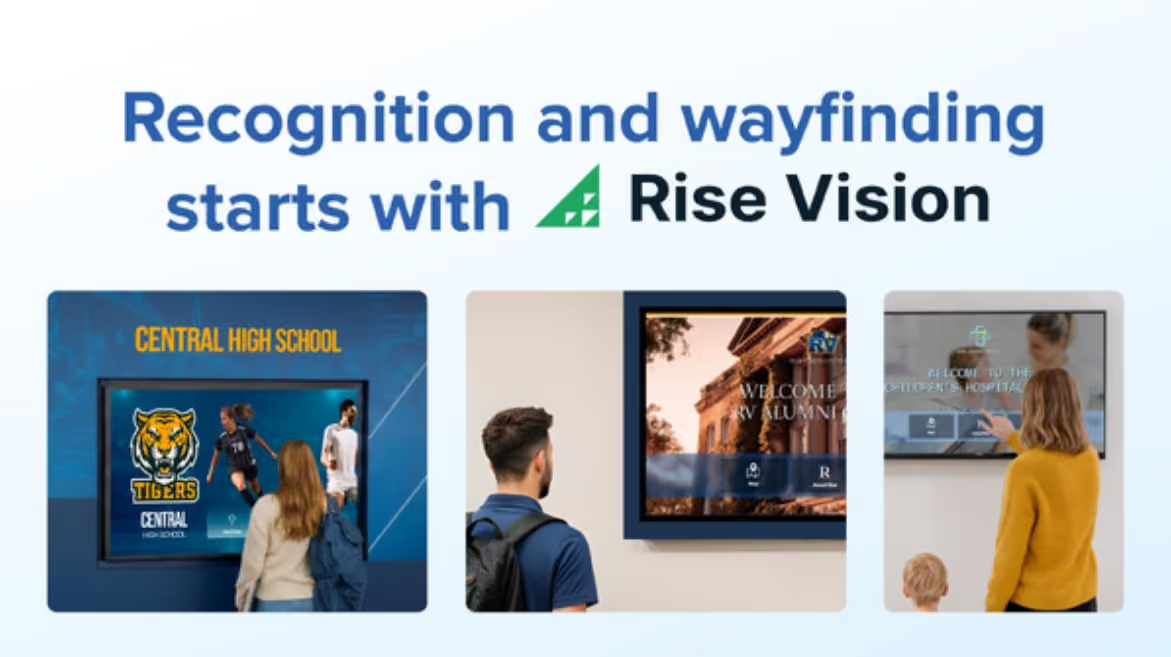
Rise Vision earns strong reviews across the board — ease of use, customer support, and value for money all rate highly on major review platforms. So why are so many companies looking for alternatives? The answer usually comes down to one of four things: scale, industry fit, integrations, or pricing structure.
Multi-site complexity. Rise Vision works well for a single school or a small office managing a handful of screens. Where limitations tend to show up is in multi-site complexity — managing dozens of screens across multiple locations gets more involved. For organizations running screens across a large campus, a regional network of offices, or multiple facilities, some buyers find the platform less streamlined than alternatives built with that scale in mind from the start.
Industry fit. Rise Vision's feature set has been shaped heavily by its education user base. Emergency alerts, classroom display tools, and school-district-level licensing are genuine strengths if you're in K-12 or higher education. But if you're running digital signage for a restaurant group, a retail chain, or a hospitality brand, you're working with a platform that wasn't primarily designed for you. Competitors like Shift and OptiSignshave invested more heavily in use cases outside education.
Integration depth. Rise Vision covers the core integrations — Google Workspace, Microsoft 365, Canva, and a handful of social media feeds. For most users, that's enough. But organizations that need more advanced data connectivity, like live Power BI dashboards, custom API feeds, or deeper CRM integrations, sometimes find the options limited.
Pricing at scale. Rise Vision's per-display pricing model is transparent and competitive for smaller deployments. As screen count grows, however, the monthly cost compounds. For context, ScreenCloud starts at $20/screen, and Yodeck starts at $8/screen but with a more limited feature set at the low end. Depending on your screen count and the tier you need, a competitor's pricing structure — whether flat-rate, site-licensed, or bundled with hardware — could work out significantly cheaper for your specific situation.
None of this makes Rise Vision a poor choice. For educational users, it remains one of the most recommended platforms in the category. But if any of the four factors above resonate with your situation, it's worth a serious look at what else is out there.
Tips: What to Look for in a Digital Signage Alternative
Before diving into specific platforms, it helps to have a clear set of criteria in mind. Two platforms can both claim to "manage screens at scale" while being built around completely different assumptions about hardware, content workflow, and deployment size.
Start with the pricing model, not just the starting price. Per-display pricing works fine at small scale but compounds quickly as screen count grows. Map out what you'd pay at two or three times your current screen count before committing. Some platforms offer site licenses or flat-rate plans that become dramatically cheaper at higher volumes.
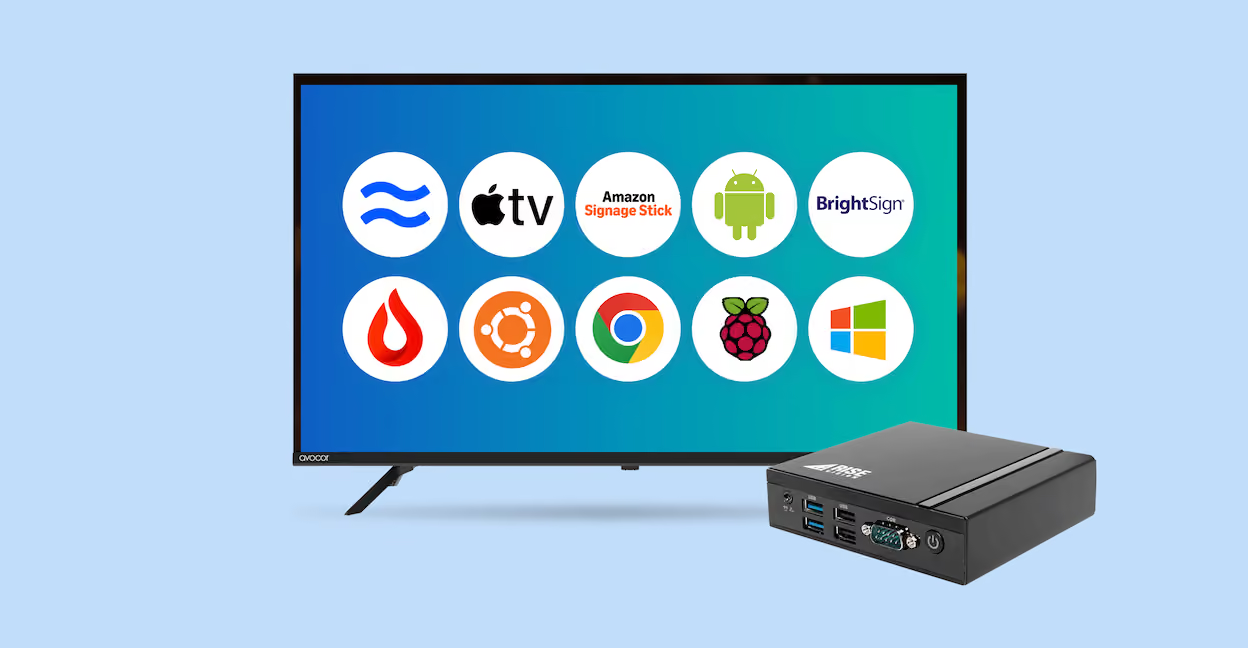
Hardware compatibility is easy to overlook until you're deep in an evaluation. Most major alternatives are compatible with diverse hardware including Fire TV Stick, Android devices, Raspberry Pi, Windows, Linux systems, and Chromecast. If you have existing devices you want to repurpose, flexibility here is non-negotiable.
Beyond that, assess template depth and relevance to your industry, scheduling and permission controls for multi-screen management, integration depth for live data feeds, and support quality for non-technical day-to-day users.
Ranking these criteria by importance before you start booking demos will make the comparison process considerably faster and reduce the risk of choosing a platform that doesn't fit how your team actually works.
Top Rise Vision Alternatives
There are better options out there if you’re ready to move on from Rise Vision!
With those criteria in mind, here are the top Rise Vision alternatives worth evaluating in 2026, organized by where each one tends to perform best.
1. Shift
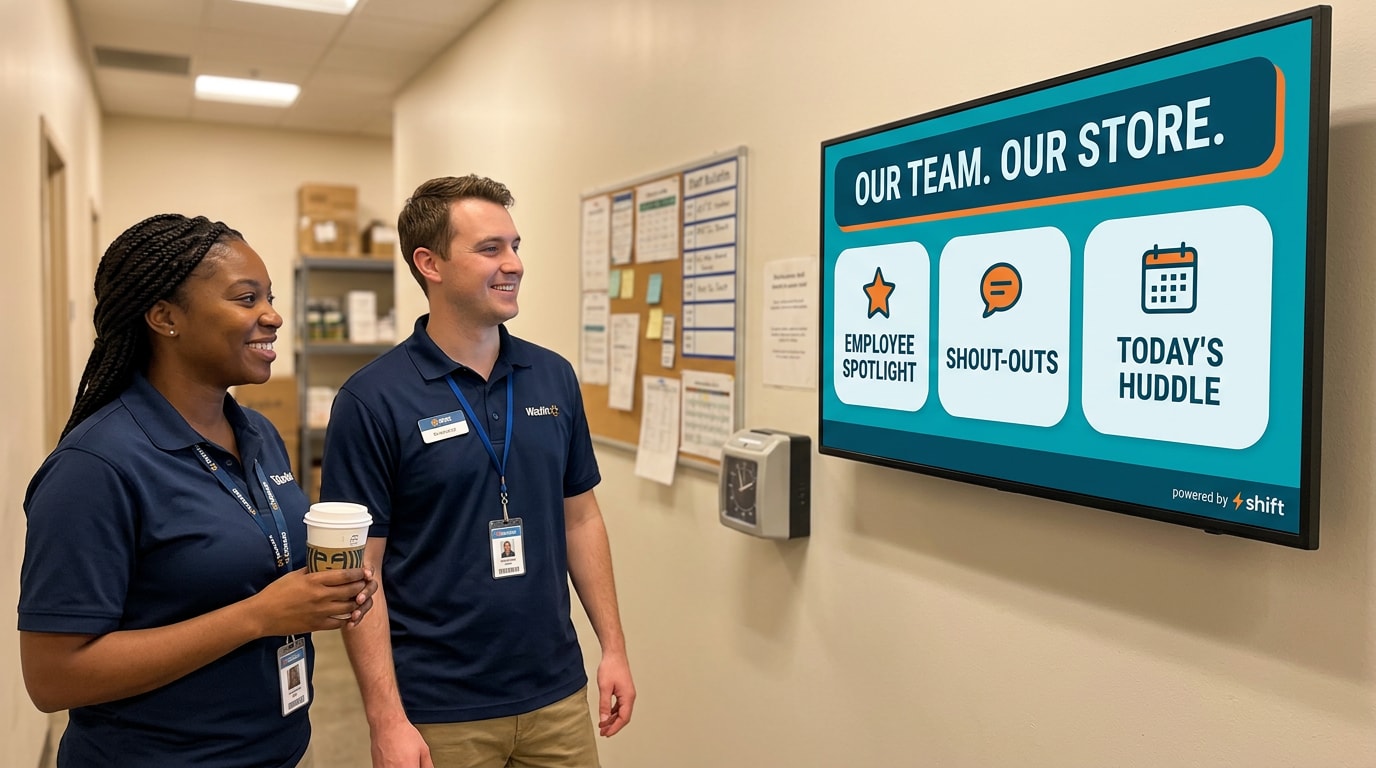
If you’re looking for a Rise Vision alternative that’s designed to be plug and play, then consider Shift digital signage. No matter if you’re a retail business, a quick service restaurant, or a corporate campus, using Shift can boost productivity, lower costs, streamline workflows, and reduce employee turnover. Using the Content Navigator, users can update information in real time from any device, keeping all team members up to date and on the same page. Shift is easy to scale, and can be used for a variety of functions, including:
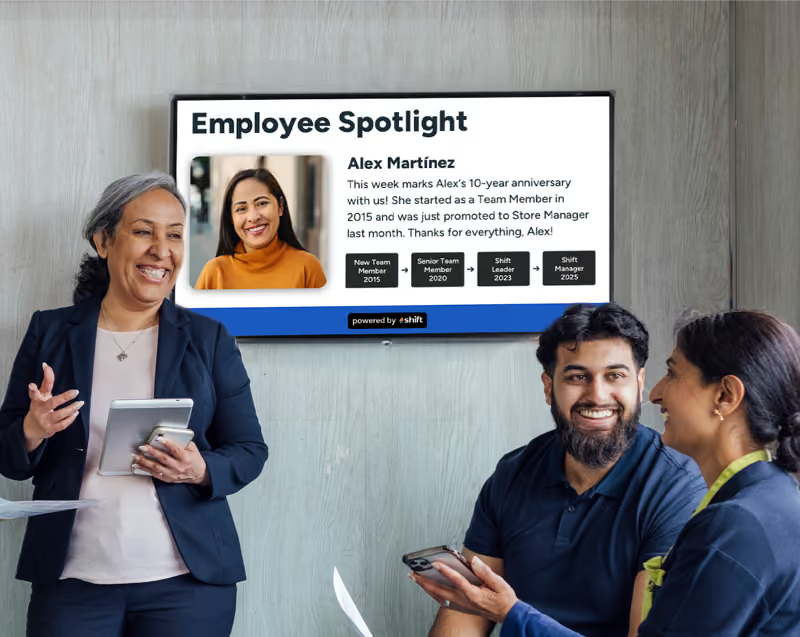
- Employee recognition through spotlights, work anniversaries, achievements, and birthdays
- Access to training materials
- Assisting with onboarding
- Wayfinding
- Internal company communications
- Posting safety or emergency alerts
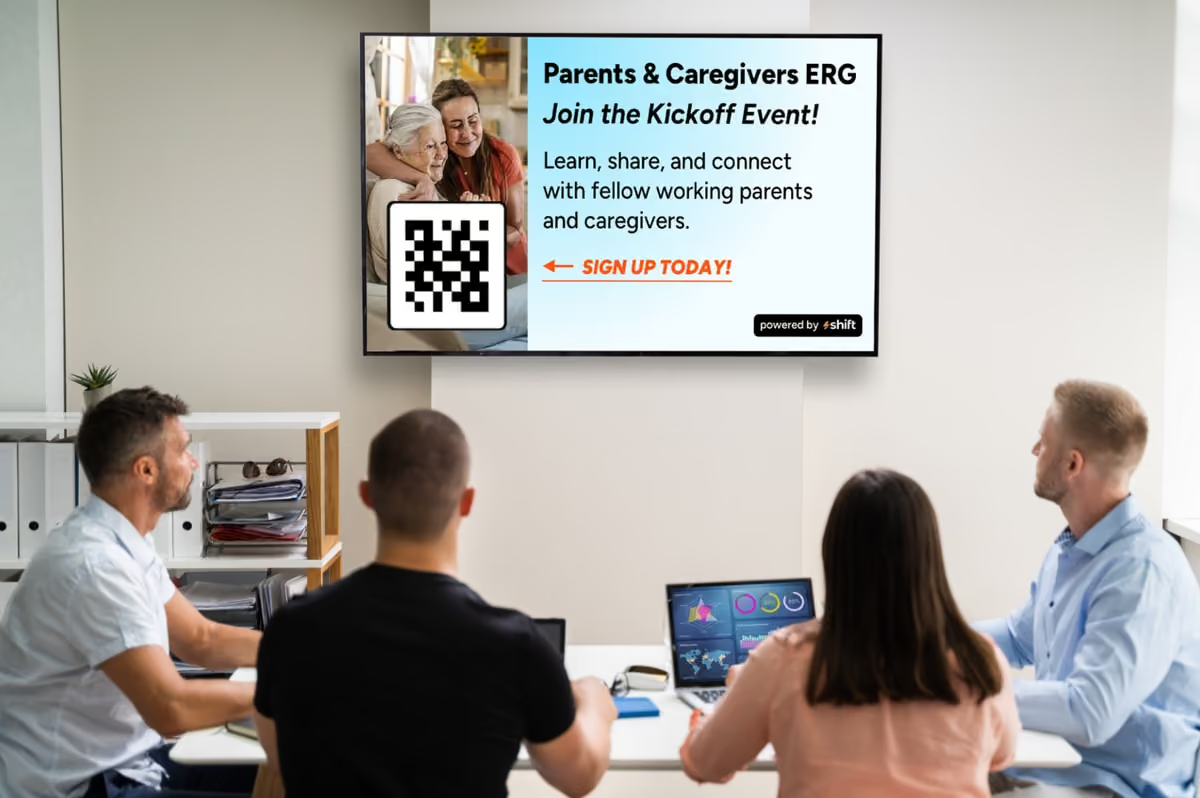
- Surveys for staff through QR codes
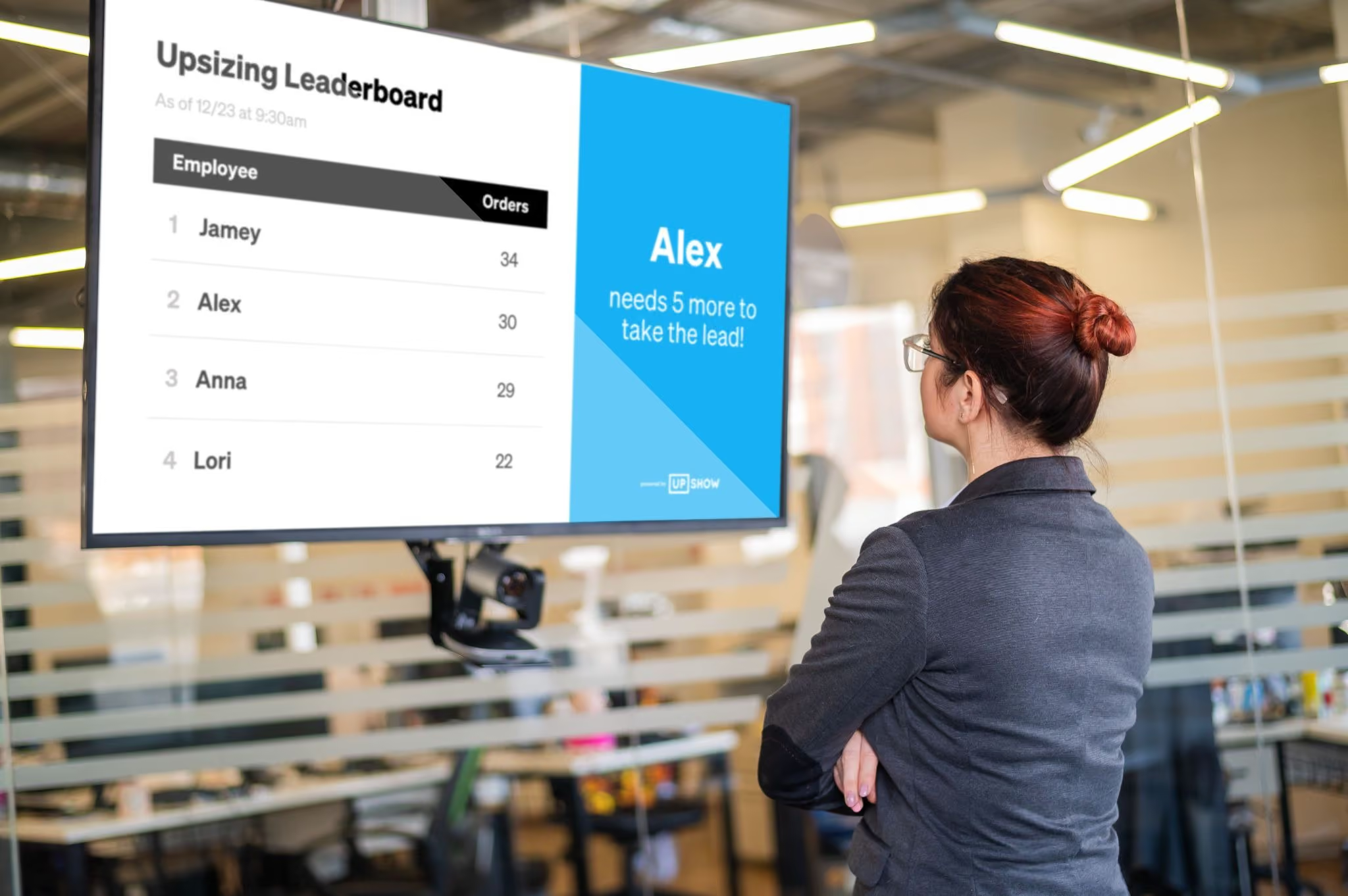
- Real-time leaderboards
- And more!
2. OptiSigns
OptiSigns supports a range of device types including Fire TV Stick, Android devices, Raspberry Pi, Windows, and Linux systems, making it one of the more hardware-flexible options on the market. The interface is approachable for non-technical users, and the platform covers core digital signage functions — content scheduling, multi-screen management, and web-based content integration — without requiring a long onboarding process.
Where OptiSigns pulls ahead of Rise Vision is in integration breadth — it connects with a wider range of third-party apps and data sources out of the box, which matters for organizations that want dynamic, data-driven content rather than static templates.
3. Yodeck
Yodeck is the most frequently cited budget-friendly alternative to Rise Vision, and it has the review volume to back up its reputation. It offers a free tier with limited capabilities suitable for smaller deployments or testing, which gives teams a low-risk way to evaluate the platform before committing. Users consistently praise how easy it is to adopt — the interface feels like using a slide presentation tool, and it's possible to turn a standard TV into a professional information hub in less than an hour.
For a small business, church, nonprofit, or single-location office that needs reliable, no-fuss digital signage at a low per-screen cost, Yodeck is hard to argue with.
4. ScreenCloud
ScreenCloud is the enterprise-oriented option in this comparison and is best evaluated against Rise Vision when your needs have outgrown what a mid-market platform can comfortably handle. It offers better integrations and enterprise management features than Rise Vision, though it costs nearly double per screen. That price difference is easier to justify when you're managing a large, complex deployment across many locations with multiple content owners and a need for deep app connectivity. ScreenCloud excels in content management and is one of the stronger platforms for multi-site deployments.
5. Mvix
Mvix targets industries where digital signage has to work hard — retail, healthcare, corporate, and education — and carries the highest analyst rating among the main Rise Vision alternatives at 86 out of 100. The platform is built around dynamic content delivery with strong analytics capabilities, giving organizations insight into how their content is actually performing across screens.
It integrates well with existing systems, which makes it a practical option for larger organizations that need signage to connect with operational data rather than just display static or templated content. Mvix’s setup is more involved than options like Shift or Yodeck Signage, so it's better suited to organizations with some IT capacity to support deployment
Which Should You Choose?
- If you're in education, Rise Vision remains the strongest purpose-built option and is worth keeping on your shortlist even as you compare alternatives. The emergency alert integration, district-wide licensing, and education-specific template library are genuine differentiators that most alternatives don't replicate.
- If you're a small business or single-location organization, the decision largely comes down to Shift or Yodeck on price and simplicity. Both are approachable for non-technical users, work across a wide range of hardware, and won't require a lengthy onboarding process to get screens running.
- If you're a mid-size organization managing screens across multiple locations, OptiSigns is the most versatile all-around choice. It balances affordable per-screen pricing with enough integration depth and multi-screen management capability to handle growing complexity without forcing a platform migration later. ScreenCloud is worth evaluating at this tier too, particularly if your content relies heavily on live data feeds or app integrations.
- If you're in retail, healthcare, or hospitality, Shift or Mvix are worth prioritizing. Their analytics capabilities and system integration strength make them better suited to environments where signage needs to connect with operational data — inventory systems, patient flow information, or promotional calendars — rather than simply displaying scheduled content.
FAQ Section
Is there a free alternative to Rise Vision?
Yes. Shift offers a 60 day trial of full access to their platform so you can get the full experience with no limitations.
Yodeck offers a free tier that works well for small deployments or testing the platform before committing to a paid plan. It's suitable for smaller deployments where you need limited capabilities without upfront cost.
Which Rise Vision alternative is best for retail?
Shift and Mvix are the strongest options for retail. Shift offers compatibility and integration depth at a competitive price point. Mvix brings analytics and the ability to connect signage with operational data, which is valuable for promotional and inventory-driven content.
Do Rise Vision alternatives support the same hardware?
Most do. Leading alternatives like Shift, Yodeck, and ScreenCloud support a wide range of devices including Fire TV Stick, Android, Raspberry Pi, Windows, and Linux systems. That said, always verify compatibility with your specific devices before committing to a platform, particularly if you're working with older or less common hardware.
Which alternative is easiest to set up?
Shift and Yodeck consistently earn the highest marks for ease of setup. Users report being able to turn a standard TV into a professional information hub in less than an hour — making them the go-to recommendation for teams without dedicated IT support
Choose Shift as Your Rise Vision Alternative
Rise Vision is a well-built platform with a loyal user base, and for K-12 schools and education-focused organizations it remains one of the strongest options in the category. But it isn't the right fit for every industry, budget, or scale of deployment — and the good news is that the alternatives have never been stronger.
The right choice depends less on which platform has the longest feature list and more on which one matches your screen count, your industry, and the technical capacity of the team running it day to day.