
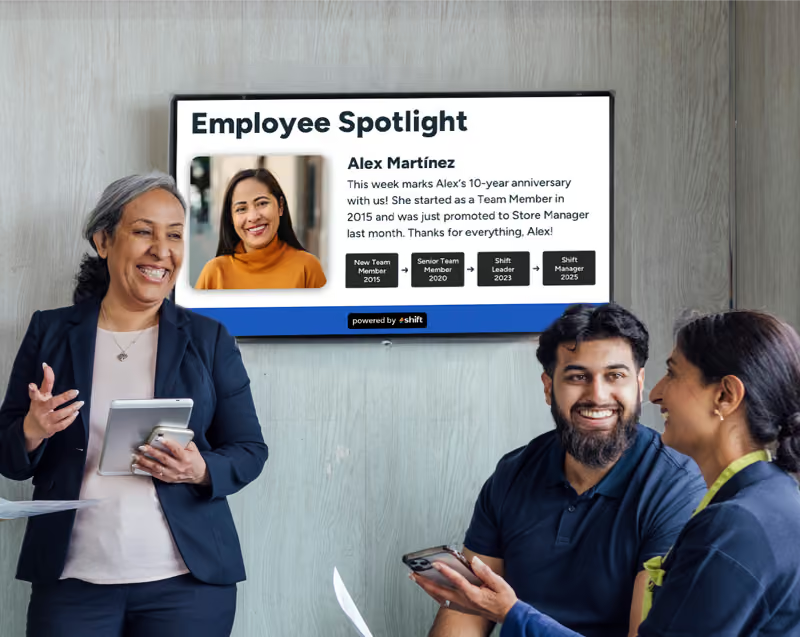

It is useful for many businesses to invest in their businesses–and this also goes for your staff too. Finding new ways to engage staff and motivate them to give their all every shift is beneficial to any business because it can help to retain long-term staff members, boost engagement, and increase internal communications–and oftentimes digital signage plays a huge role in this positive shift in your company.
Digital signage paired with a content management system (CMS) can help to not only create dynamic and immersive content that can help boost overall company morale, but it can also be a way to provide staff with essential news, emergency alerts, and safety compliances that are crucial for daily operations.
Samsung DeX is a screen mirroring tool for users with Samsung phones or tablets, so let’s take a further look at how it can improve a business–plus its alternatives too!
What is Samsung DeX? How a Screen Mirroring Tool Can Positively Impact Any Business
Digital signage screens are needed for businesses wanting to boost engagement, and screen mirroring tools can be great for those without media players!
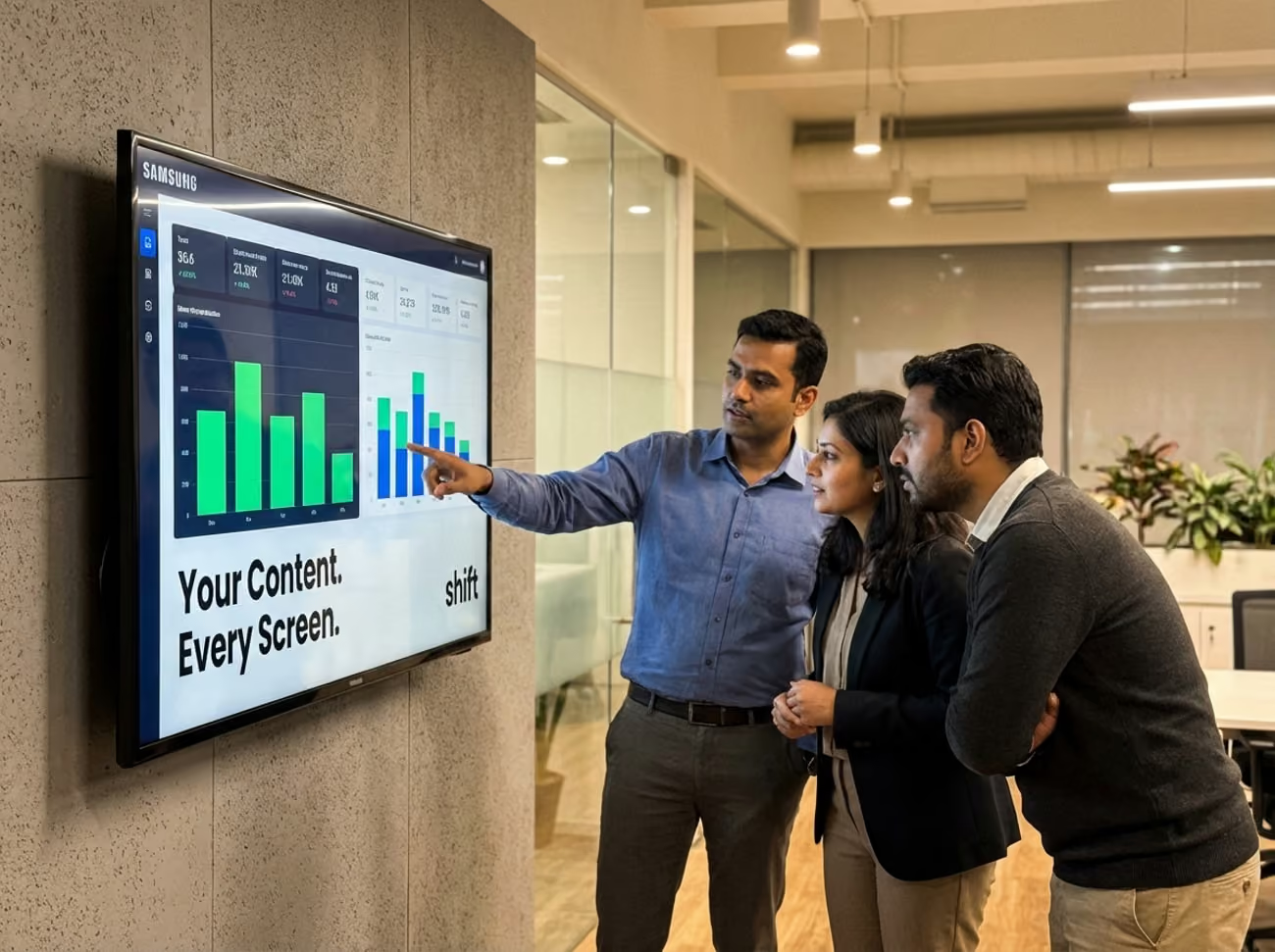
Choosing the best content management system (CMS) and digital signage pair is essential in order to successfully create content that can make a difference in your staff and their performance. Samsung DeX is a great mirroring tool that can be paired with a digital signage screen to showcase the content you create to boost engagement and internal communications.
How Does Samsung DeX Work?
Screen mirroring tools are a great way to showcase content you create using a CMS platform. For digital signage screens without a built-in media player, Samsung DeX is a great tool to use with your Samsung Galaxy cell phone or tablet to mirror what is on it to the screen of your choosing. Samsung DeX can be connected to a digital signage screen through HDMI, USB-C, or wirelessly.
When using Samsung DeX, you can project your content seamlessly using remote management from your CMS platform to display your content on any TV screen or monitor, while still using your cell phone or tablet for other purposes. It uses a familiar interface that is similar to a desktop computer that includes a windowed app, taskbar, and support for the use of a mouse and keyboard. Essentially it windows your presentation of content onto the digital screen.
Why Use Screen Mirroring Over a Digital Signage Media Player?
While purchasing a digital signage screen with a built-in media player is useful and convenient because it is an all-in-one form of technology, many people enjoy screen mirroring capabilities–such as Samsung DeX–simply because it acts as a fast, efficient, and easy method for content that needs to be frequently updated.
Samsung DeX transforms your cell phone or tablet into a desktop-like workstation where you can remotely edit your content—and it also works when it comes to multi-tasking multiple applications at once. It allows you to edit everything from documents, spreadsheets, or even presentations right from your cell phone or tablet to reflect the digital signage TV or monitor screen instantly.
What Businesses Does Samsung DeX Work Best For?
Depending on the CMS platform or screen mirroring application you use, one could work better for one specific industry than another. When it comes to using Samsung DeX, it can be used for a number of different industries, and often works best for corporate offices because of its ability to multitask with different apps simultaneously all while streaming your content on a TV or monitor.
The following are some specific industries that Samsung DeX works best for:
Pros and Cons of Samsung DeX: Why Many Industries Find it Convenient While Other Struggle With it
While Samsung DeX is a useful screen mirroring tool, it has its pros and cons that are important to note!

No matter what you’re looking for in a CMS platform or digital signage screens, it’s important to do your research beforehand to find something that works well alongside your business and its needs. While many companies love Samsung DeX, others are looking for more traditional digital signage practices that are simpler–especially for deskless positions.
Pro: Super Affordable Option Without Expensive Hardware
One of the biggest reasons why so many people love Samsung DeX is because of its cost effectiveness for businesses that want to invest in digital signage without breaking the bank. If you’re a business owner who already owns a newer Samsung Galaxy smartphone or their tablets, then you’re already one step in the right direction to use Samsung DeX. Already having a compatible smartphone or tablet can erase extra costs of expensive laptops or desktops for basic productivity purposes, along with streaming the content you create.
Con: Limited Power Capabilities For How it Can Be Used
Many people note how Samsung DeX works well when it comes to multitasking different applications to not only create, edit, manage, and display your content all at once, but it can have a limit on what applications you can successfully access. For example, users that specifically use Samsung DeX could experience limited power when it comes to using high-end tasks. This could include anything from video editing or 3D modeling where people can experience lag, excessive battery drainage, and issues in quality of the apps that require more power than others.
Pro: Increased Multitasking and Workflow
A top reason why many industries incorporate Samsung DeX into their everyday operations and content creation is because of its multitasking capabilities and overall workflow. While there may be a few exceptions as to what applications you can successfully use with Samsung DeX, it overall helps to increase productivity in companies as it turns into a portable desktop to stream content you create with all of the essential tools included.
Con: App Limitations and How They’re Presented
Another reason why people have issues with Samsung Dex is because of its restrictions on apps, their limitations, and how it can impact businesses that use them. Many Android apps aren’t optimized for large screens or for desktop environments, and this could lead to functionality issues and also look wonky on the screen. It could also show apps in portrait mode, which can hinder the ability to successfully multitask and complete other projects while you’re streaming content to a TV or monitor.
Samsung DeX Alternatives: Options That Prove That CMS Platforms Are the Superior Method of Displaying Content
It should never be difficult to display your content on a digital signage board, and these Samsung DeX alternatives can help operations run smoother!
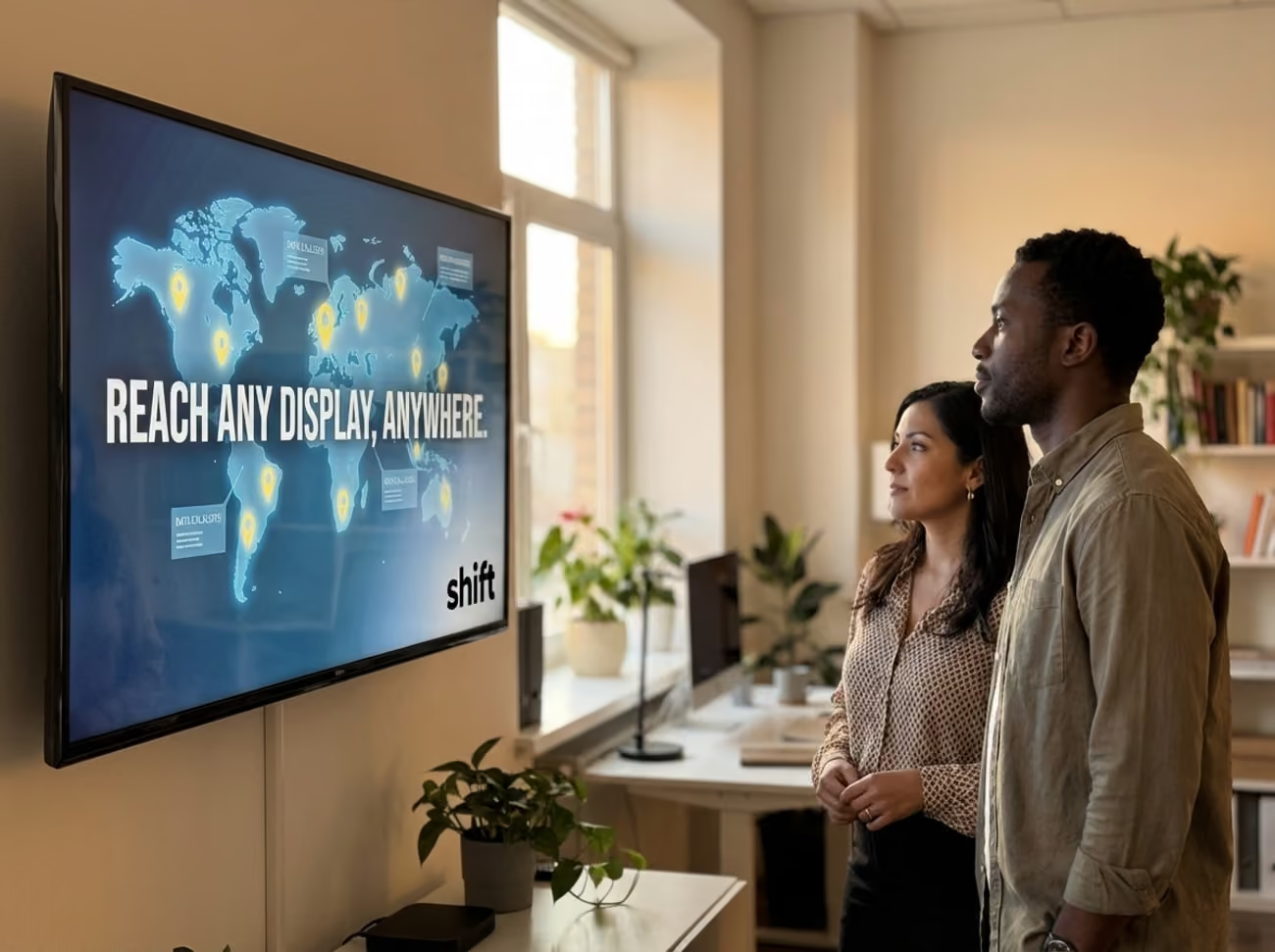
Using a digital signage screen and a CMS platform with remote management capabilities is sometimes easier than what Samsung DeX offers its users.
It’s important to always do your research and try to find a CMS software application and digital signage TV or monitor with a built-in media player that works best for your business’s needs. Using your cell phone to connect it to a TV or monitor wireless or via HDMI or USB-Ccan have its own issues, such as lag when trying to multitask, or having problems accessing programs you need to complete everyday tasks.
Here are some of the best Samsung DeX alternatives that will make content creation easier without taking up excess power and time on your cell phone!
1. Shift
A top-rated alternative to Samsung DeX is a CMS platform called Shift whose mission is simple–create content that can better engage staff, improve manager and staff relationships, and boost engagement, productivity, and internal communications. Not only are users able to use Shift’s platform using its remote management capabilities from their cell phone, tablet, or computer–also known as the Content Navigator feature–but you can also pinpoint what content you want to be displayed on multiple screens and benefit from their multiple pre-made templates for easy content creation without the use of code.
2. Scrcpy
For those who are interested in taking advantage of the screen mirroring tools, opt for Scrcpy instead. Scrcpy is a one-of-a-kind program that is completely free to use and can display any content that you want using its open-source, high-performance utility. This is used to control your displays from any device, which includes Windows, macOS, and Linux computers–that run significantly better compared to simply using your smartphone. It uses low-latency screen mirroring with keyboard and mouse control that can be controlled using USB or Wi-Fi connection to display content while using cost-effective methods to broadcast company news and employee achievements.
3. ScreenBeam
If you’re still on the hunt for a screen mirroring program that can allow you to display your content while going back and forth between other applications that you use, then consider ScreenBeam over Samsung DeX. ScreenBeam is a simple, easy-to-use screen mirroring program that simply allows users to share content from their smartphone, laptop, or tablet to a digital signage TV or monitor without the use of extra apps, dongles, or cables–so it is all done wirelessly. It is compatible with Windows, macOS, Android, and Apple products and guarantees a lag-free experience.
4. Ditto
Another incredible alternative to using Samsung DeX is Ditto, a screen mirroring application that can easily be paired with digital signage for an even better experience when it comes to displaying company news or content to engage with your staff. Ditto works perfectly in meeting rooms, classrooms, conference rooms, and other workspaces because of its ability to cross-platform wireless screens. It enables users to show and display content without the use of cables or adapters and use an internet connection instead. Ditto can also work on anything from iOS, Android, Windows, or even Chromebook devices.
5. Rise Vision
Instead of opting for a screen mirroring application to display your content, instead use a predominant CMS platform–such as Rise Vision–that is not only completely free to use, but also lets users create, edit, manage, and publish their own content using remote management features. Rise Vision works for any type of business in any industry where you can create content to reflect employee spotlights, milestones, or anniversaries, or even streamline daily operations and company news. It even offers users free pre-made templates so you’re not starting completely from scratch in the realm of content creation.
Ditch Screen Mirroring Applications Like Samsung DeX and Opt For CMS Platforms Such as Shift
There are a number of reasons why people choose screen mirroring applications like Samsung DeX. Not only are they a more cost effective option, but it can be a convenient way to handle business meetings, or work with remote or hybrid teams. Whether you prefer a screen mirroring tactic to present your content or a CMS platform with free range of creativity and digital signage, there are a ton of ways to display your content to reap the benefits of boosting employee engagement and productivity.
Consider using Shift or another alternative to Samsung DeX to display your dynamic and immersive content and see your business flourish with happy, engaged, and motivated staff!