Rounding into the beginning of 2026, it’s apparent how much technology is evolving and is becoming an important part in our everyday lives. Not only can it help to organize our personal lives, finances, and keep us occupied during our free time, but it can also help many businesses run more smoothly with effective and efficient ways to streamline daily operations.
One of the best technological advancements that can be used specifically for staff or a flashy way to show off sales, deals, and interact with customers is with the use of digital signage. With a simple TV screen or monitor, you can bring dynamic content to life with the help of a content management system (CMS) to help boost everything from company sales, interact with customers, and most important of all–improve internal communications and boost staff morale.
BrightSign is a popular digital signage media player that can display the content that you create through CMS–and it’s important to understand exactly how it works with BrightAuthor and other alternatives to opt for if needed!
What is BrightSign?
A popular CMS media player that can help display content you create for your business!
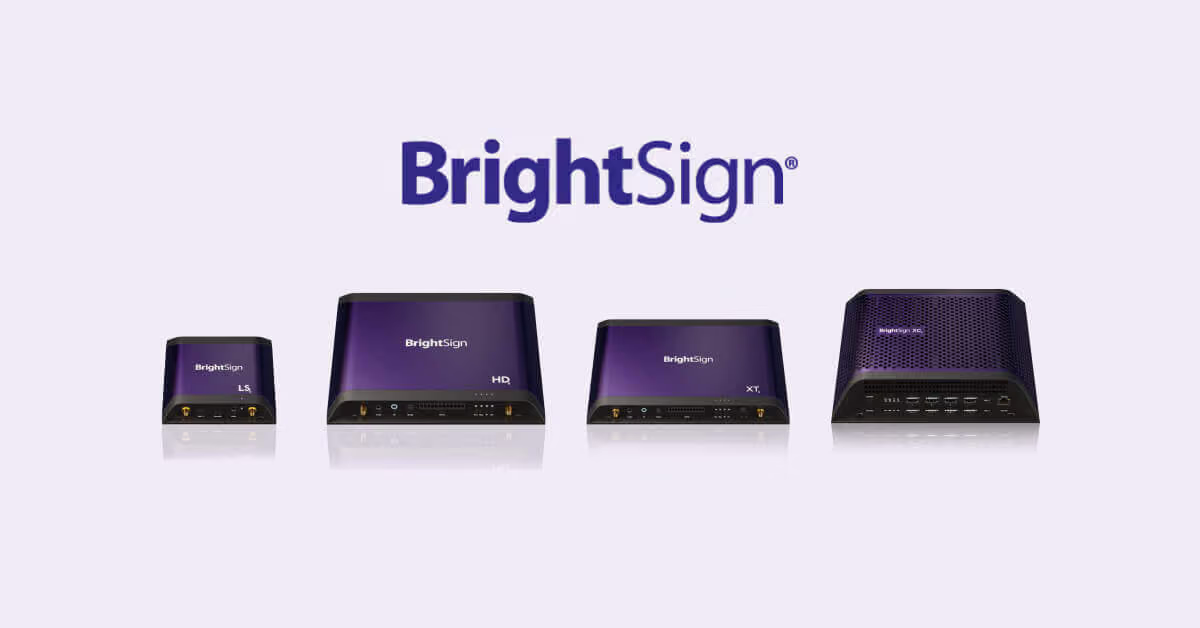
Everyone has heard of CMS software applications being the brain of digital signage where you can go in and create content that you want your staff to further engage with–or to be a reliable place to get updated on the latest company news and policies. BrightSign is a media player that has built-in hardware to help display your content and even provide offline playback–plus other benefits upon purchasing.
BrightSign Breakdown: What is it and How Does it Work?
For many digital signage TVs or monitors, they have a built-in media player that can help to display the content that you create, but there are others that don’t have this capability. If you make a hardware purchase for digital signage without the media player capabilities to post and display your content, then BrightSign is a media player option that can get the job done.
BrightSign is specifically a digital signage media player that has its own built-in hardware that can be used in interactive kiosks, digital menus, or for screens located in high-traffic areas that staff can see. It uses BrightSignOS software that offers users security with their content, along with the flexibility to manage content through BrightAuthor, BrightPlates, or a CMS software application of your choice.
With the ability to adjust how your staff sees content at your leisure, BrightSign can give you the flexibility to display content how you want with remote management capabilities. From looping videos, displaying live feeds, and streamlining key performance indicators (KPIs) BrightSign is a great way to display many forms of content–and even has offline playback to keep everything working even without an internet connection.
More About BrightAuthor
Now that you are familiar with what BrightSign actually is, you can see what BrightAuthor is all about–it is a user-friendly CMS that can help users to create content to be displayed on digital signage. While BrightSign can be used with any CMS software application, BrightAuthor can be used for free with the purchase of a BrightSigns media player.
BrightAuthor has a number of features when it comes to presenting and displaying content, such as a drag-and-drop feature to create, manage, edit, and publish content that supports videos, images, audio, HTML5, and any other forms of content. It is also excellent at working well with interactive content creation and it can be paired with touchscreens, motion sensors, and barcode scanners.
There is both BrightAuthor and BrightAuthor:connected that can be used on MacBooks and PCs with only a few differences between the two:
Unique Features of BrightAuthor: connected
There are a number of reasons why many people use BrightSigns and BrightAuthor: connected that is free to use with the purchase of their digital media player. Included below are some of the following features that make BrightAuthor: connected worth using instead of a separate CMS software application:
Pros and Cons of BrightAuthor: Is This Free Software Truly Worth it?
Knowing if a free software with BrightSigns is truly worth it, or if investing money in another CMS is a better option is crucial!

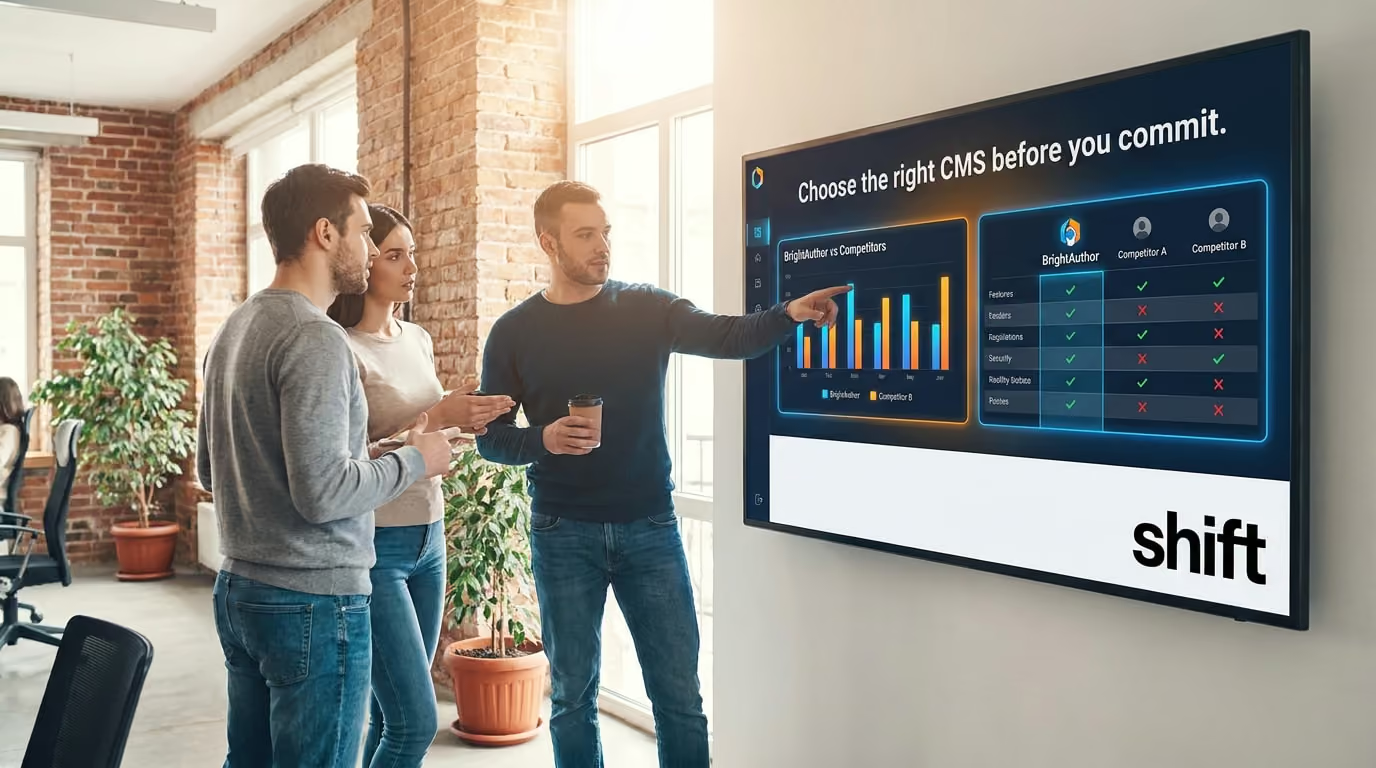
With any type of digital signage media player and CMS software application, it’s crucial to know the pros and cons before fully committing to what they have to offer. BrightSigns is a popular media player that can be used with many kinds of CMS applications, but BrightAuthor: connected comes free to use with it–but is it worth using or is purchasing a separate content creation app a better option?
Pro: Free Software With the Purchase of a BrightSign Media Player
One of the biggest reasons why people love their purchase of a BrightSign media player is because BrightAuthor: connected is also included in the purchase. No matter the type of BrightSign media player you purchase, BrightAuthor: connected is a free software that is included at no extra cost where you can make an account and begin creating content to be displayed on digital signage in an instant.
Con: Confusion Between BrightAuthor Classic and BrightAuthor: connected
While BrightAuthor: connected is becoming increasingly popular to use for many users, it’s hard to decipher the transition between it and its legacy version, BrightAuthor Classic. While BrightAuthor Classic is slowly being phased out for a more upgraded cloud-based version that connected offers, it can be hard to navigate the transition for new users.
Pro: No-Code Interface
Many CMS software applications require users to learn and understand coding, how it works, and how to implement it alongside the content creation side of things. For those who don’t know how to code, BrightAuthor provides users with no-code or low-code interfaces to create dynamic content that they can upload to their BrightSign media player and help boost staff morale and productivity. There are many interactive layouts that don’t require any deep programming knowledge–if any–to ensure that all users can use this free program with their purchase of BrightSign.
Con: BrightSign Media Players Can Be Pricey
Another issue that many people have issues with is the price of the BrightSign media players. While this is an incredible option for those looking for a built-in CMS software application, media players can cost anywhere from $250 to $550 depending on the content you plan on creating–and this doesn’t include the digital signage screen or monitor you plan on purchasing too. Many people opt for a TV or monitor with built-in media players because it is less to purchase, more affordable, and there are also other CMS software applications with low-monthly subscriptions that are worth purchasing for users.
BrightAuthor Alternatives: Other CMS Options That Users Prefer and Why
Finding the best CMS software application that works for your business is crucial and these options can be better than BrightAuthor!

There are numerous CMS application options to choose from that can be a great alternative to BrightAuthor, such as Shift.
While BrightAuthor Classic and connected are both great options for many businesses to implement into their content creation regimen to help boost employee engagement and internal communications, it can be a learning curve or simply not what other companies need. There are many alternatives to BrightAuthor that are also worth investigating with easier user-friendly interfaces and more options when it comes to creating content to build the business you always imagined.
1. Shift
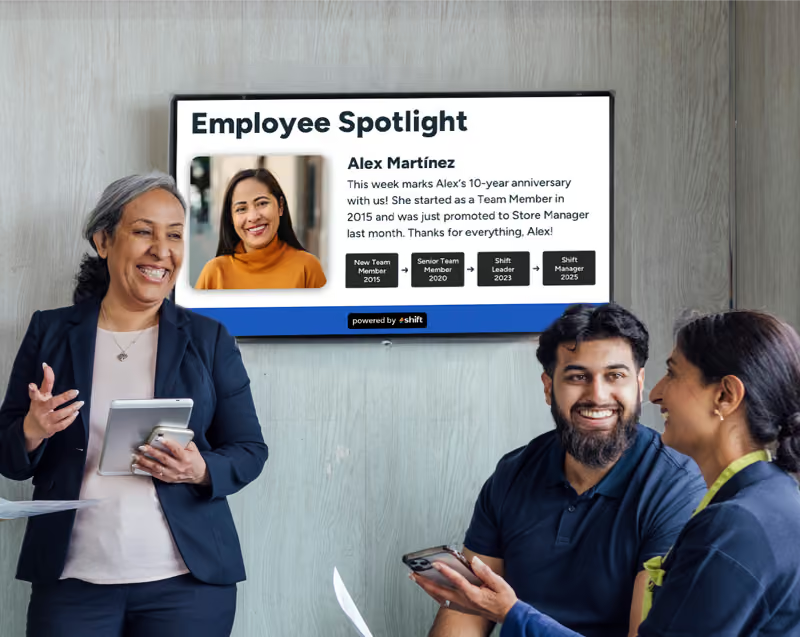
The top option that is recommended for many businesses to try out is Shift, a CMS software application and employee engagement program that aims to boost overall company morale and create a happier and healthier work environment. Shift’s mission is to help businesses develop deeper connections with their staff through employee spotlights and through tactics of recognition and appreciation. It offers a user-friendly interface with no code needed, tons of pre-made templates to choose from, plus remote management to use on any device anywhere to create, edit, manage, or publish content.
2. ScreenCloud
Another sleek alternative to BrightAuthor is ScreenCloud–a CMS platform that is perfect for any business of any size. With a low price of only $10 per month, ScreenCloud provides its users with integration abilities to connect to other popular applications your business uses and to organize your content on multiple screens all in one place. It even has a useful tool to help foster engagement between your staff and bring them all closer together through ScreenCloud Engage. This tool is useful for staff and managers to get to know each other better by being able to post fun facts about each other, pictures of your pets, and more while acting as the company's social media page.
3. OptiSigns
Many people aren’t familiar with code. Instead, consider using OptiSigns, which is an easy-to-use CMS platform with a beginner-friendly interface with a live dashboard to anything from updated content to performance metrics. Many people enjoy using OptiSigns because of its ability to create immersive content for your staff to interact with. From using QR codes, AI cameras, and motion sensors to trigger specific content, OptiSigns is a revolutionary way to create and publish content to boost staff engagement.
4. Yodeck
There are many jobs within the United States that are deskless where staff don’t sit and have access to their email to check all day. While your staff are out running around on the floor, consider updating them with digital signage and content creation through Yodeck. Many people love Yodeck because of its ability to be integrated with popular applications like Canva and Asana, along with having an easy-to-use interface with free templates, stock images, and a drag-and-drop editor to create some of the best content your staff will surely engage with more.
5. Rise Vision
Last but not least is Rise Vision–a CMS software application that can do everything from streamline daily operations and uses automated updates to schedule content remotely. Rise Vision is also completely free to use, allowing users to gain access to over six hundred pre-made templates to help them get started on their content creation journey, along with offline reliability to keep content creation flowing even without internet access.

Consider a BrightAuthor Alternative to Start Creating Content Your Staff Will Really Engage With
It’s important to boost employee engagement as it helps to create a more positive workplace environment that will improve staff retainment and help them feel more included. CMS software applications are one of the best ways to keep staff engaged with company news and updates, help them feel appreciated through employee spotlights, and be a great way to deepen relationships with them.
Consider BrightAuthor or its many alternatives–including Shift–to get started on creating content that will get your business booming!