
The hospitality industry is one of the biggest as it reaches all across the United States and globally as well. From hotels, restaurants, bars, cruise lines, theme parks, spas, and so much more, they all have one thing in common–they all deal and work with customers to give them new, unique experiences.
While the hospitality industry is important, it can be hard to retain employees. There is a high turnover rate for many positions in the hospitality field, averaging from around 70 to 80% annually, which forces businesses to spend more money posting job ads, onboarding, and training new staff that may not stay long, but why is this a common issue among the industry?
Simple technological advancements–such as digital signage–can help to boost employee wellness and engagement, and in return help to retain staff in the field much longer. Let’s learn more about digital signage–especially digital asset management (DAM) systems–and how they can benefit any business and their staff long-term.
Digital Signage and DAM: How the Two Combined Can Help Provide Better Hospitality Practices
Adding some technology in the restaurant, hotel, or other hospitality business can help improve productivity and engagement!
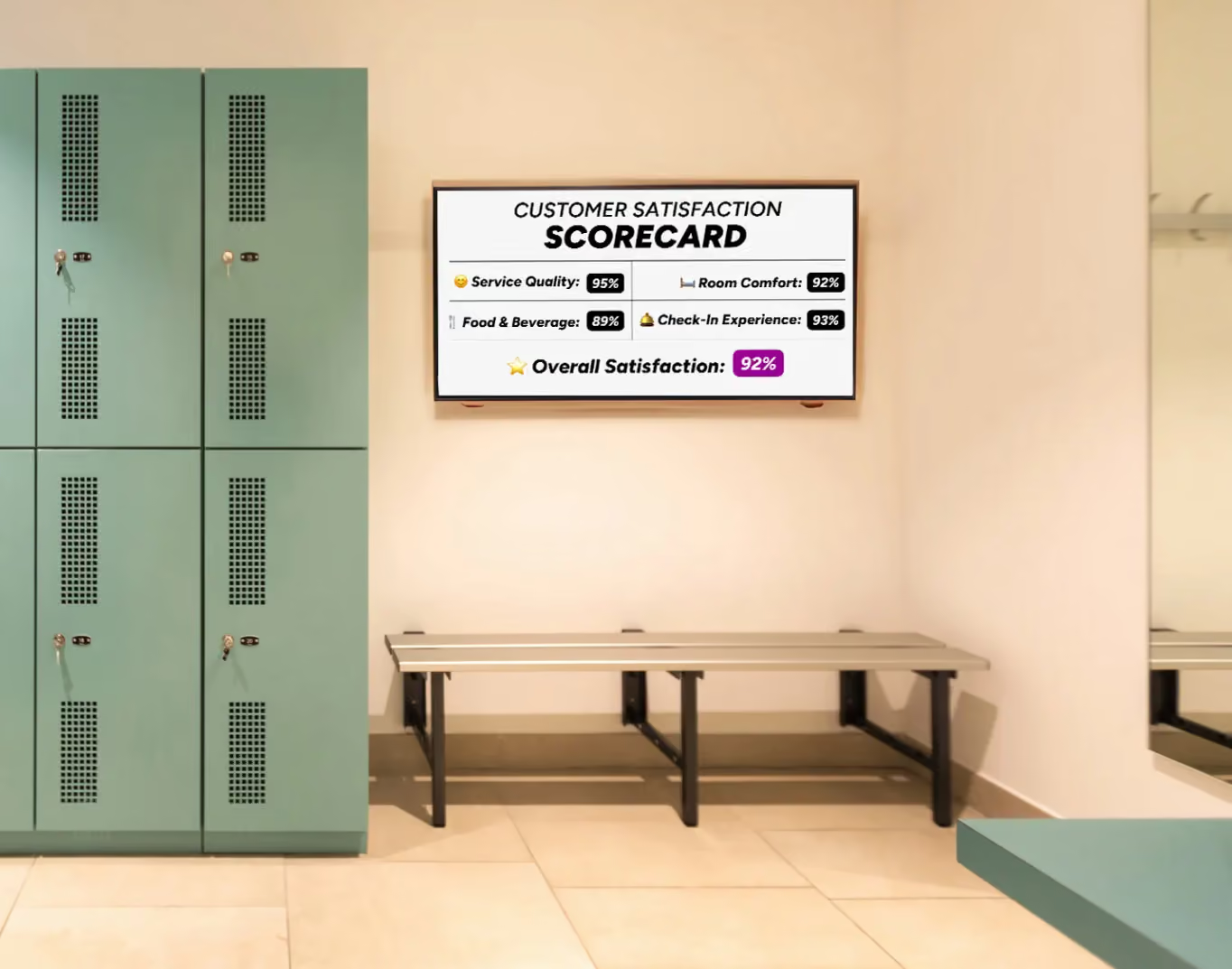
The hospitality industry can benefit from adding digital signage in multiple areas where staff frequent to boost sales and engagement.
It can be difficult to deal with a high employee turnover rate as a manager who is struggling with the daily craziness and tasks that take place in the hospitality industry. From training new staff, to making sure that every customer has an incredible experience at their establishment, and trying to juggle busy days, nights, or seasons, it can be a lot for managers. But digital signage can help with employee retention plus other typical hospitality tasks.
What is Digital Signage? How This Simple Technology is Easy to Set Up For Any Business
Before getting into the best practices of implementing digital signage and DAM together for your business in the hospitality field, it’s first important to get familiar with what the two are. Starting off with digital signage, it is simply a LED/LCD screen or monitor that is able to display dynamic content that you create to help boost staff wellness and engagement. It can be placed exactly how you would display a TV at home, whether in the breakroom, out front for guests to see, or even in the back where hotel staff, chefs, and other hospitality staff members frequent.
There are three main components that are needed for digital signage to ensure that it works the way that it is intended to help increase business and staff morale. The first one is the LED/LCD TV or monitor needed to stream diverse content that you create. The next is a media player, such as a Roku or an Amazon Fire Stick where you can select an HDMI to hook up the content to and stream and display it.
Lastly, you’ll need a content management system (CMS) or a digital asset management (DAM) system that is the software application responsible for creating, editing, modifying, and publishing the content that you create–and is responsible for making improvements in any hospitality business and its staff.
An In-Depth Guide to DAM Systems and How They Benefit Any Business
The most important component of any digital signage system is incorporating a CMS or DAM system–which is where all the fun happens, aka the content creation and managing it! We’ll primarily focus on DAM systems which are a cloud-based system that can store all of your content.
DAM systems are also a great place to keep it all organized, create it, publish, and even archive it when you want to retire something. They made it easy for managers and other staff members from HR, marketing, and advertising teams to access company content instead of using an old, outdated method, such as shared files or emailing back and forth. Instead of aimlessly searching through files when you may not know what the name of the content file it is you’re looking for, you can instead log onto a DAM system and get access to everything.
From advanced searching and metadata tagging, it helps to save time and makes updating content that much easier.
Do You Need a CMS Software Application With a DAM System?
A common question that many first-timers have when signing up for a DAM system is if you also need a CMS system that goes along with it. The answer is that it depends on what you’re looking to do with your business. If you’re looking to grow and expand your business in the hospitality field, then combining both can help increase traffic, streamline workflows, and keep up with brand consistency.
CMS software applications help create websites and dynamic content that you can display on digital signage, but if you’re going heavy on the publishing, then a DAM system can be the only tool you’ll need. DAMs are responsible for managing your company assets, such as pictures, videos, documents, and even brand logos. CMS software applications can help to publish them and go from asset creation to content delivery either on a company website or digital signage to boost employee engagement.
The Top 4 Best Practices for Combining DAM and Digital Signage in the Hospitality Industry
The hospitality industry is desperate for help and employee retention, andDAM systems and digital signage may be the boost they need!

Implementing a reliable DAM system and pairing it with digital signage can help to boost employee retention and engagement. Image courtesy of NetSuite.
DAM systems and digital signage coincide together to help boost employee engagement, help retain staff, and even to increase job satisfaction for lots of folks in the hospitality industry. By simply adding digital signage, it can help to increase productivity and help staff put in the extra effort, all while being recognized and appreciated for their hard work.
Let’s dive into the best practice to make the most out of your digital signage board with a DAM system to engage with both customers and staff!
First Thing’s First: Where to Place Digital Signage Screens
The first thing to think about when it comes to digital signage is where you’re going to place it. Whether you have one screen or you want to have multiple, it’s crucial to place them in high-traffic areas where customers or staff can see them. By pairing digital signage with a CMS, you can have the capability to stream different content on different screens.
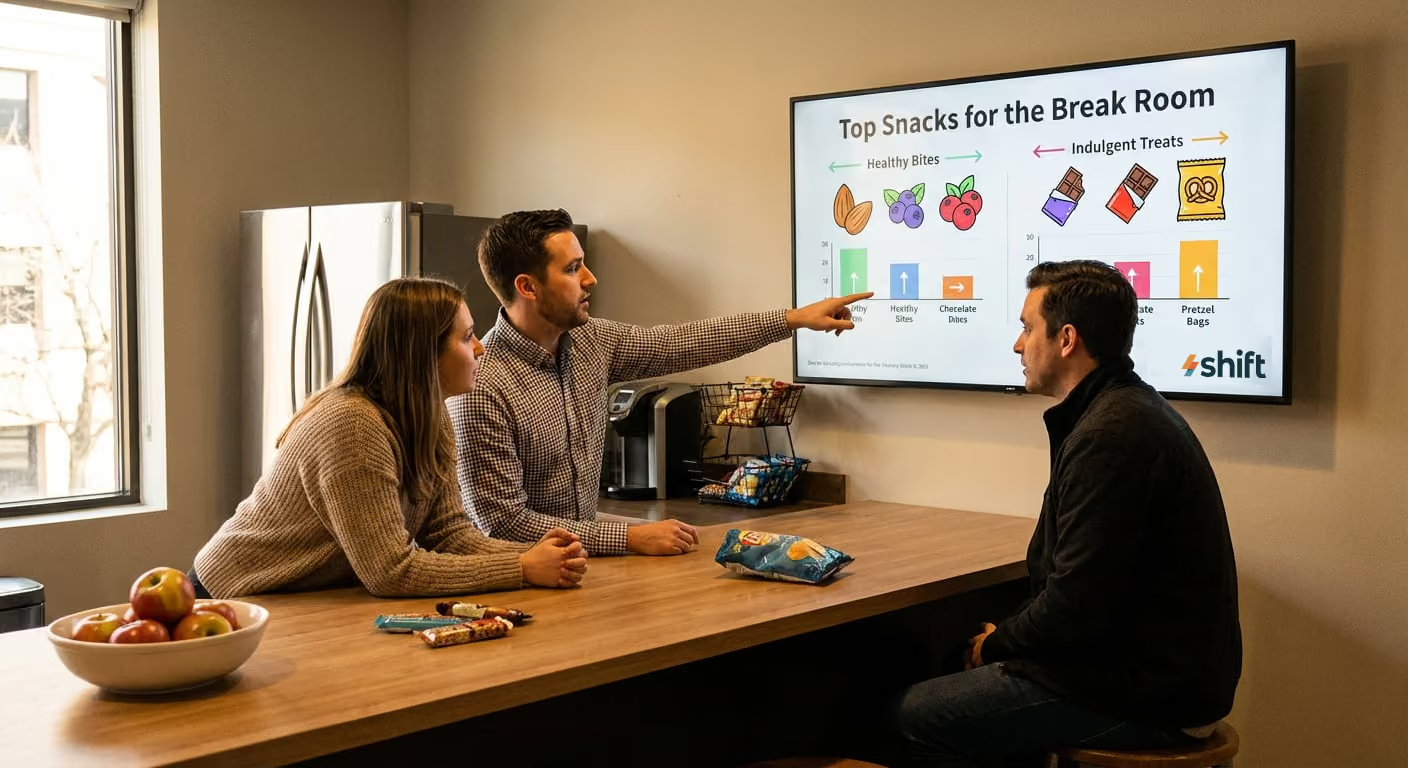
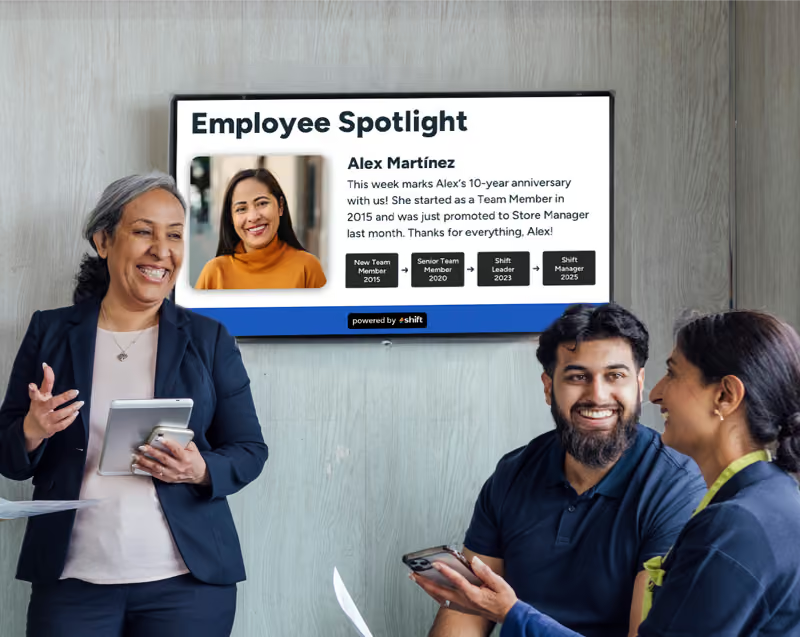
You can have digital signage in the front-of-house where customers first come in to display different deals, menus, or a simple welcome sign. You can also have one that is located back in the kitchen, break room, or in the maintenance office that can be a great way to show off employee spotlights, streamline workflows, or update the screen with the day’s work and leaderboards.
Keep Up With Brand Consistency
One of the most important things to do with digital signage and displaying content on it is keeping it consistent with your brand. This simply means to always add in the brand logo and colors your company uses as well as anything from having a uniform brand voice and consistent messaging.
Create Easy-to-Read and Simple Content
The main reason for using digital signage–especially for employees—is to keep the content easy to read and digest within a matter of seconds. Creating elaborate content that is displayed during peak hours of the day can be easily dismissed, so it’s important to come up with something that staff can read over quickly, understand it, and use it to motivate and gauge them to pick up the pace, complete their daily tasks, and deliver incredible customer service experiences for guests.
Schedule Consistent Updates to Keep Content Fresh
A crucial thing to keep in mind when it comes to using digital signage is to schedule consistent updates and continue to pump out new content. Using the same content over and over again can get repetitive, cause staff to lose interest, and even make them not pay attention to the digital signage sign at all–which is also the whole purpose of implementing it to engage staff. Instead, managers should continue to create new, dynamic, fresh content with scheduled updates with real-time information.
There are many examples of different content that you can add to digital signage–and some doesn’t even have to be work-related–but instead something to keep staff on their toes, engaged, and willing to put in the extra effort into their job.
Some of the best content ideas that you can add to any digital signage board to engage staff with–both company related or not–include the following:
- Employee spotlights and anniversaries
- Celebrating company milestones
- Company news, updates, and goals for the day
- Wellness tips
- Social media posts pertaining to the company
- Interactive polls to provide feedback on numerous topics
- Performance dashboards
- Weather, trivia, and other local information
What is Shift? A CMS Software Application That Can Complement Any DAM System
Shift is a useful CMS that can help create content for websites or displayed on digital signage!
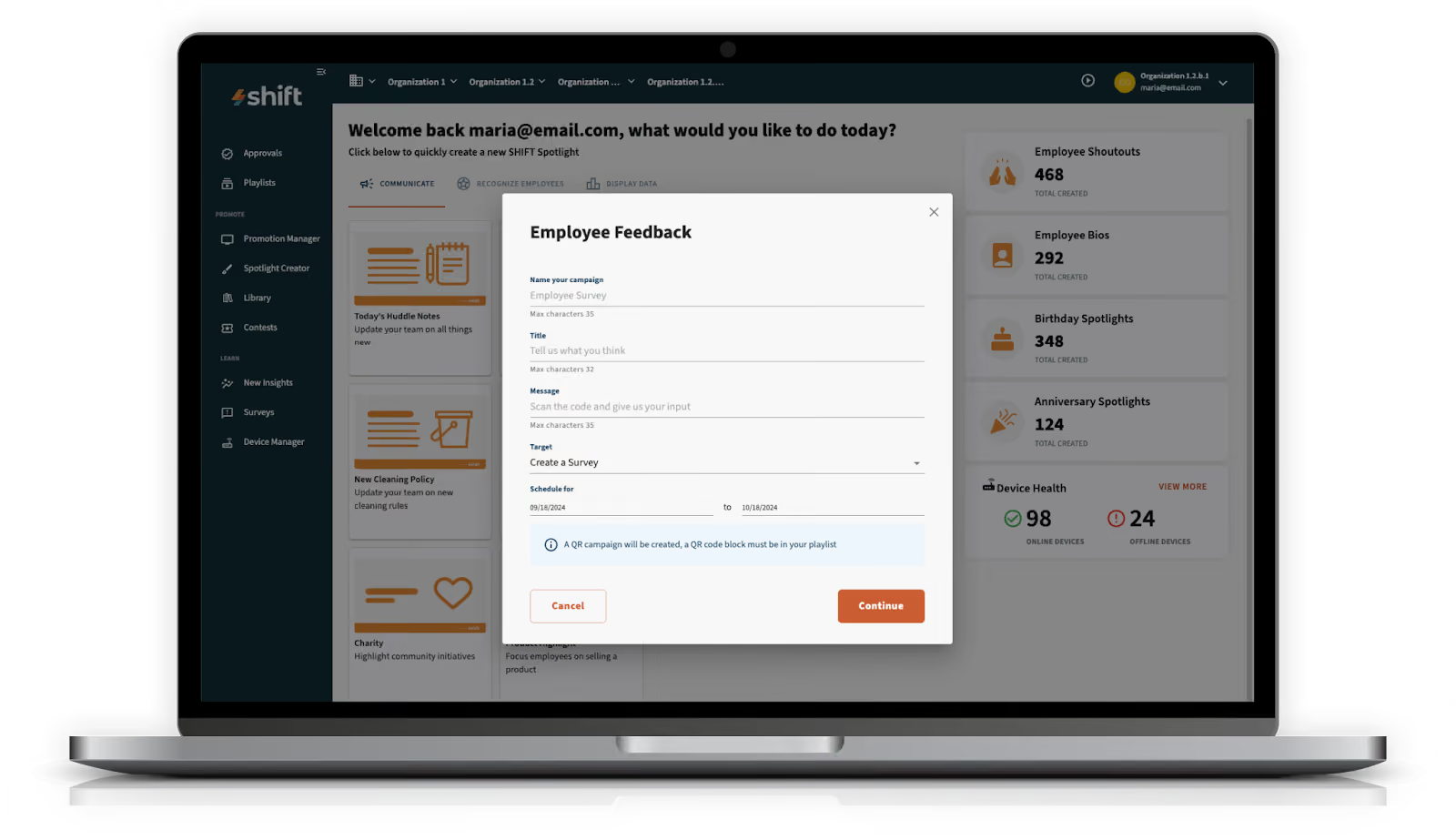
If you’re looking to boost engagement with your team of staff, consider Shift–a dynamic CMS software application–to help with content creation.
Many businesses are interested in CMS software applications because of their easy-to-use interfaces (even for those who may not be as tech savvy!) and the endless possibilities when it comes to creating content for your business. Finding the best CMS can be difficult, but if you’re looking to strictly engage with your staff on a deeper level, then Shift can be the best option for your business.
All About Shift: A Dynamic CMS That Many Large Franchises Rave About
When learning about CMS, there are many different kinds that have a ton of features and capabilities, but Shift is among the best because of its pairing with digital signage and DAM systems. Out of all of the features that Shift has to offer, its main goal for many businesses is for managers and leaders to develop deeper connections with their staff members.
Shift is a content creation management software application that is where all of the magic happens, and paired with digital signage, it can help to boost employee engagement and wellness. This can be done through simple shoutouts for work anniversaries and achievements, or friendly competition to boost and streamline workflow. It can also be a more reliable method to inform staff about new policy changes, company announcements, and emergency alerts that can all be updated and controlled remotely in real-time through a mobile device, tablet, or computer.
Top Features and Benefits of Using Shift
Understanding Shift’s goal of trying to further engage staff and develop deeper connections with them is the reason why many opt for their CMS application. There are many other features that Shift has to offer, including the following:
- Boost employee engagement through recognition and appreciation
- Celebrate staff birthdays, work anniversaries, and other achievements
- Show training videos
- Employee spotlights
- Interactive polls for staff to anonymously complete
- Expands internal communications
- Allows staff to retrain and re-skill in key trainings
- Helps leaders learn more about staff
- Encourages employees to do work harder
- Increases productivity
- Create diverse content using pictures, videos, or documents
- Use as a wayfinding and navigation system
- Broadcast company announcements, updated policies, etc.
- Use to post emergency alerts
- Streamline workflow and post frequent updates about each day’s tasks
Use These 4 Best Digital Signage and DAM Practice to Keep Staff on Their Toes
It’s important to engage with your hospitality staff, improve your relationship with them, and help to retain good staff long-term. Digital signage and DAM systems can help do just that by organizing your content and keeping information fresh to boost productivity and eventually sales for your business.
Consider going with Shift and adding digital signage to your business using these top digital signage and DAM practices in hospitality!