
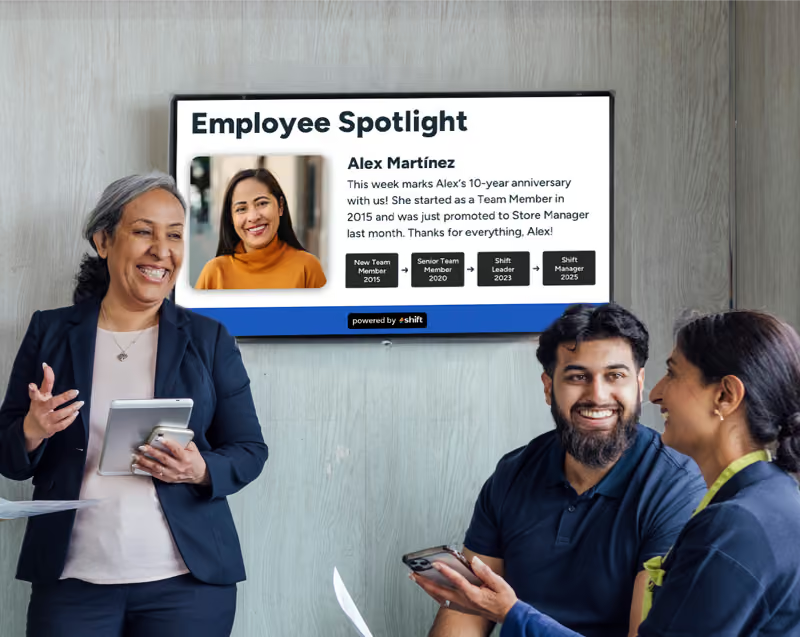
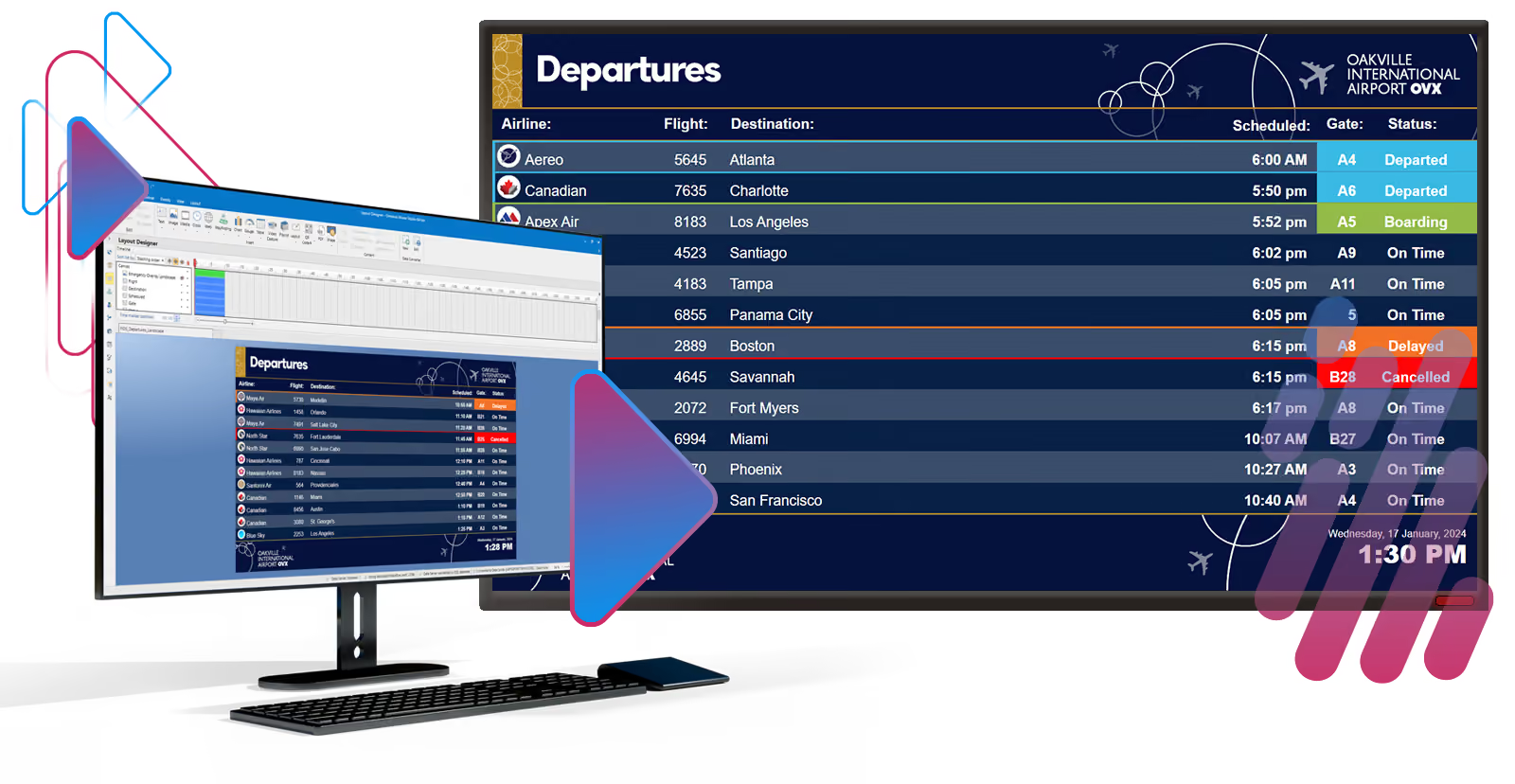
For many businesses, upgrading to useful ways of communication is essential–especially for deskless jobs for staff who are on the floor and don’t have a ton of time to check their emails. Instead of creating flyers or posters with updated company news and updates, many businesses are switching the bulletin boards out with digital signage screens that can present tons of content about company news, updated policies, live performance metrics, and even recognize staff through recognition spotlights.
Many digital signage screens don’t have built-in media players to allow users the ability to display their content and instead have to purchase one separately. There are many media players to choose from and a popular one is Moxie Player, which is a component of the Moxie digital signage network–but like any media player, there are always some important questions around choosing the best one for your business.
If you’re considering Moxie Player for your digital signage screen, consider the useful information surrounding it, along with other alternatives that could potentially work better for your staff!
What is Moxie Player? Your Guide to This Digital Signage Media Player
Digital signage media players are important to have to display your content and Moxie Player can offer a ton of useful features for any business!
Movie Player is a popular digital signage media player that can display dynamic content to help boost employee engagement and internal communications. Image courtesy of SHI.
Businesses are desperately trying to find new ways to boost employee engagement and internal communications with crucial updates that are more effective than a simple flyer, poster, or email. Digital signage can be a great opportunity to engage with staff, deepen relationships with them, and help increase communications, and sometimes a media player is needed to do this. Moxie Player is a popular option that many businesses rely on when displaying their content with tons of useful and effective features.
Moxie Player: A Deep Dive Into the World of Omnivex
Taking a simple look into Moxie Player, it is a Windows-based software component that is paired alongside Moxie digital signage which helps to display content that you create and share it across numerous platforms and screens. It is owned by a company called Omnivex, which is a digital communications platform–or content management system–that displays your content through digital signage. Omnivex allows users freedom to create dynamic content for their business while paired with Moxie Player that uploads and streams your media to any and all outlets you want your media displayed through.
For over thirty years, Omnivex has been a revolutionary for helping to resolve issues with internal communications in many businesses where it has helped to close the gap between staff and crucial information that they need to know. It offers both cloud-based for remote management and in-office options for creating and managing content and can help to create tons of unique content.
Some of the types of content you can add or create using Omnivex include:
- Company news and updates
- Real-time weather updates
- Social media posts
- Wayfinding and navigation guides
- Emergency alerts
- Live key performance indicators (KPIs)
- Employee schedules
- Interactive content
How Moxie Player Adds to Omnivex
Outside of the content creation aspect to Omnivex, its counterpart–Moxie Player–is a crucial aspect of how your content is presented to your staff through digital signage. Moxie Player is a Windows-based component of Omnivex that displays, manages, and showcases the diverse and creative content for businesses to boost employee engagement with.
Moxie Player can help to play numerous kinds of content that you create across numerous screens that can play a wide variety of media formats. Content is created in Moxie Studio where you can choose from different design templates and layouts that work alongside Moxie Player to showcase your content. Moxie Agent is also a program that is often installed to allow for remote management to create, edit, manage, and publish content on any device no matter where you’re located, plus it has an automatic update feature.
Industries Moxie Player is Useful For
Depending on the CMS software application and media player, sometimes specific brands work better for one type of industry than another. Omnivex and Moxie Player can work well with the following industries:
- Transportation
- Airports
- Healthcare
- Manufacturing
- Corporate
- Retail
- Education
Unique Features of Moxie Player
Moxie Player not only helps businesses boost employee engagement and internal communications with the use of presenting dynamic content, but there are also a ton of other benefits to using it as well. Some of the best features that Moxie Player has to offer includes:
- Remote management
- Data integration
- Advanced scheduling
- Rendering across multiple screens
- Content playback
- High-quality graphics
- Real-time updates
- Synchronization across all digital signage screens
- Advanced logging for content played and for how long
Pros and Cons of Moxie Player: What Users Like and Dislike About This Product
Moxie Player is a reliable media player that many people love to use, but everything has its own set of pros and cons!
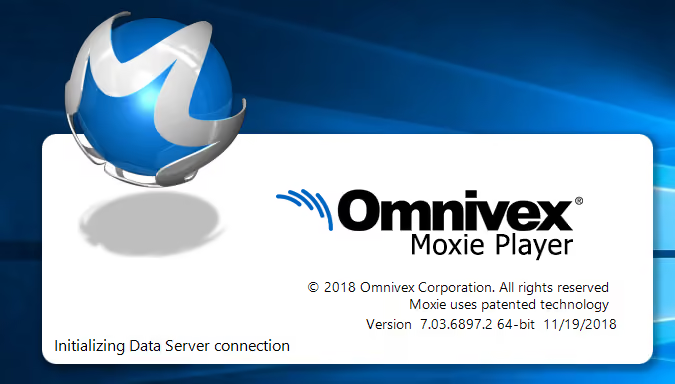
Digital signage is a great way to deepen relationships with staff where Moxie Player can display the content you create. Image courtesy of Omnivex.
No matter the type of CMS software application or even a media player, there are pros and cons to each of them where some can benefit one type of business in a specific industry over another. While Moxie Player is highly regarded for its quality and the way that it makes presenting your content easier, even it has its pros and cons that are important to look into before purchasing.
Pro: Robust Scheduling and Scalability
Many people love Moxie Player for one reason–its ability to be able to schedule content from anywhere and whenever you need to. No matter how big your business is, it’s important to have a revolving content to keep staff interested in the digital signage and to use it as intended. Moxie Player allows users to take advantage of its remote management capabilities to display specific kinds of content at any point throughout the day and for how long, plus it can be updated in real-time to reflect weather updates, sales data, KPIs, and even inventory levels.
Con: Limited to Windows-Only Users
There will always be the debate of which type of computer is better–Mac or Windows. While many people prefer Mac and the benefits that it has, many others enjoy Windows–and it also happens to be the only type of computer that Moxie Player is compatible with. While the Moxie Player has very positive reviews, many Mac users are bummed to learn that it is a Windows-only program due to utilizing Microsoft technologies to create high-quality and high-performing content to be displayed on digital signage, along with having specific codecs that it runs on too.
Pro: User-Friendly Interface Perfect For Beginners
One of the biggest struggles for managers looking for the best CMS platform to create content with is finding something that has an easy, beginner-friendly user interface that doesn’t require the use of coding and programming. A reason why so many people enjoy Omnivex and Moxie Player is for this reason alone where it features a unique drag-and-drop designer that makes creating content super easy with only a small learning curve. It even has a central base for all of your content to easily manage, plus Omnivex offers training support to learn and understand the fundamentals before diving into content creation.
Con: An Expensive CMS and Media Player
While Omnivex combined with a Moxie Player seems like a great idea, it is an expensive investment to consider. Out of the many CMS platforms available, Omnivex is expensive, costing around $5,000 for the licensing alone, plus another $300 to $1,000 for the hardware. While many businesses love what Omnivex and Moxie Player can bring to the table, it’s very expensive and not what many businesses are looking for.
Moxie Player Alternatives: Other Options That Can Potentially Outshine This Specific CMS and Media Player
Digital signage and the CMS platform paired with it should work according to the business, and these alternatives can outshine Moxie Player!
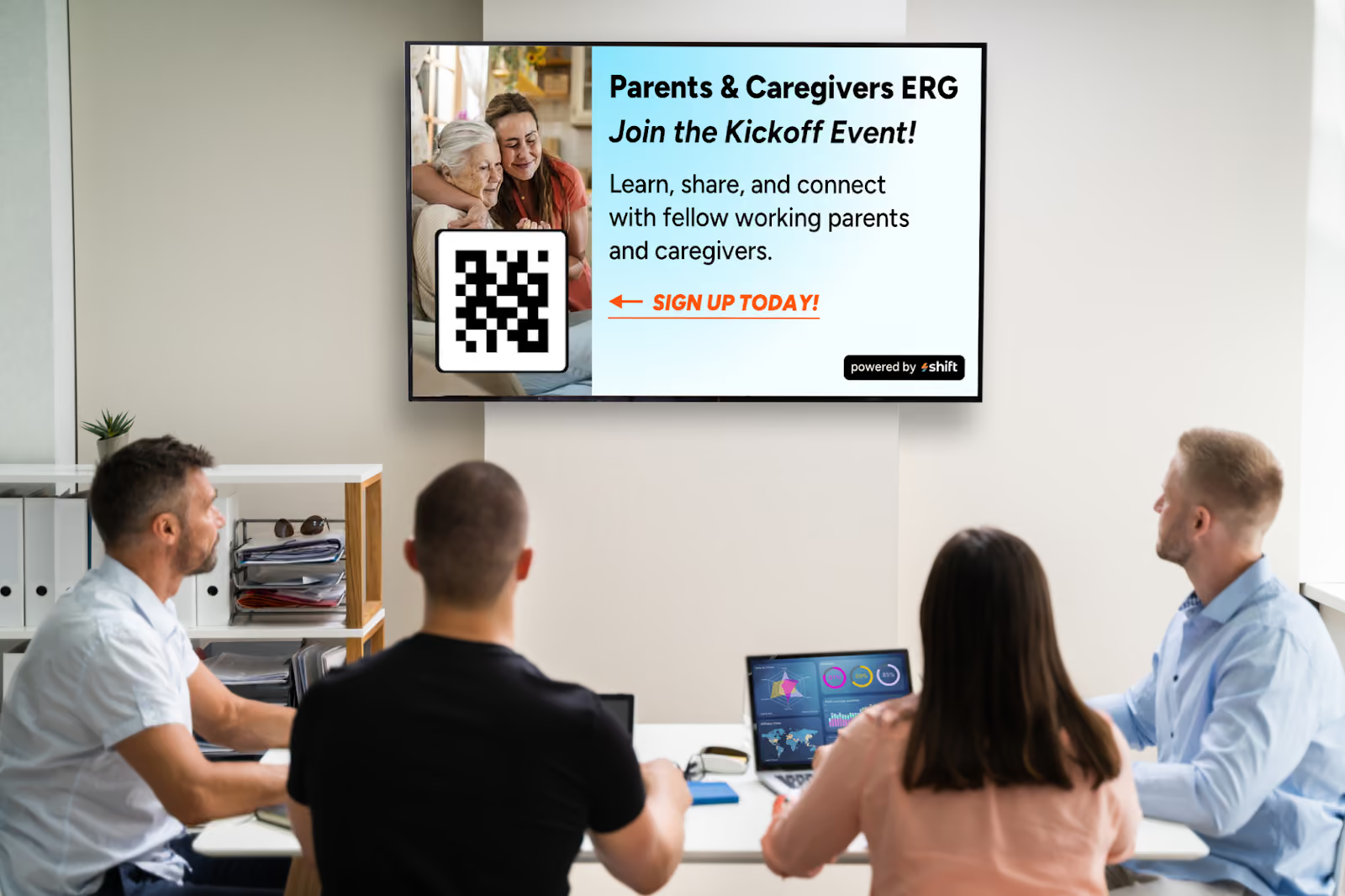
There are a number of alternatives to choose over Moxie Player, such as Shift that provides an incredible boost to employee engagement.
While Moxie Player has a ton of advantages when it comes to using its media player capabilities to present your diverse content for staff, it may not be the best option for some. This could be due to a particular industry or simply because it doesn’t meet the needs you’re looking for. Luckily, there are a bunch of alternatives to Moxie Player to provide your business with the features it needs in order to help create a more immersive, closer, and connected group of staff.
1. Shift
One of the best options that many well-known businesses in the restaurant, hospitality, healthcare, and even manufacturing industries rave about is Shift–an immersive CMS software application that aims to help staff connect closer to one another, deepen relationships, and boost productivity. Shift uses a special feature called the Content Navigator to allow managers to update their digital signage screens from any device for easy remote management, plus it encourages managers to give their employees the spotlight when they reach a work anniversary, achievement, or even just to update staff on important company news.
2. Rise Vision
While Omnivex and Moxie Player are known for being extremely expensive, another alternative called Rise Vision is a CMS platform that is not only completely free to use, but super easy to navigate when creating content. From streamlining daily operations or sharing employee spotlights, you can choose from their pre-made templates and take advantage of remote management to create and manage your content any time, anywhere.
3. OptiSigns
Sometimes a CMS interface that is beginner-friendly is something that many managers are looking for–especially if they’re wanting to create dynamic content without a giant learning curve. OptiSigns is an alternative from Omnivex that makes content creation even easier and includes a live dashboard to manage live performance metrics. It can even create interactive content using QR codes, AI cameras, and motion sensors to trigger specific content for staff.
4. Yodeck
Content creation should be made easy even for job industries that are deskless. Making sure your staff are updated with all of the crucial information that they need to know throughout the day is crucial, and Yodeck can be a great alternative to choose. Yodeck can easily be integrated with popular applications such as Asana and Canva, plus it comes with tons of pre-made templates, stock images, and a simple drag-and-drop editor to create engaging content for your staff.
5. ScreenCloud
Last but not least, another alternative to the expensive Omnivex and Moxie Player combo is ScreenCloud–a CMS platform with strong content management capabilities and remote management. At a low monthly price of $10 per month, ScreenCloud can be integrated with a ton of applications your business uses every day to make content creation easier and more organized. It allows you to manage multiple screens at once and bring staff closer together by fostering engagement with ScreenCloud Engage, which acts as an interactive social media page for staff to get to know each other better.
Choose a Moxie Player Alternative For an Inexpensive Way to Create Content and Foster Engagement
Digital signage is a crucial form of technology to implement in everyday operations for any kind of business because it can foster engagement, boost productivity, and help improve internal communications among staff. Choosing the right CMS platform is the most challenging part, and while Omnivex and Moxie Players are a great option, there are many other alternatives that can do the same for a more affordable price.
Consider choosing Shift or another Moxie Player alternative for your business to help improve engagement with your staff!